SWSO Disc Burner app icon

New · discs for Mac & Windows

Still have a disc drive? Put it to work.

SWSO Disc Burner by Streetwise Software Online · SWSO

Files, folders, music or a whole disc image — SWSO Disc Burner puts them on a CD, DVD or Blu-ray using the disc-recording system already built into your Mac. No burner on this one? Save a .iso instead and burn it later, anywhere. Opens in the Laser Amber theme, with 11 more to choose from.

$19.99 one-time purchase · 7-day free trial

Mac • macOS 14 or later • also for Windows 10/11 • 7-day free trial

macOSavailableWindowsavailableMobilecoming soon
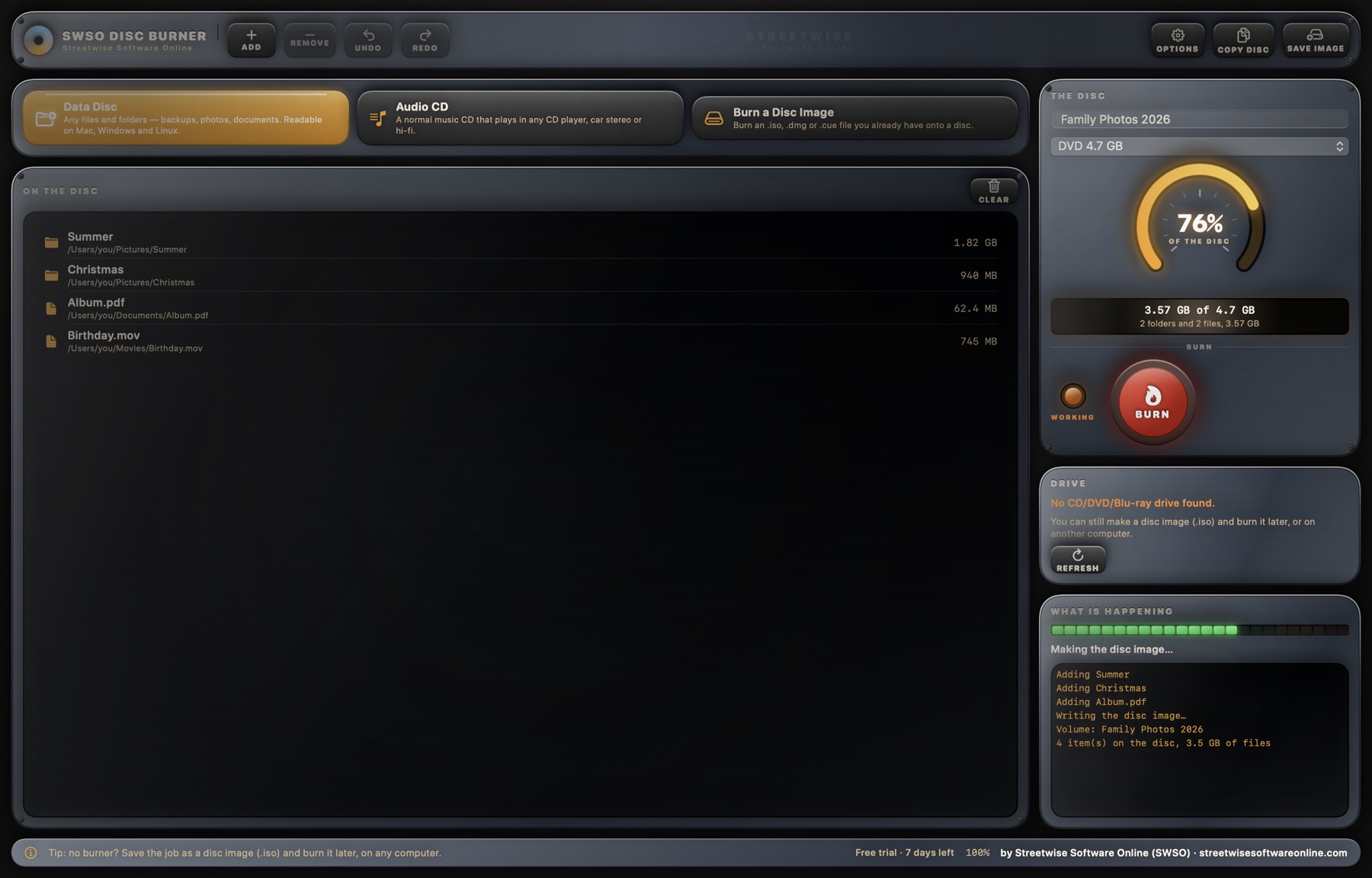
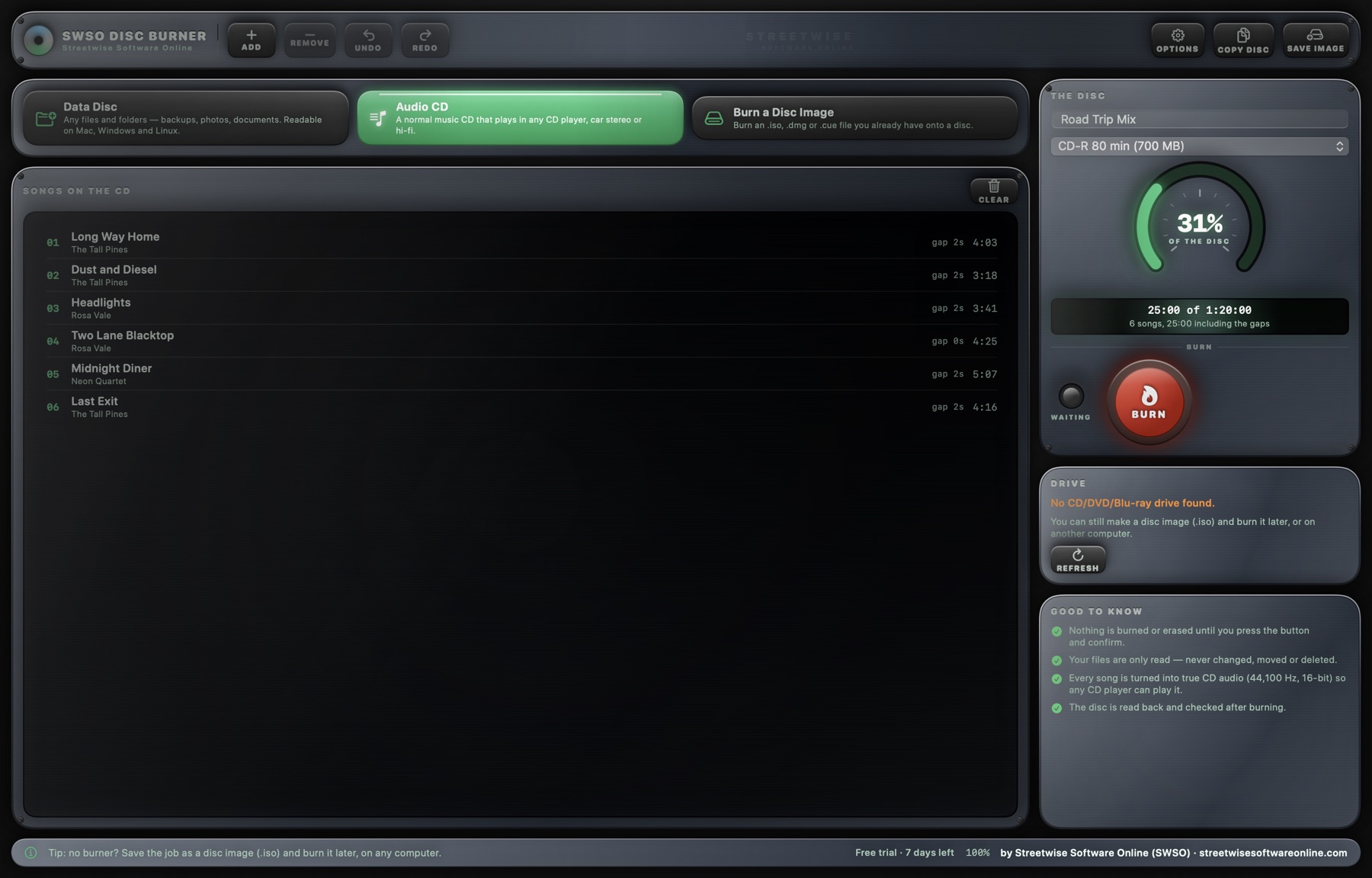
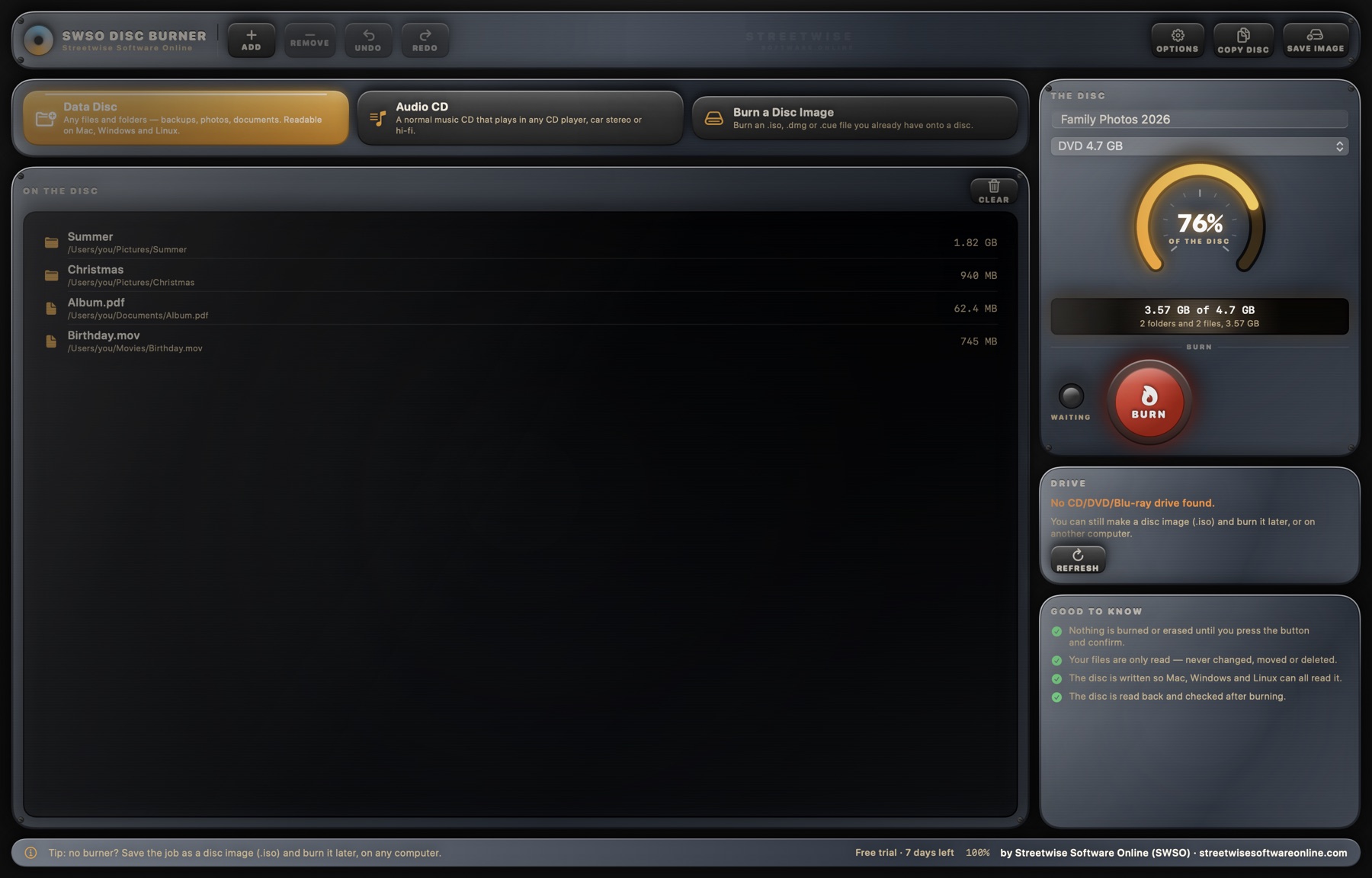
SWSO Disc Burner with a data disc made up: four items on the disc, a DVD 4.7 GB blank chosen and the fullness bar at 76%
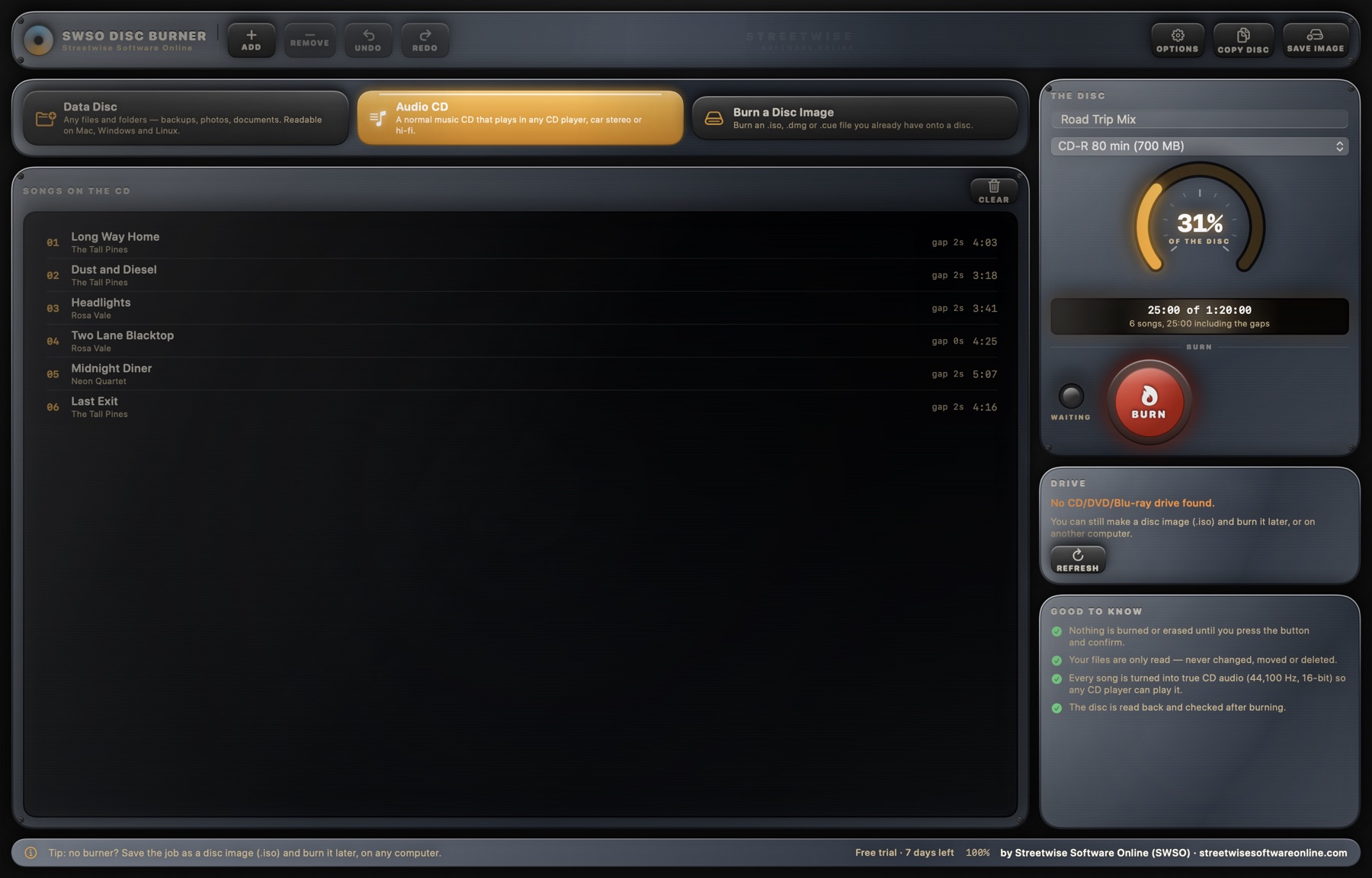
3 kinds of discData Disc, Audio CD, or burn a disc image — pick one at the top
Real CD audio44,100 Hz, 16-bit, stereo, so any CD player or car stereo plays it
Mac & WindowsmacOS 14 or later, and a Windows 10/11 edition too

What you get

Data discs

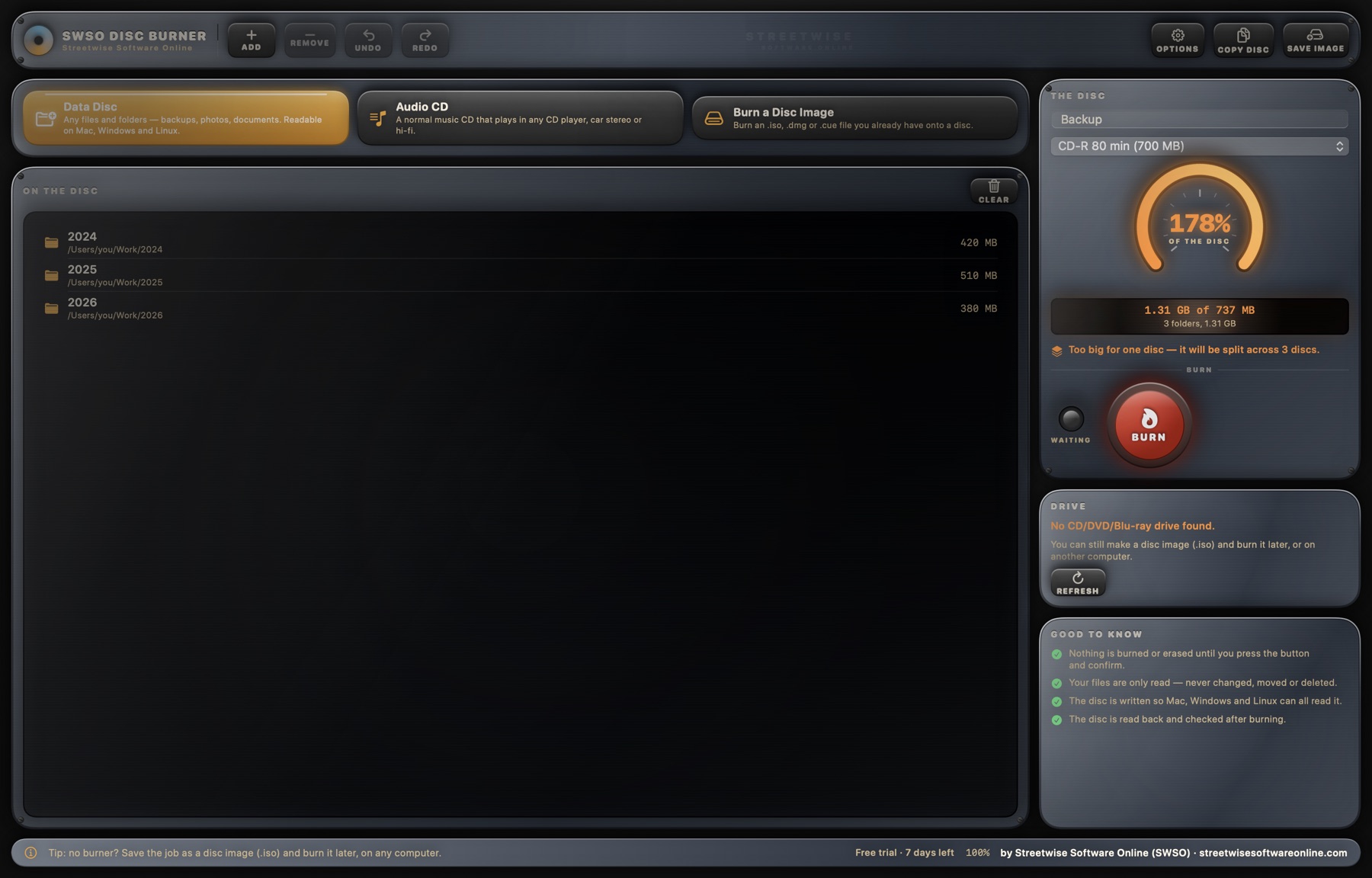
  • Drop in files and folders — backups, photos, documents, video, anything
  • Written so Mac, Windows and Linux can all read it (ISO 9660, Joliet for Windows long names, UDF for big files)
  • Name the disc; the bar shows how full it is against the blank you picked
  • Leave the disc open in Options if you want to add to it later

Audio CDs that really play

  • Add MP3, AAC/M4A, WAV, AIFF, FLAC or Apple Lossless — anything your Mac can play
  • Every song is turned into true CD audio first: 44,100 Hz, 16-bit, stereo
  • Drag songs into order; set the gap between tracks (2 seconds is normal, 0 for a live album)
  • CD-TEXT writes the titles and artists onto the disc for players that show them

Disc images and copies

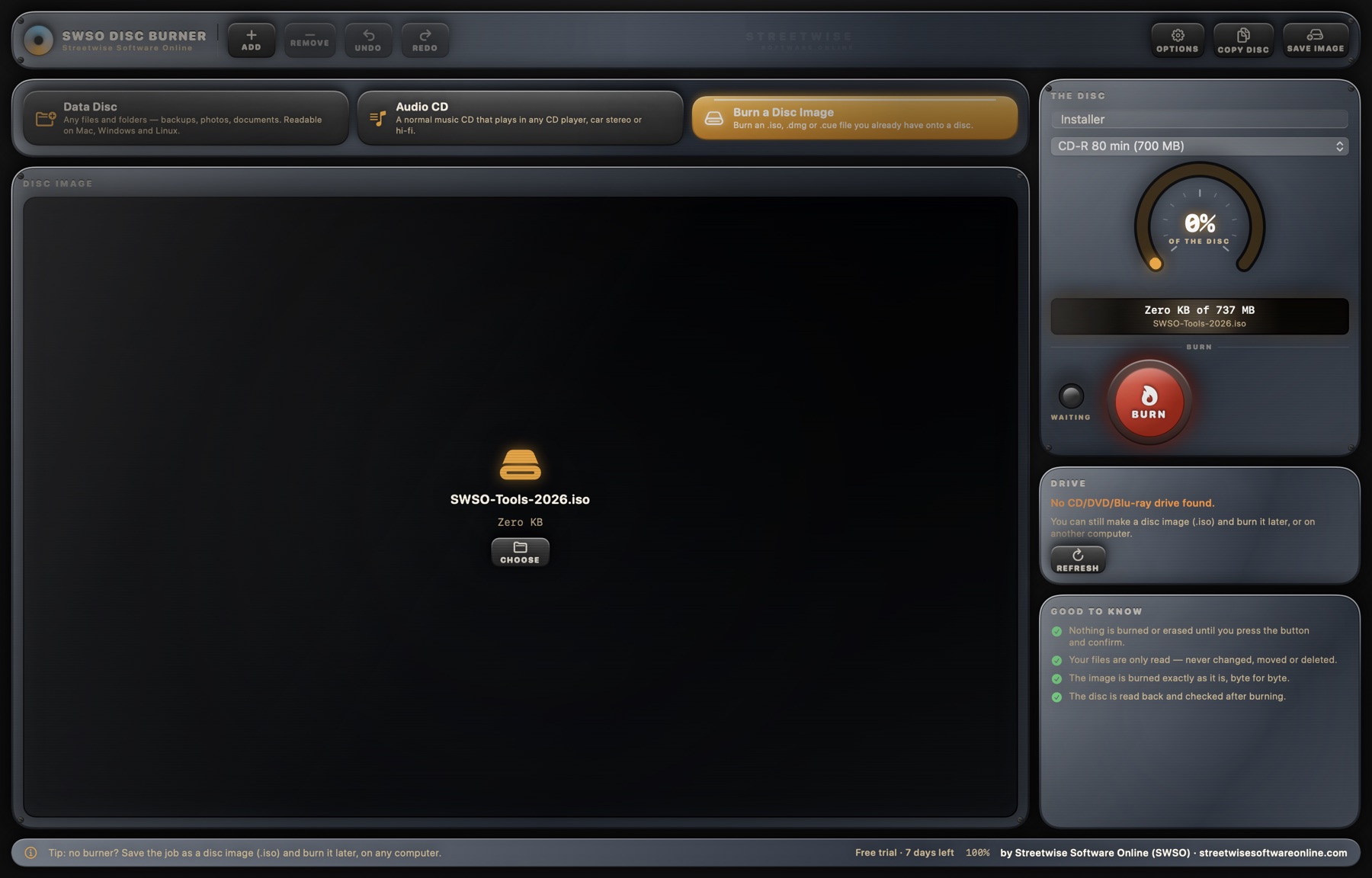
  • Burn a Disc Image: write an .iso, .dmg or .cdr onto a blank disc exactly as it is
  • Save Image: turn the disc you have made up into an .iso file to keep, send or burn later
  • Copy Disc: make an .iso from the disc that is already in the drive
  • Every image it makes is opened and read back before it says it is done

Blanks, splitting and erasing

  • Real usable sizes: CD-R 74 and 80 min, DVD 4.7 GB, DVD Double Layer 8.5 GB, Blu-ray 25 GB and 50 GB
  • Too big for one disc? It works out how many you need and packs them sensibly
  • Erase a CD-RW, DVD-RW, DVD+RW or BD-RE — quick or full — after a warning
  • Check the disc after burning reads the whole thing back and compares it

How it works

Nothing to set up and nothing to calibrate. Pick the kind of disc, drop your things in, choose the blank you actually have, and burn — it all happens on your own computer.

  1. Pick the kind of discData Disc for files and folders, Audio CD for music that plays in any CD player, or Burn a Disc Image for an .iso, .dmg or .cdr you already have.
  2. Drop things inDrag in files, folders or songs. Choose the blank disc you are using and watch the bar: it tells you how full the disc is, and warns you in orange when it does not fit.
  3. Burn it — or save an .isoPut a blank in the drive and click Burn. It asks you to confirm first and tells you exactly what it is about to write. No drive here? Save Image writes a .iso to burn later.

Who it’s for

Anyone who still needs a real disc — or an .iso file to burn somewhere else.

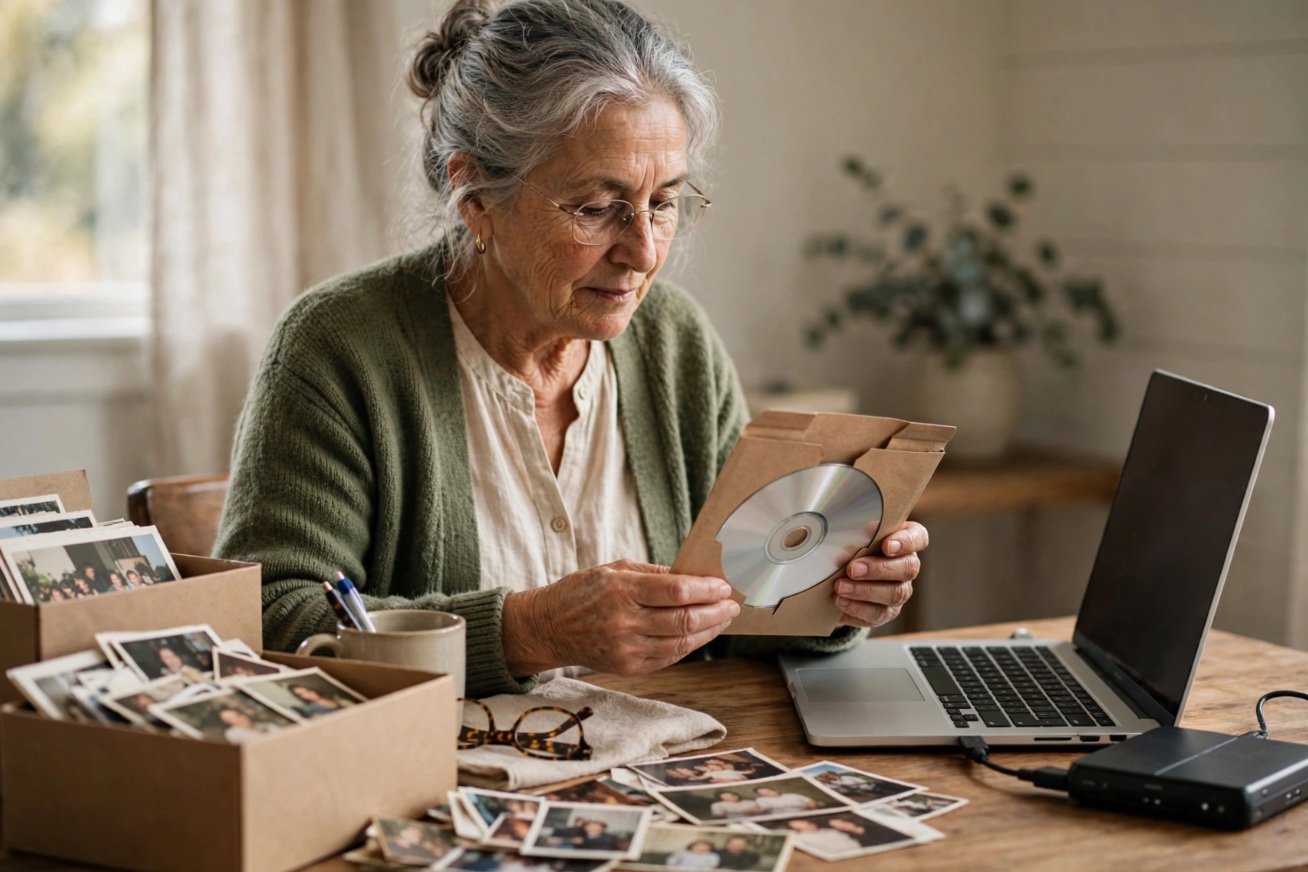
An older woman at a desk with a laptop and a disc drive, holding a blank disc, photo boxes beside her

Keeping things safe

Put photos, documents and finished work on a disc that sits in a drawer and needs no power, no account and no cloud.

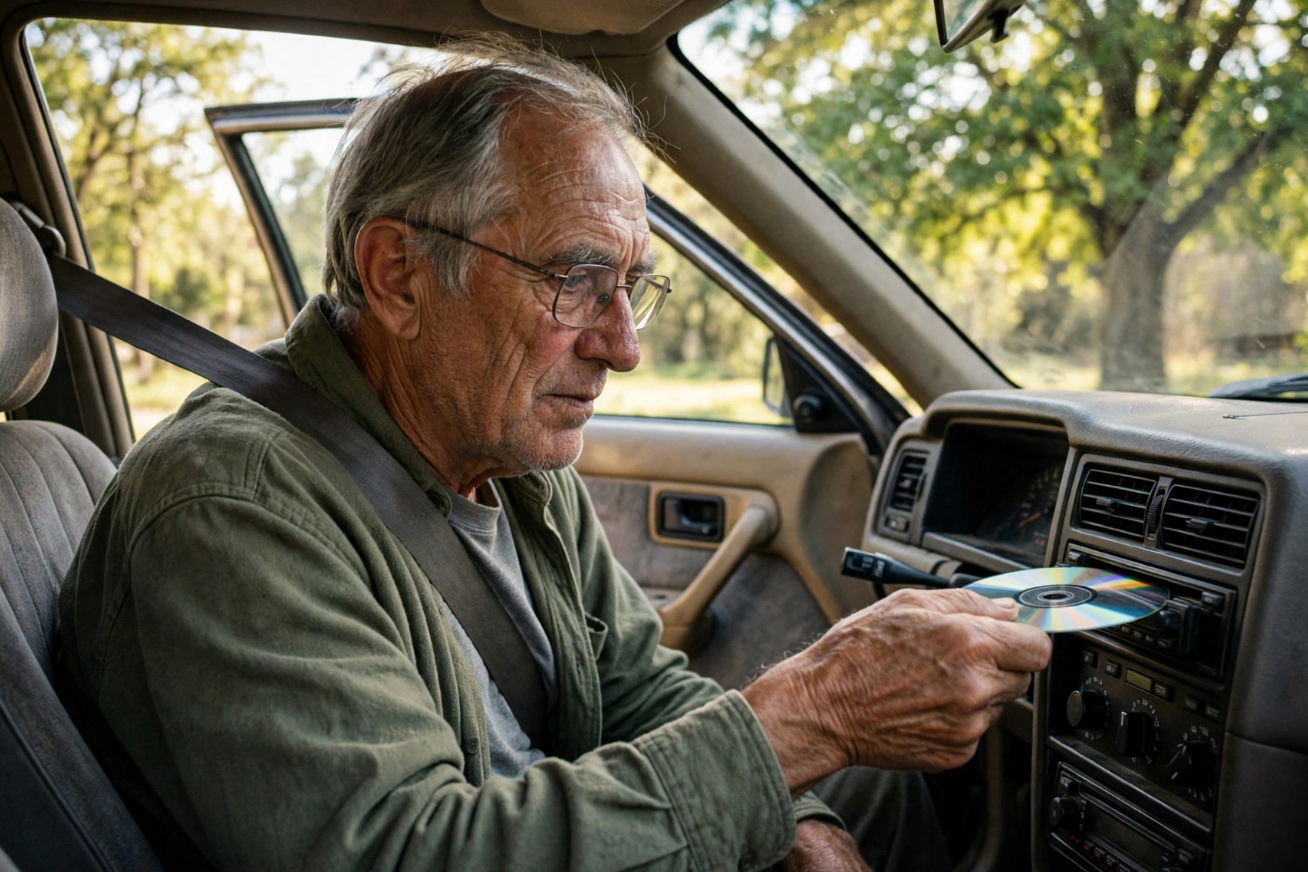
A man in the driver's seat of an older car sliding a disc into the dashboard player

Music for the car

Make a proper audio CD — not a data disc of MP3s — so the car stereo and the kitchen hi-fi play it.

A man at a desk putting discs into paper sleeves beside a laptop and an external drive

Handing out software

Build a disc, save it as one .iso file, and send it on. Anyone can burn an identical disc from it.

Try it free for 7 days

  • Every feature works for 7 days from the first launch, no key and no sign-up needed
  • After the trial it keeps opening your projects; add a license key to burn again. One-time purchase — no subscription
  • Family Edition: one Family key unlocks the app and every add-on, plug-in and extra pack — no second keys
  • Privacy: everything happens on your own computer. Nothing is uploaded

System requirements

Mac
macOS 14 Sonoma or later, Intel and Apple silicon (universal)
Windows
Also available for Windows 10 and 11, using Windows' own burning engine
Discs
CD-R 74/80 min, DVD 4.7 GB, DVD Double Layer 8.5 GB, Blu-ray 25 GB and 50 GB; CD-RW, DVD-RW, DVD+RW and BD-RE can be erased
File systems
ISO 9660, Joliet (Windows long names) and UDF (files over 4 GB)
Audio
MP3, AAC/M4A, WAV, AIFF, FLAC, Apple Lossless in — true CD audio (44,100 Hz, 16-bit, stereo) out, plus CD-TEXT and cue sheets
Images
Burn .iso, .dmg or .cdr; save or copy to .iso
Your data
Everything happens on your own computer. Nothing is uploaded
Signed
Signed and notarized by Apple
Questions

Do I need a disc drive?

  • For a real burn, yes — a CD, DVD or Blu-ray drive, built in or a USB one. Most Macs made in the last ten years have none. Without a drive you can still build the disc and use Save Image to write a .iso (or, for an Audio CD, CD-ready audio files and a cue sheet) and burn it later on any computer that has a drive.

Will the CD play in my car?

  • Make an Audio CD rather than a data disc of MP3s. Burning at a slower speed and using CD-R rather than CD-RW helps too — many car players cannot read CD-RW.

What if my files do not fit on one disc?

  • It tells you, and with splitting turned on it works out how many discs you need and packs them sensibly, biggest items first. One single file bigger than a whole disc cannot be split; it names the file so you can pick a bigger disc.

Can it delete or change my files?

  • No. It only reads the files you add — it never changes, moves or deletes them — and it never burns or erases anything until you press the button and confirm.

Price

SWSO Disc Burner by Streetwise Software Online

Download the free trial now. One-time purchase, no subscription.

$19.99 one-time

See all SWSO software

Having a problem? Tell us and we’ll fix it.

Every computer is a little different: the macOS or Windows version, the hardware and how it’s set up can all change how an app behaves. We understand that, and we fix issues as they come in. If something doesn’t work the way it should, please don’t stay silent. Use our contact form and tell us the app, its version, your computer and system version, and what happened. Your report helps us fix it fast, for you and for everyone who uses our software.

Contact us

Product updates & bug reports

Found a bug or an issue? Report it to Streetwise Software Online with the app name, version and steps to reproduce it. We review reports and address confirmed bugs through product updates.

Read product updates and published fixes · Free trial and refund policy