SWSO Dual Burn 2.0 app icon

Disc burning for your Mac

Two burners. One click each.

SWSO Dual Burn 2.0 · Made by Streetwise Software Online (SWSO)

Burn audio CDs on up to six burners at the same time, and burn an ISO, DMG or CDR image on one or both burners at once. Make images from folders or from discs that are not copy-protected, check them with SHA-256, and mount them to look inside.

$69.99 one-time · 15-day free trial

Mac • 15-day free trial • free download

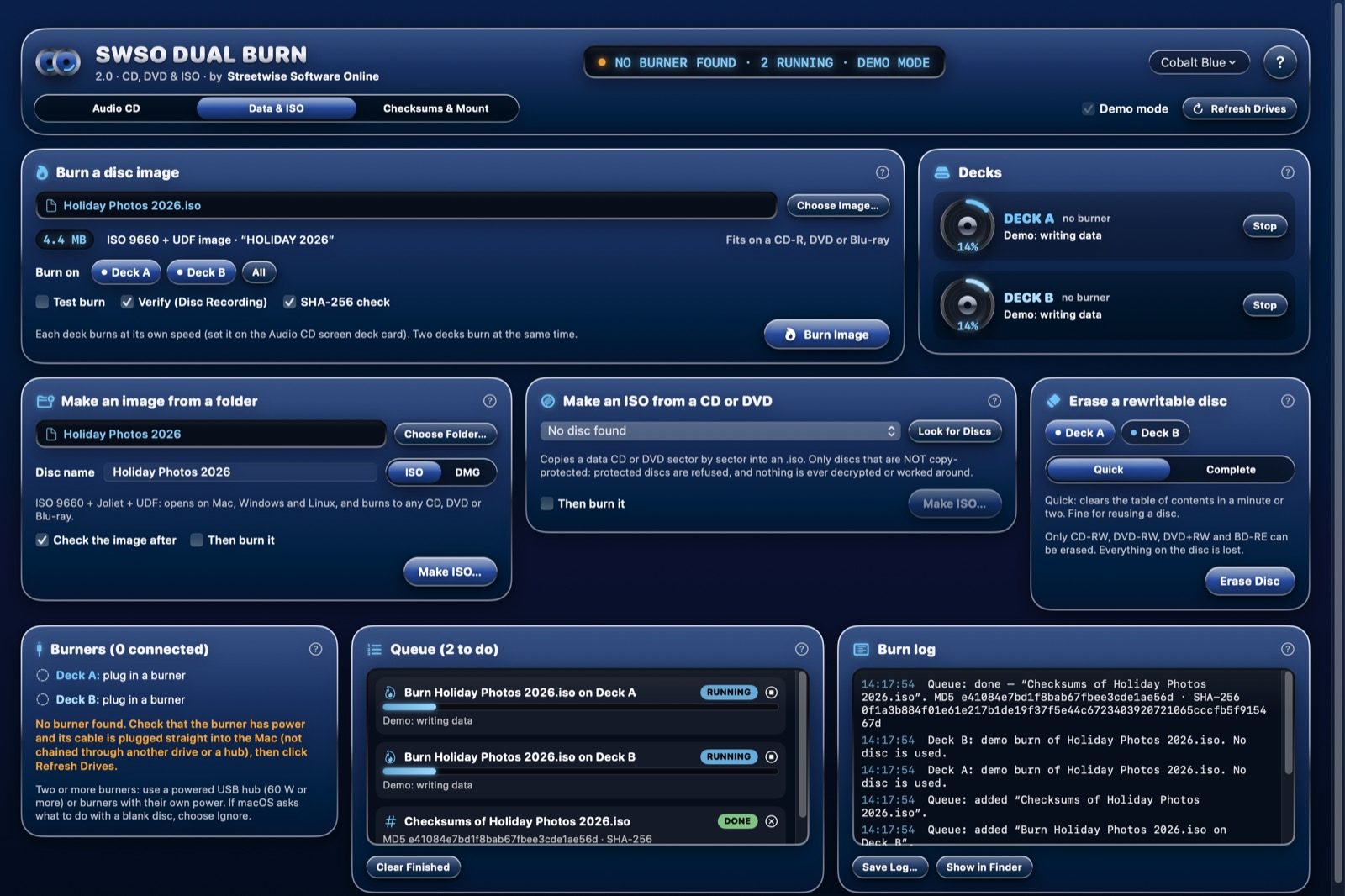
SWSO Dual Burn 2.0 Data and ISO screen burning one image on two decks at once in demo mode, with the queue and burn log
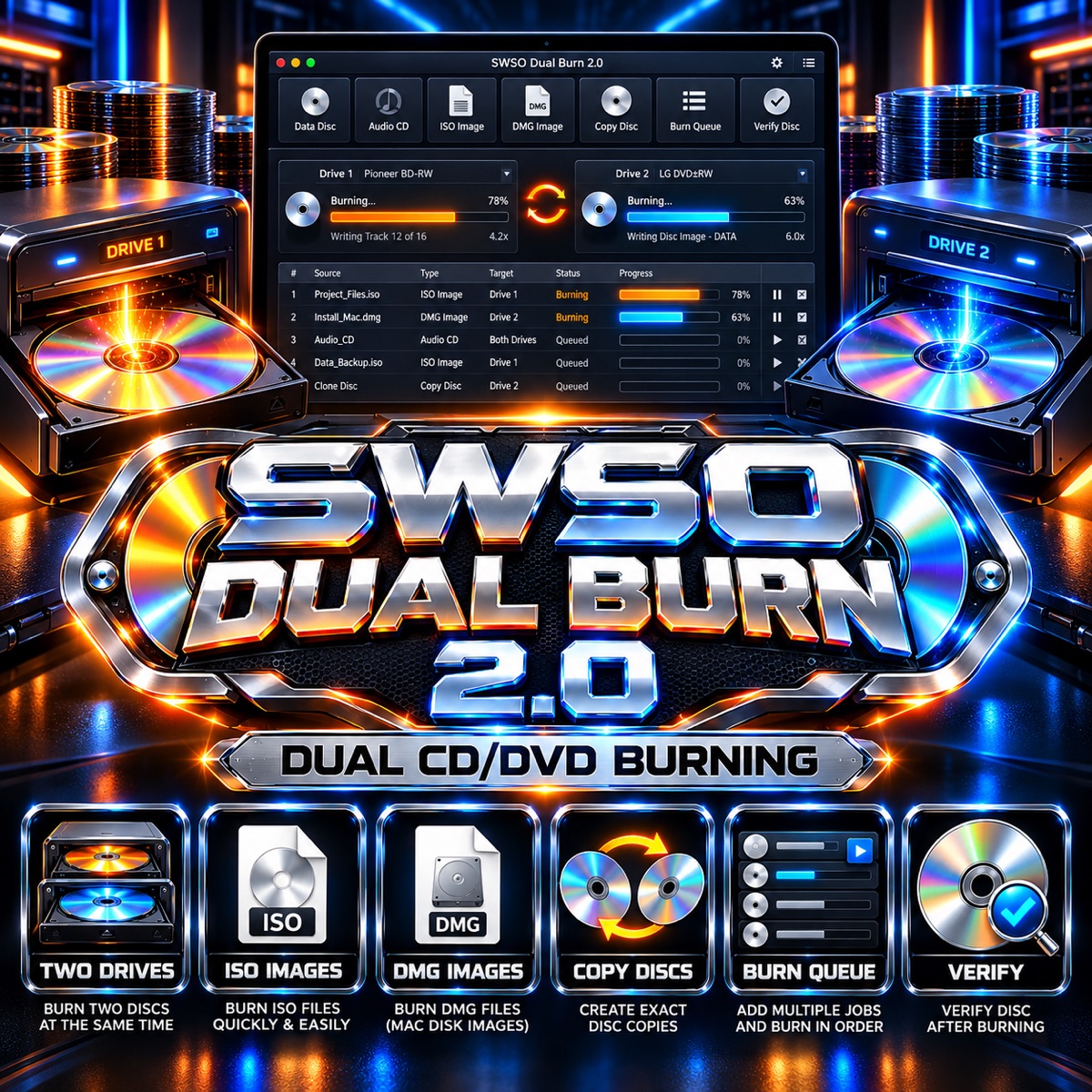
SWSO Dual Burn 2.0 — dual CD and DVD burning
6burners at once for audio CDs
2burners at once for disc images
SHA-256check after every image burn
21chrome themes, zoom 85% to 200%

What you get

New in 2.0: the chrome look

  • The chrome, anodized and glass style of SWSO Media Player: knobs, LCD displays and glowing meters
  • All 21 Media Player themes, and interface zoom from 85% to 200%
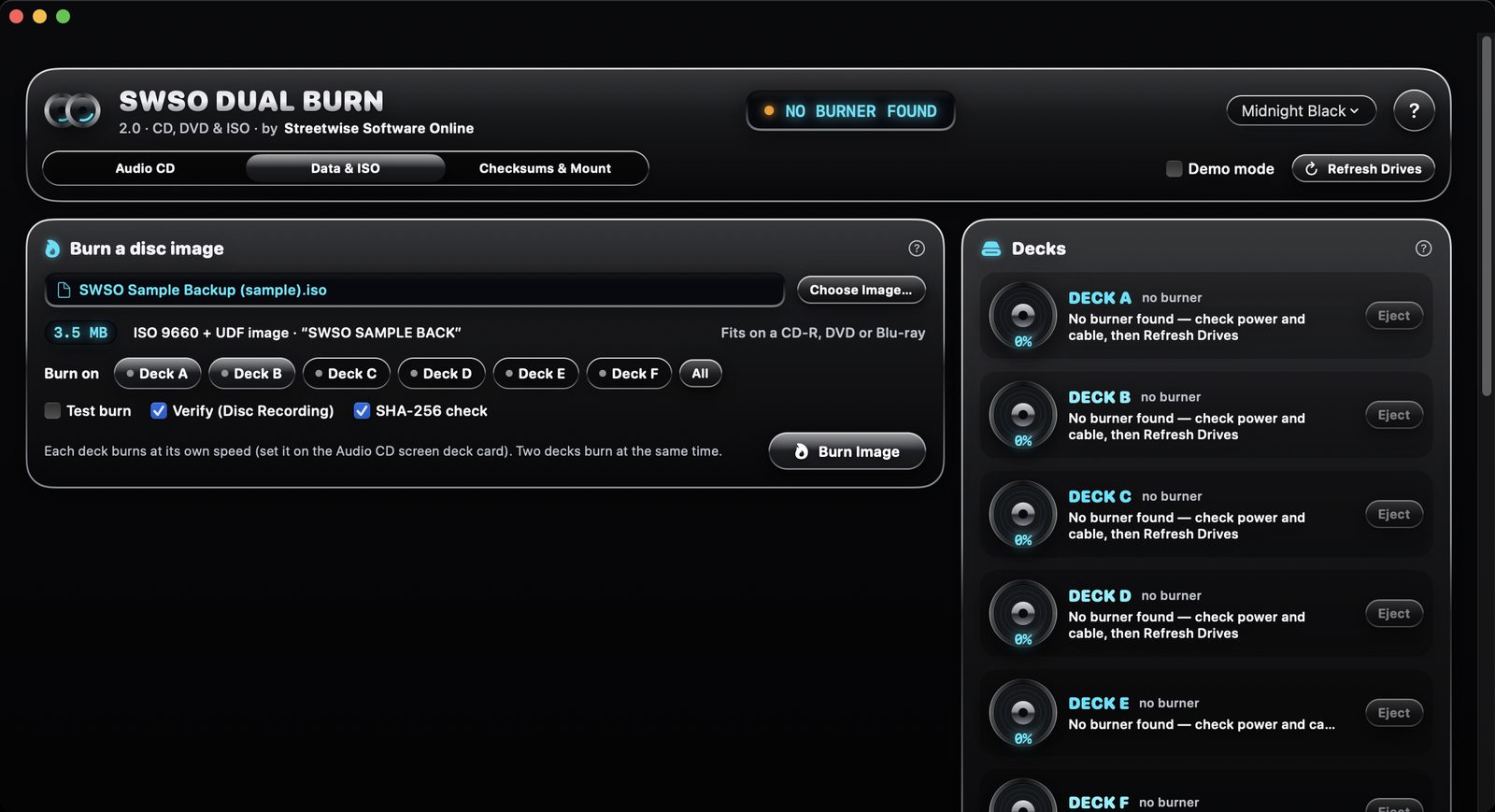
  • Three screens: Audio CD, Data & ISO, and Checksums & Mount. The window fits your screen, scrolls, and remembers its size and place
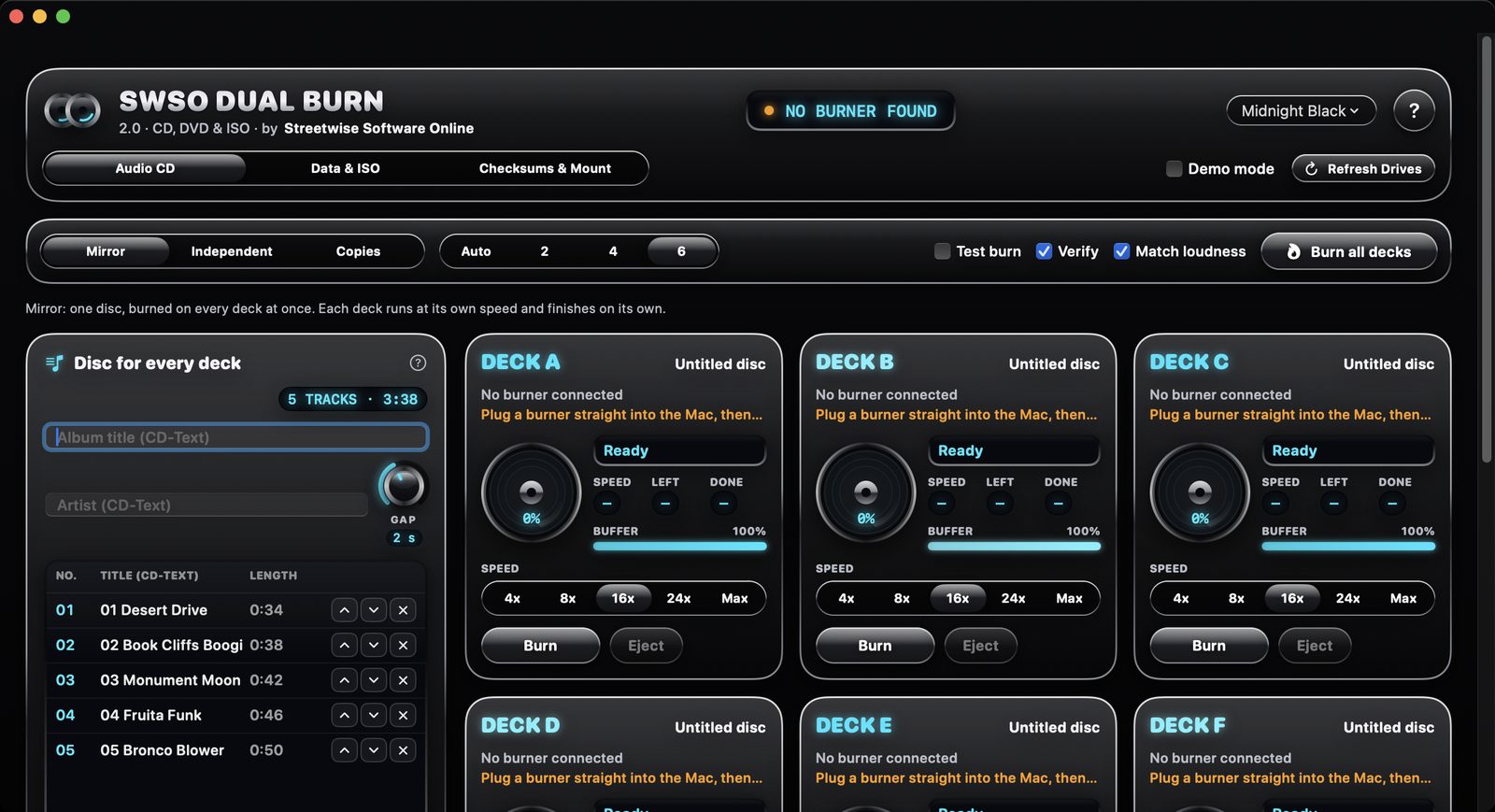
Audio CDs

  • Mirror, Independent or Copies on up to six burners
  • CD-Text, test burn, verify and match loudness
  • Each burner runs at its own speed

Data discs and images

  • Burn an ISO, DMG or CDR image on Deck A, Deck B or both
  • It tells you which discs the image fits on and refuses a blank that's too small
  • Verify after burning: macOS byte-for-byte verify plus a SHA-256 check

Make images

  • Make an ISO (opens on Mac, Windows and Linux) or a Mac DMG from a folder
  • Make an exact ISO from a CD or DVD that is not copy-protected; protected discs are refused
  • "Then burn it" burns the new image as soon as it's ready

Tools

  • MD5 and SHA-256 checksums: paste one from a website and see MATCH or NO MATCH
  • Mount an image to look inside (read-only), and erase CD-RW, DVD-RW, DVD+RW and BD-RE discs, Quick or Complete
  • A queue for every job: a job for a free burner never waits behind a busy one, and a burn waits until its deck has a suitable blank
  • A burn log saved to a file, clear messages everywhere, and searchable Help with troubleshooting

Try it free for 15 days

  • Every feature works for 15 days from the first launch, no key and no sign-up needed
  • After day 15 the app stays open: checksums, verify, mounting, the log and Help keep working; burning and making images need a key
  • Dual Burn 1.x license keys work in 2.0, and a key already entered in 1.x carries over by itself

System requirements

System
macOS 13 Ventura or later, Intel and Apple silicon (universal)
Free trial
15 days with every feature, no sign-up
Burners
CD and DVD burners that macOS recognizes, plugged straight into the Mac (not through a hub or another drive)
Copy protection
Protected discs (CSS DVDs, CPRM, Blu-ray AACS) are refused; nothing is decrypted
Help
Searchable built-in Help, including troubleshooting for a burner that isn't detected
Made by
Streetwise Software Online (SWSO)

Price

SWSO Dual Burn 2.0 by Streetwise Software Online

One-time purchase, no subscription. Try it free for 15 days first.

$69.99 one-time · 15-day free trial

Bundle: SWSO Media Player + SWSO Dual Burn 2.0

Play it, then burn it. Both apps share the same chrome look and themes. Bought separately: $19.99 + $69.99. See SWSO Media Player.

$79.99 both apps · one-time

See all SWSO software