SWSO Green Screen app icon

New · green screen for photos & video

Remove the green screen. Keep the magic.

SWSO Green Screen by Streetwise Software Online · SWSO

Drop your subject onto any background in seconds. Auto Key finds the screen color by itself — green, blue, even a plain wall — keeps hair, glass, smoke and motion blur, and works on photos and video. Opens in the Emerald Studio green theme, with 11 more to choose from.

$19.99 one-time purchase · 7-day free trial

Mac • macOS 14 or later • also for Windows 10/11 • 7-day free trial

macOSavailableWindowsavailableMobilecoming soon
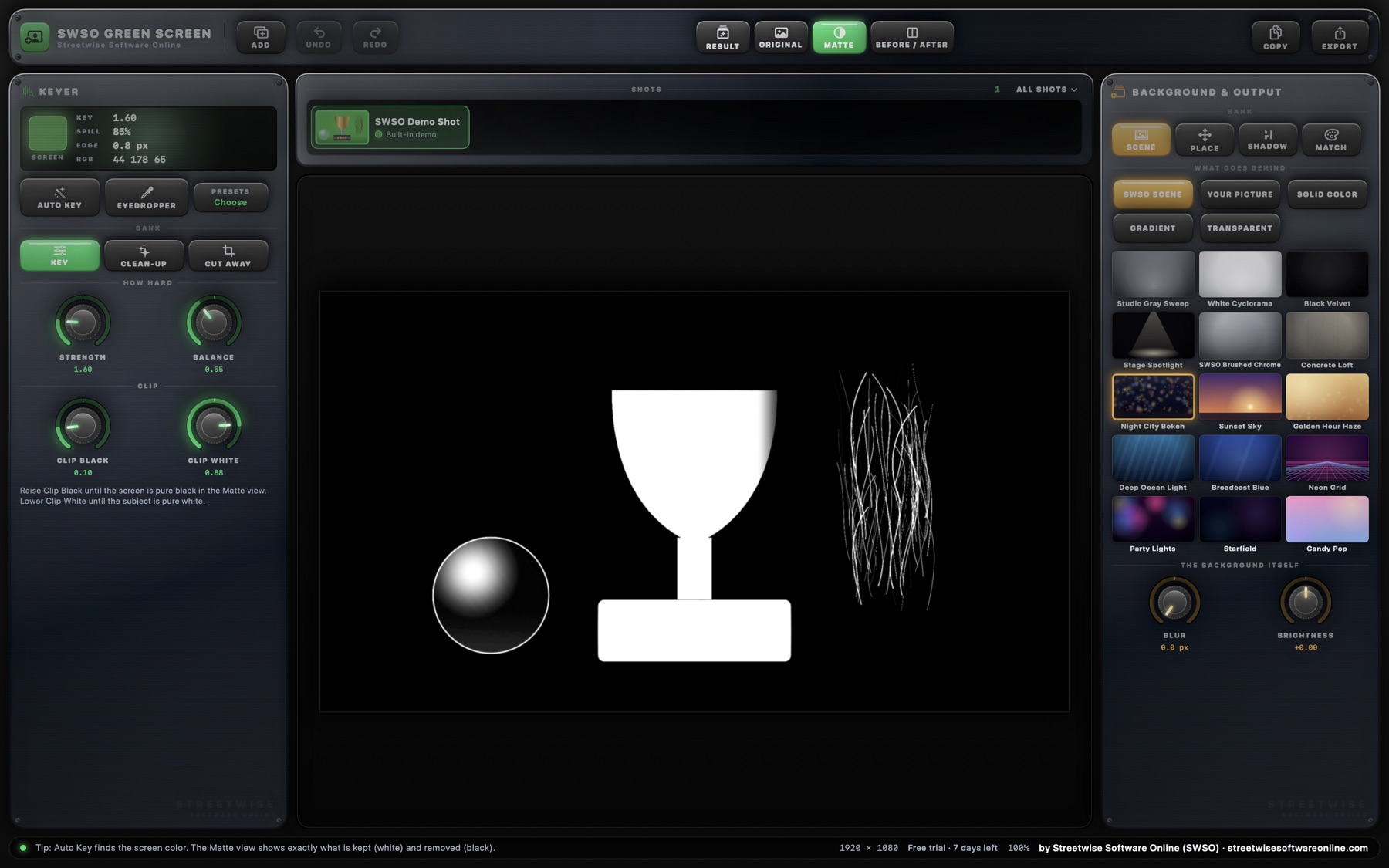
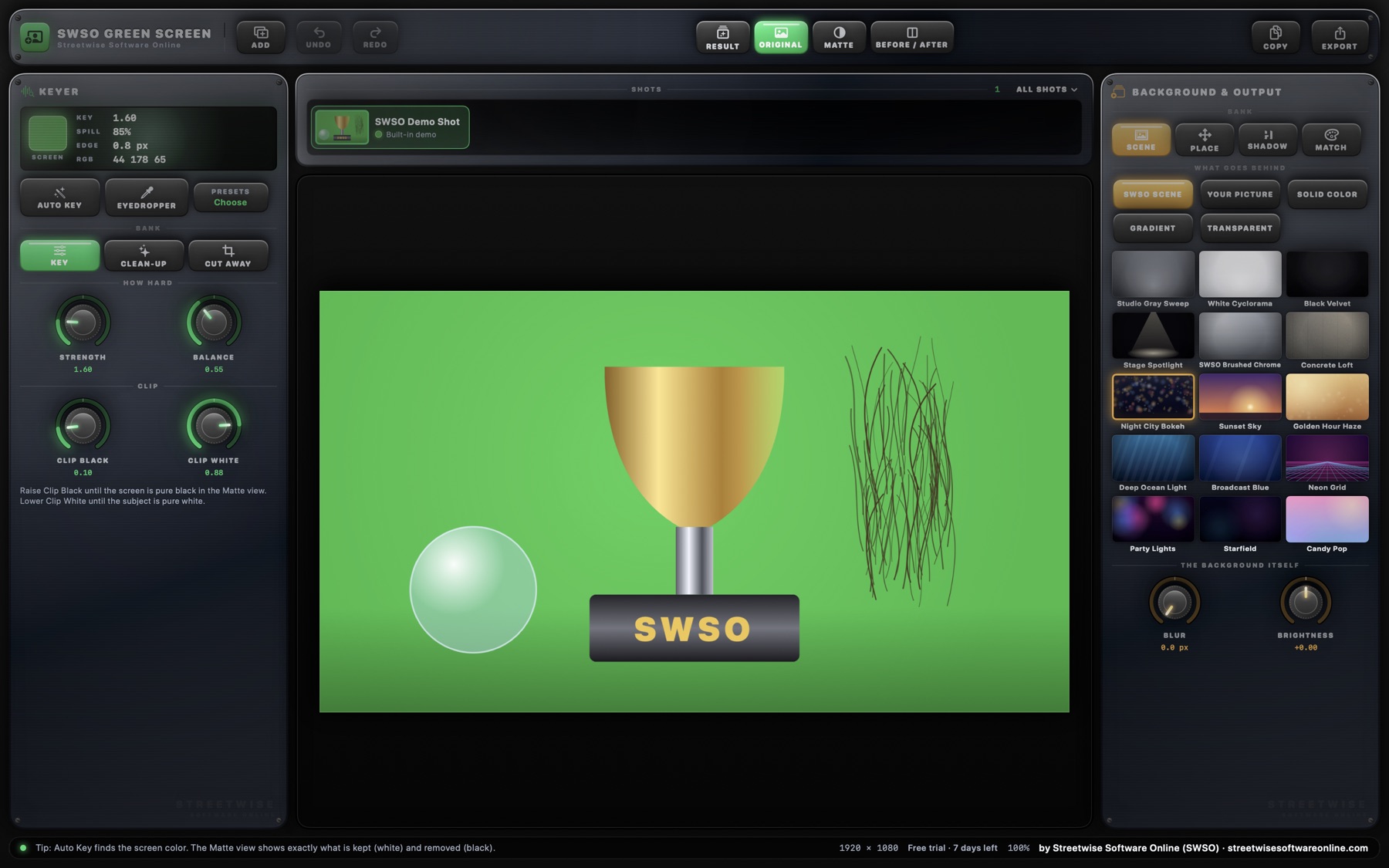
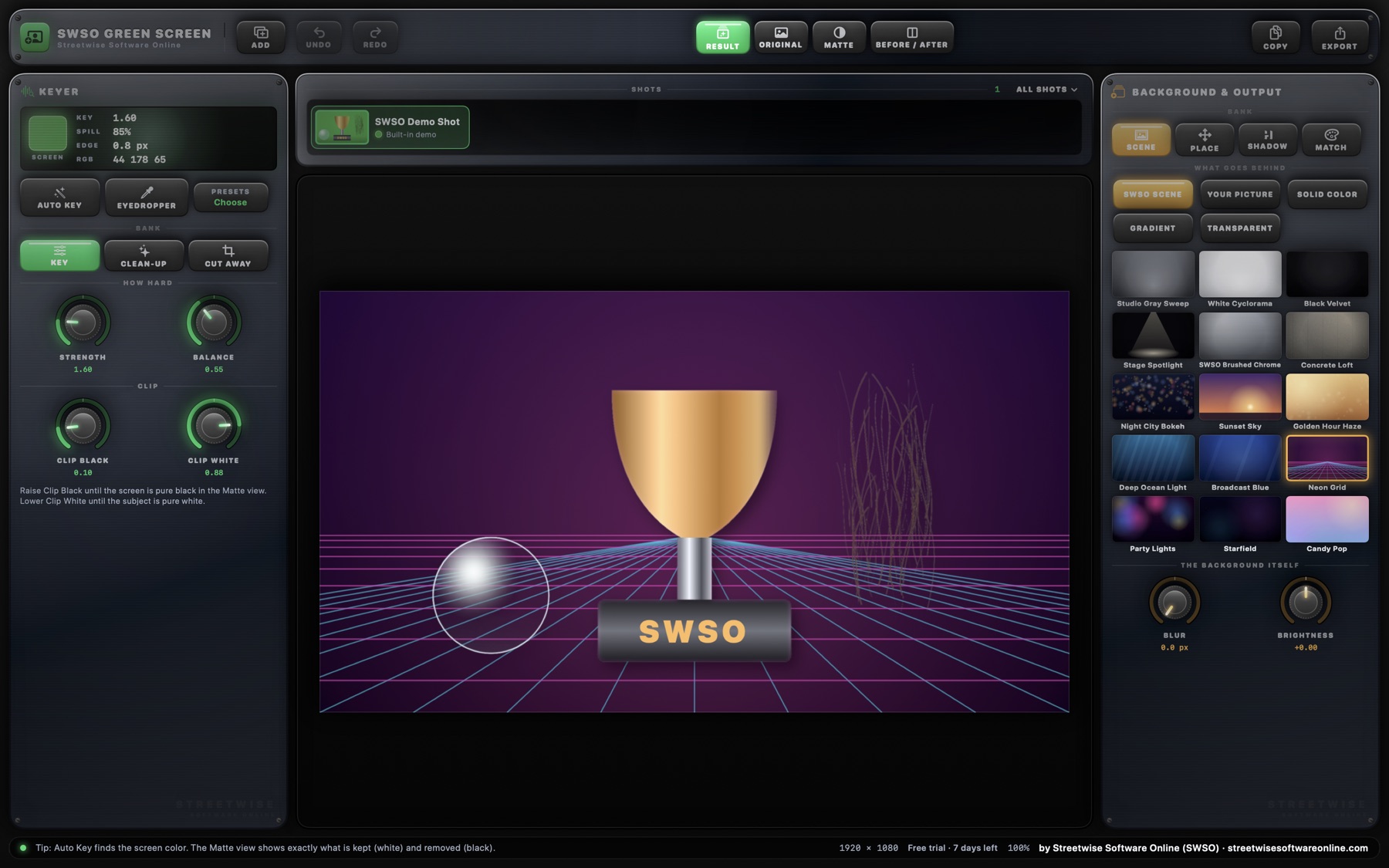
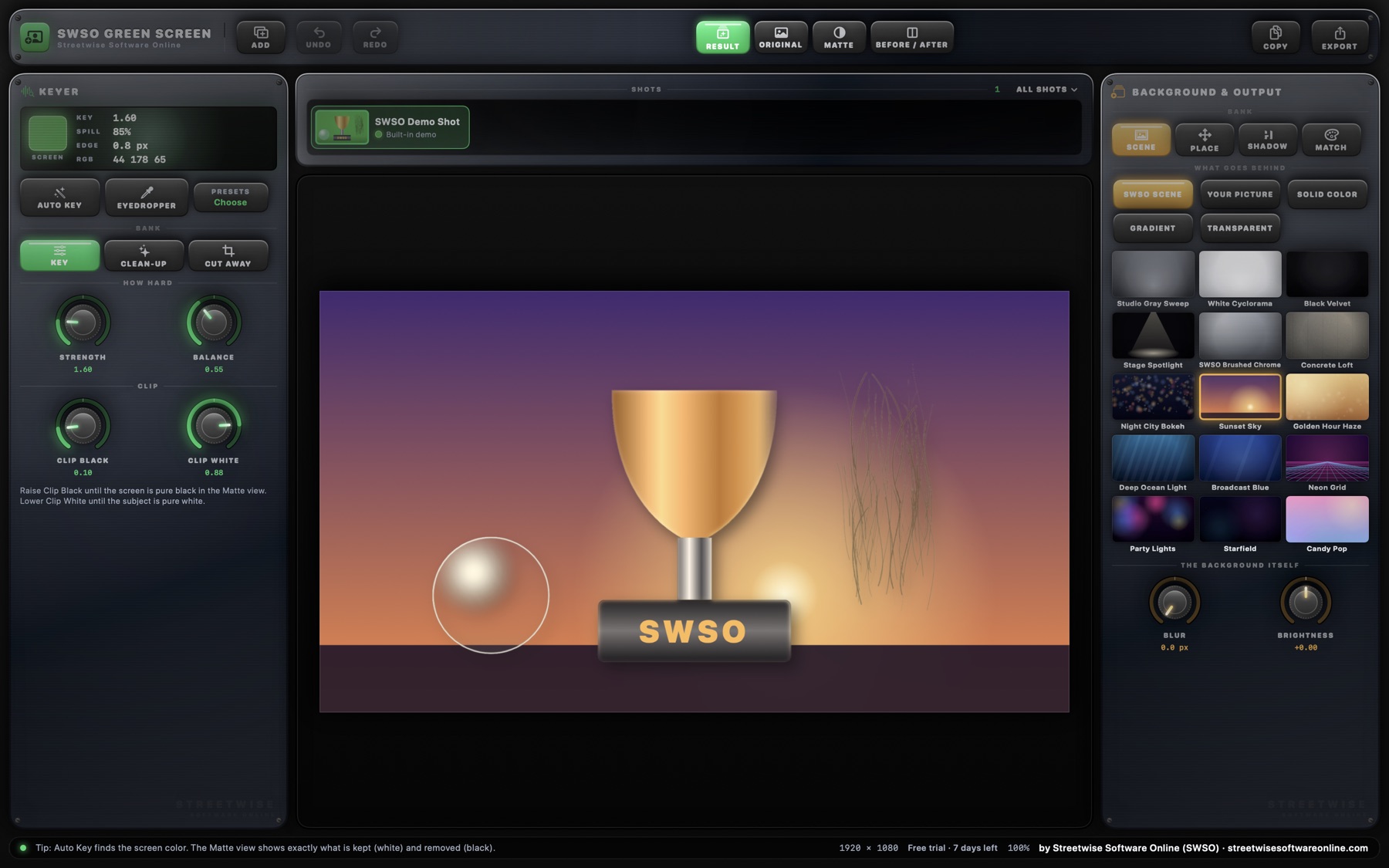
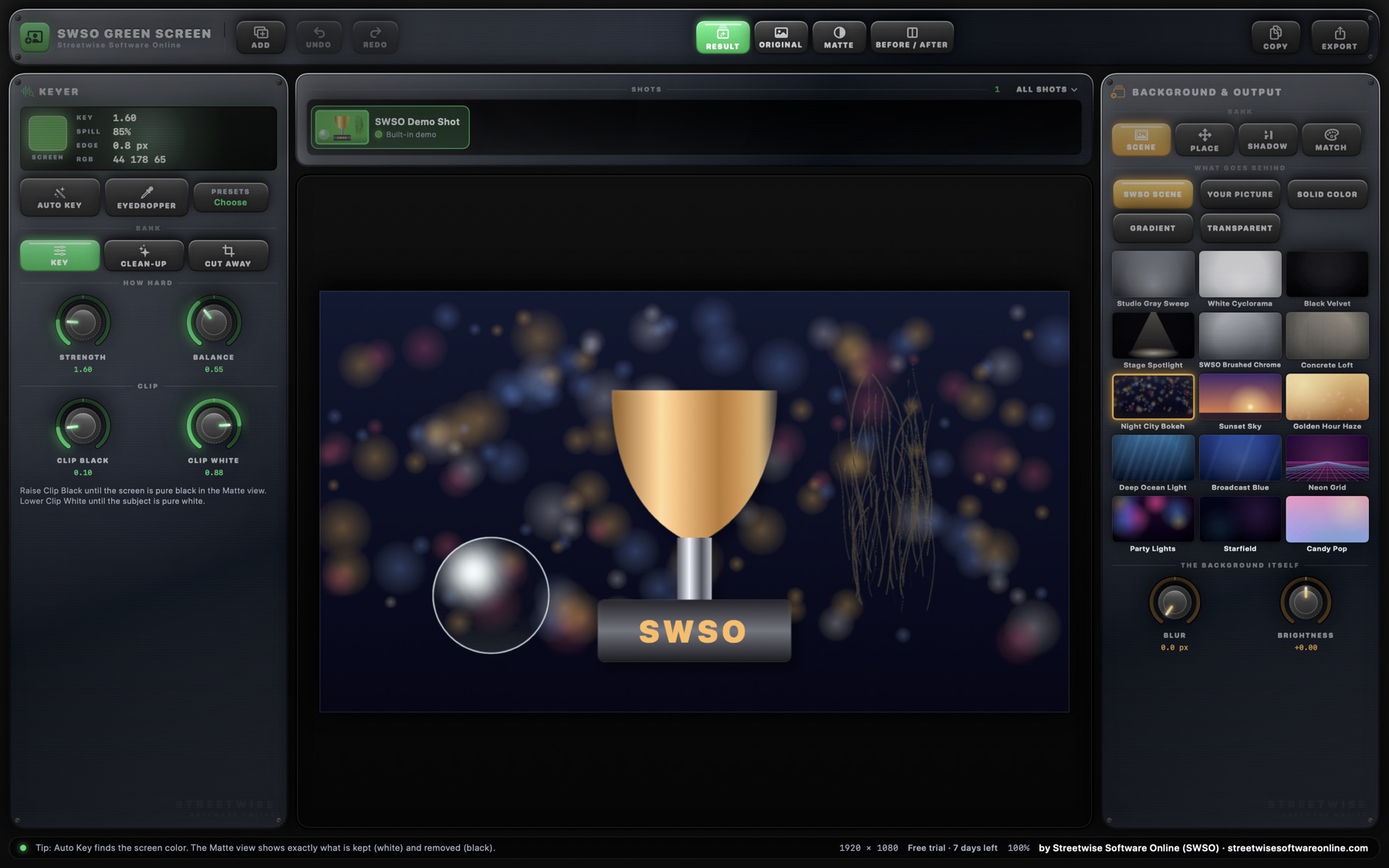
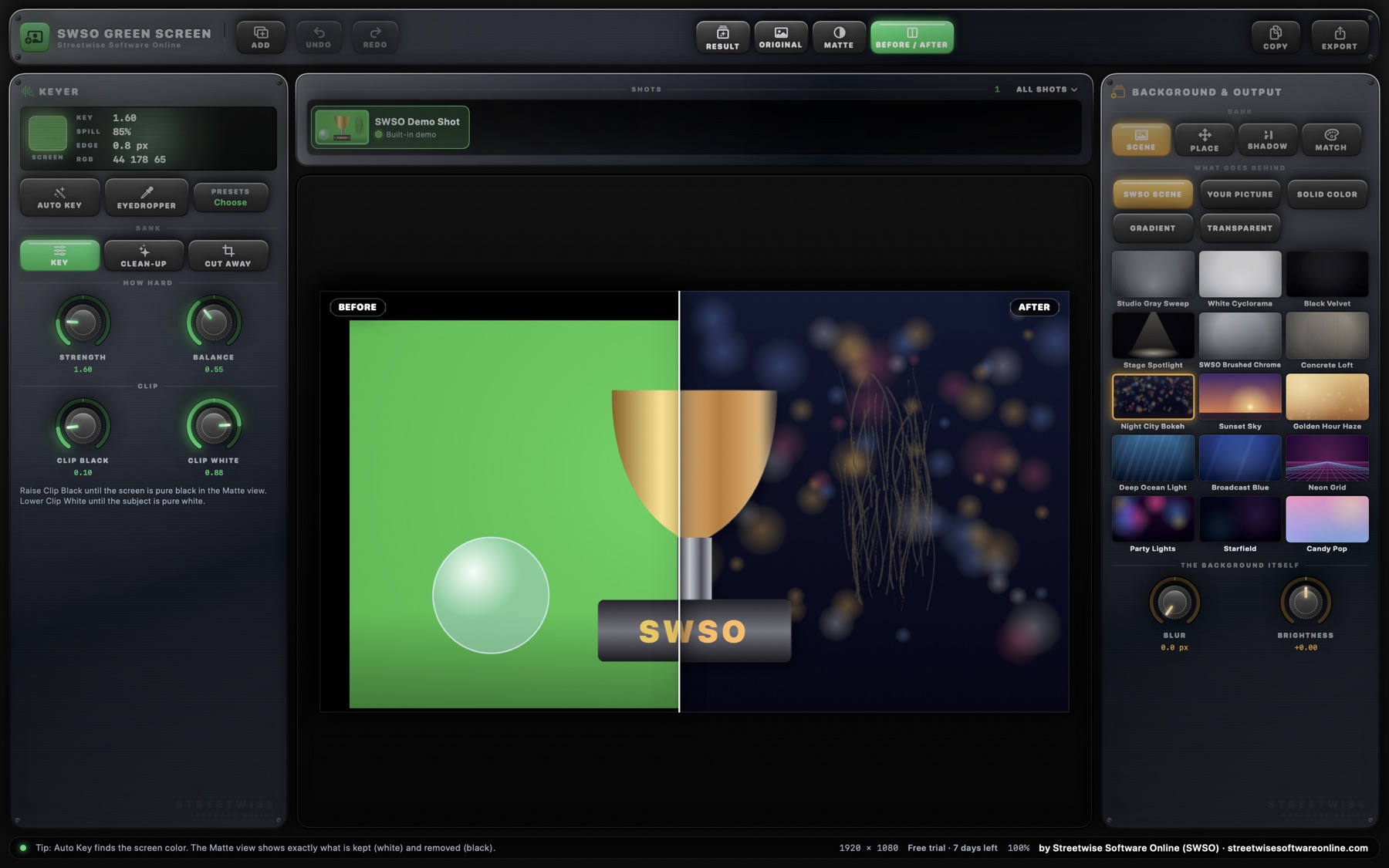
SWSO Green Screen: a subject shot against a green screen, keyed cleanly onto a night-city bokeh background, with the controls on the right
Any screenAuto Key finds green, blue or a plain wall, by itself
15 scenesbuilt-in SWSO backgrounds, drawn in code and sharp to 4K
Photo & videokeeps hair, glass, smoke and motion blur

What you get

Key any screen color

  • Auto Key picks the screen color for you; or use the eyedropper to pick it yourself
  • Works with any color — green, blue, even a plain wall
  • Keeps hair, glass, smoke and motion blur (partial transparency)
  • Spill removal takes the green or blue light back off your subject
Edges you can trust

  • Light wrap, edge shrink/grow and edge softness for a clean cut
  • “Cut away the edges” garbage matte to drop stands and clutter
  • Drop shadow, plus subject color-match for brightness, contrast, color and warmth
  • Presets to start from: Green/Blue Standard, Hair & Fine Detail, Hard Edges, Badly Lit Screen, Glass & Smoke

Backgrounds, built in

  • 15 SWSO scenes drawn in code, sharp to 4K: studio sweeps, spotlight stage, brushed chrome, night-city bokeh, sunset, golden hour, ocean, broadcast blue, neon grid, party lights, starfield, candy pop, concrete loft, white cyclorama, black velvet
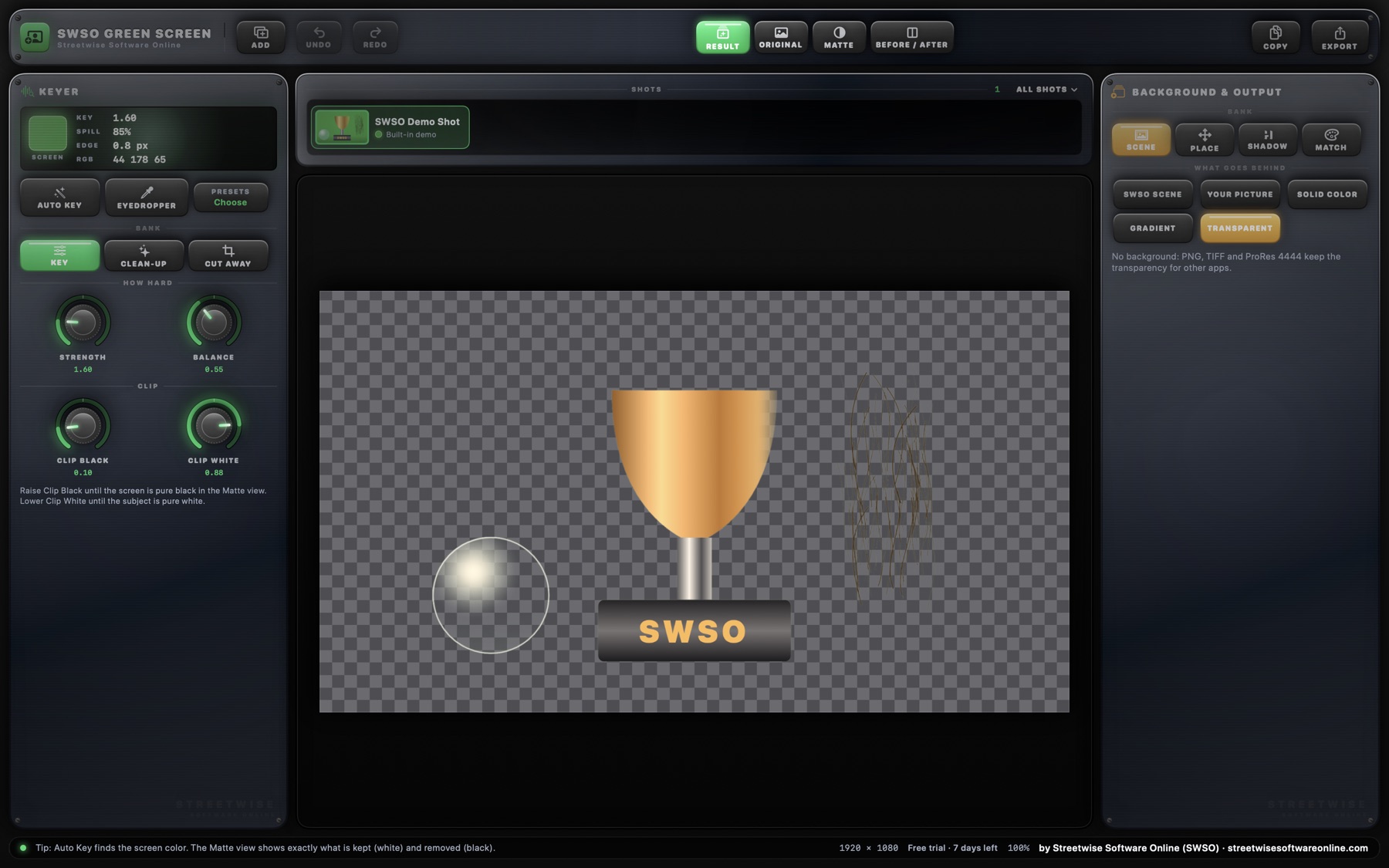
  • Or use your own picture, a solid color, a gradient, or keep it Transparent
  • Canvas sizes: same as the subject, HD 1080, 4K, square 1080, vertical 1080, or match the background

Export anywhere

  • Photos: PNG, JPEG, HEIC, TIFF or matte-only — PNG, TIFF and HEIC keep transparency
  • Video: MP4 H.264, MP4 HEVC or MOV ProRes 4444 (keeps transparency), and it keeps its sound
  • Copy the finished picture to the clipboard, transparency and all
  • Many shots at once with batch export; copy settings to every shot; Result, Original, Matte and Before/After-wipe views

How it works

No stand to set up and nothing to calibrate. Open a shot, let Auto Key find the screen, drop in a background, and save — everything happens right on your Mac or PC.

  1. Open your shotBring in a photo or a video filmed against a green or blue screen — or a plain wall. Auto Key finds the screen color on its own, or pick it with the eyedropper.
  2. Drop in a backgroundChoose one of the 15 built-in SWSO scenes, your own picture, a color or gradient, or keep it Transparent. Tidy the cut with spill removal, light wrap and edge softness.
  3. Save itExport a PNG, TIFF or HEIC with transparency, a JPEG, or a video as MP4 or ProRes 4444 that keeps its sound. Have a lot of shots? Batch-export them all at once.

Who it’s for

Anyone who shoots against a screen and needs a clean cut-out, fast — on a Mac or a PC.

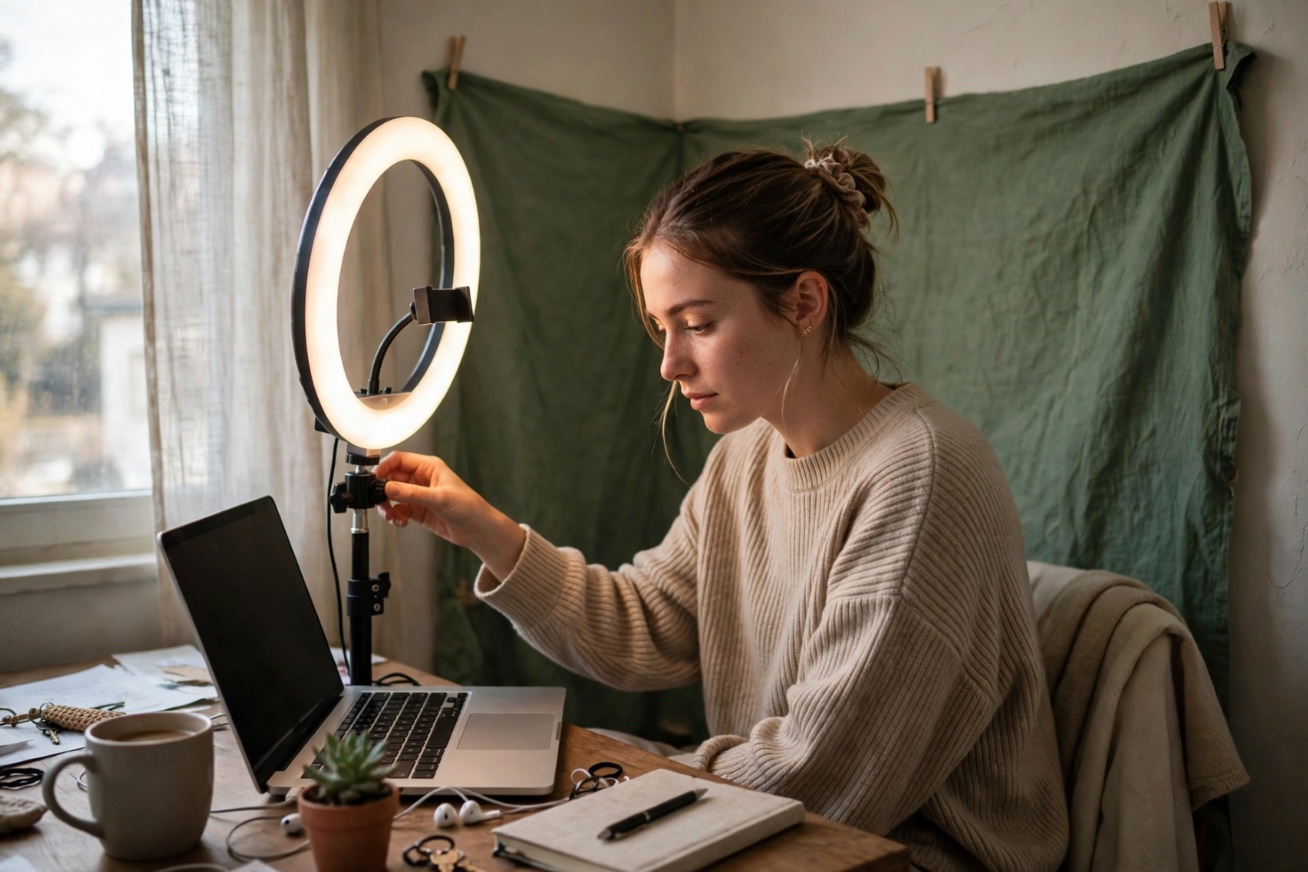
A young woman in front of a green backdrop at home, adjusting a ring light beside her laptop

Creators & streamers

Put yourself on a night-city street, a neon grid or a studio sweep for a thumbnail, an overlay or a stream scene — hair and all.

A man photographing a ceramic mug on a small set with a green backdrop behind it

Product & studio photographers

Cut a product off its backdrop and export a PNG or TIFF with clean transparency, ready to drop onto any store page or layout.

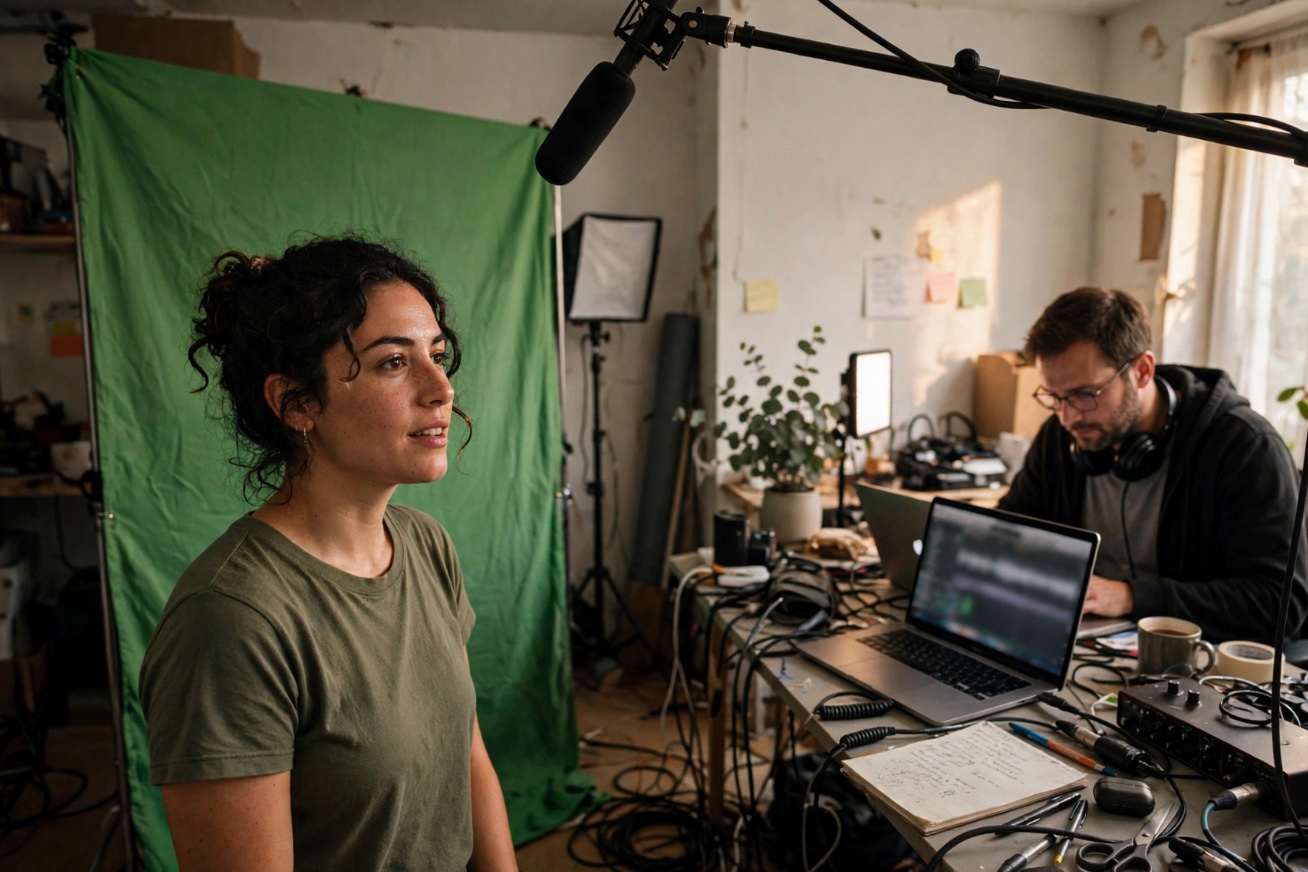
Two people in a home studio, one on camera in front of a green screen and one at the laptop

Video & YouTube makers

Key a whole clip — keeping its sound — and export ProRes 4444 with transparency, or batch a folder of shots in one go.

Try it free for 7 days

  • Every feature works for 7 days from the first launch, no key and no sign-up needed
  • After the trial it switches to read-and-export-only until you add a license key. One-time purchase — no subscription
  • Family Edition: one Family key unlocks the app and every add-on, plug-in and extra pack — no second keys
  • Privacy: everything happens on your Mac or PC. Nothing is uploaded

System requirements

Mac
macOS 14 Sonoma or later, Intel and Apple silicon (universal)
Windows
Also available for Windows 10 and 11
Works with
Photos and video shot against a green or blue screen, or a plain wall
Export
PNG, JPEG, HEIC, TIFF, matte-only; MP4 H.264, MP4 HEVC, MOV ProRes 4444
Your data
Everything happens on your computer. Nothing is uploaded
Signed
Signed and notarized by Apple

Questions

Does it work on video, not just photos?

  • Yes. It keys photos and video, and video keeps its sound. Export MP4 H.264, MP4 HEVC, or MOV ProRes 4444 that keeps transparency.

My screen isn’t green — is that OK?

  • Any screen color works: green, blue, even a plain wall. Auto Key finds it for you, or pick it with the eyedropper.

Can I keep transparency?

  • Yes. PNG, TIFF, HEIC and MOV ProRes 4444 keep partial transparency — hair, glass and smoke — or copy the picture to the clipboard with transparency.

Is my footage uploaded anywhere?

  • No. Everything happens on your Mac or PC. Nothing is recorded, saved or sent anywhere.

Price

SWSO Green Screen by Streetwise Software Online

Download the free trial now. One-time purchase, no subscription.

$19.99 one-time

See all SWSO software

Having a problem? Tell us and we’ll fix it.

Every computer is a little different: the macOS or Windows version, the hardware and how it’s set up can all change how an app behaves. We understand that, and we fix issues as they come in. If something doesn’t work the way it should, please don’t stay silent. Use our contact form and tell us the app, its version, your computer and system version, and what happened. Your report helps us fix it fast, for you and for everyone who uses our software.

Contact us

Product updates & bug reports

Found a bug or an issue? Report it to Streetwise Software Online with the app name, version and steps to reproduce it. We review reports and address confirmed bugs through product updates.

Read product updates and published fixes · Free trial and refund policy