SWSO Mashup Studio app icon

New · mashups on your Mac

One song’s singer. The other song’s beat.

SWSO Mashup Studio by Streetwise Software Online · SWSO

Load two songs. Mashup Studio splits each one into vocals, drums, bass and music, finds the tempo, the beats and the key, and puts both songs on the same beat. Then swap their parts live with eight scene pads, slide the crossfader and record the result.

$19.99 one-time · 7-day free trial

Mac • macOS 14.2 or later • Intel and Apple silicon • 1.5 MB

macOSavailableWindowscomingMobilecoming soon
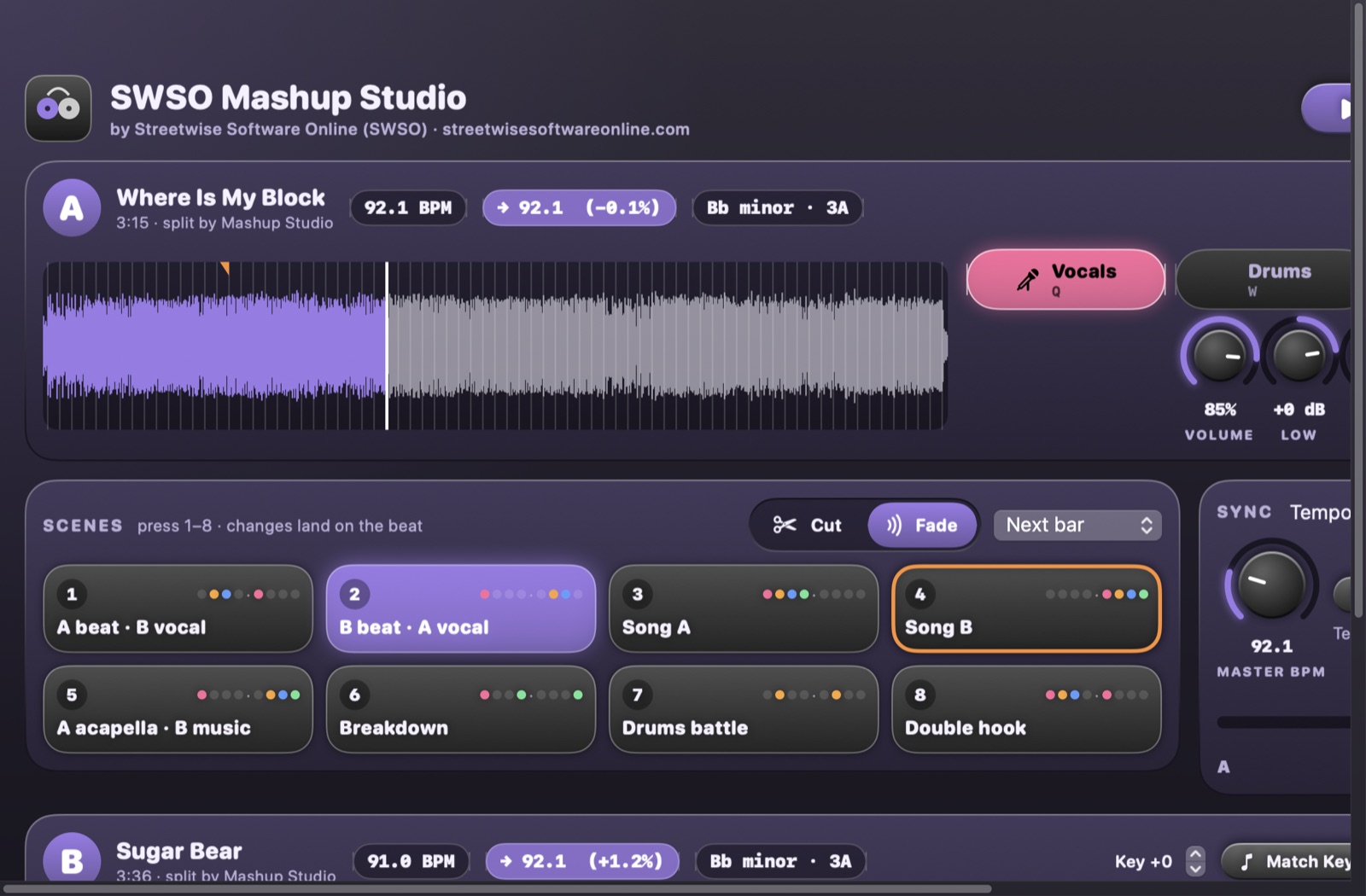
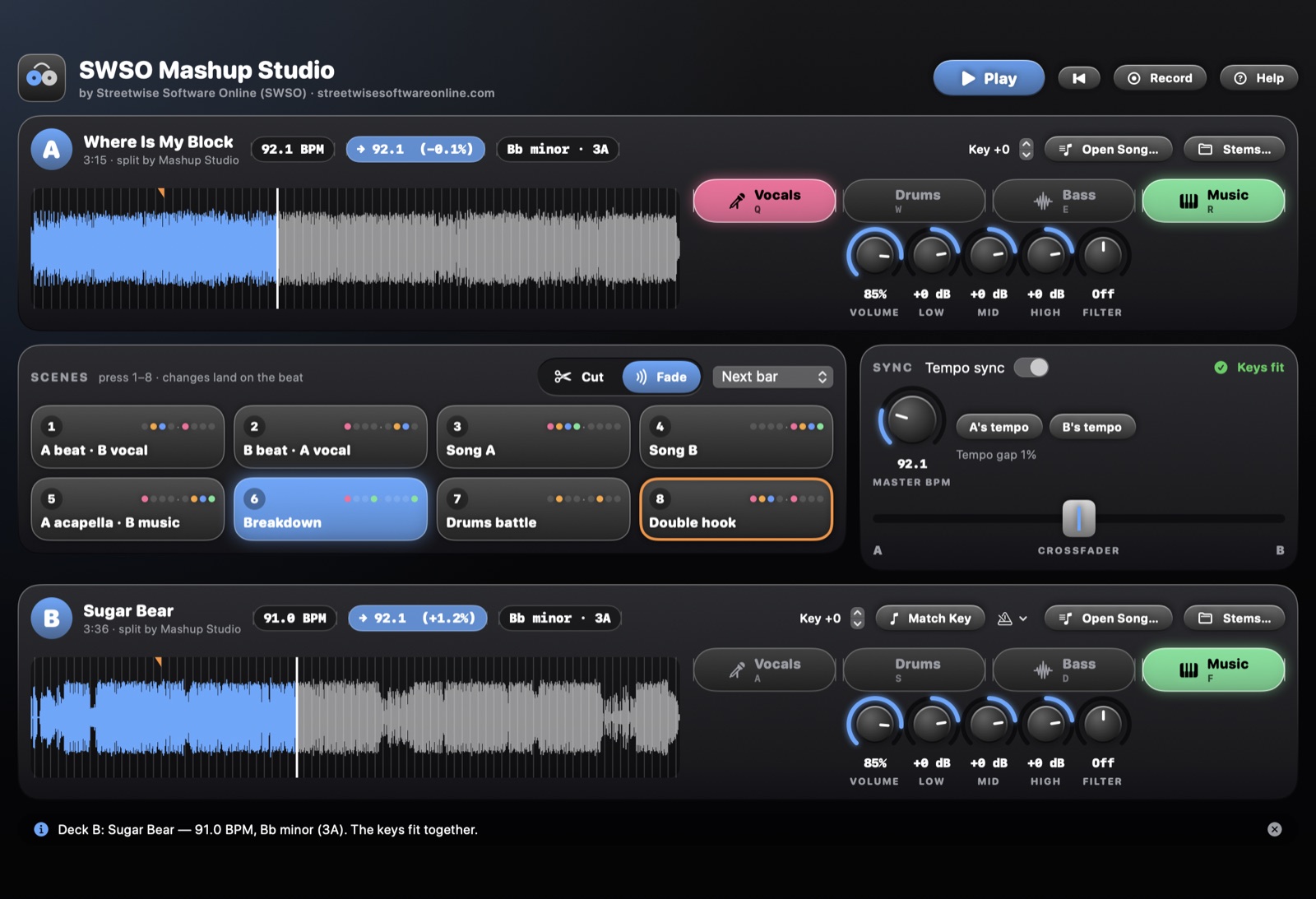
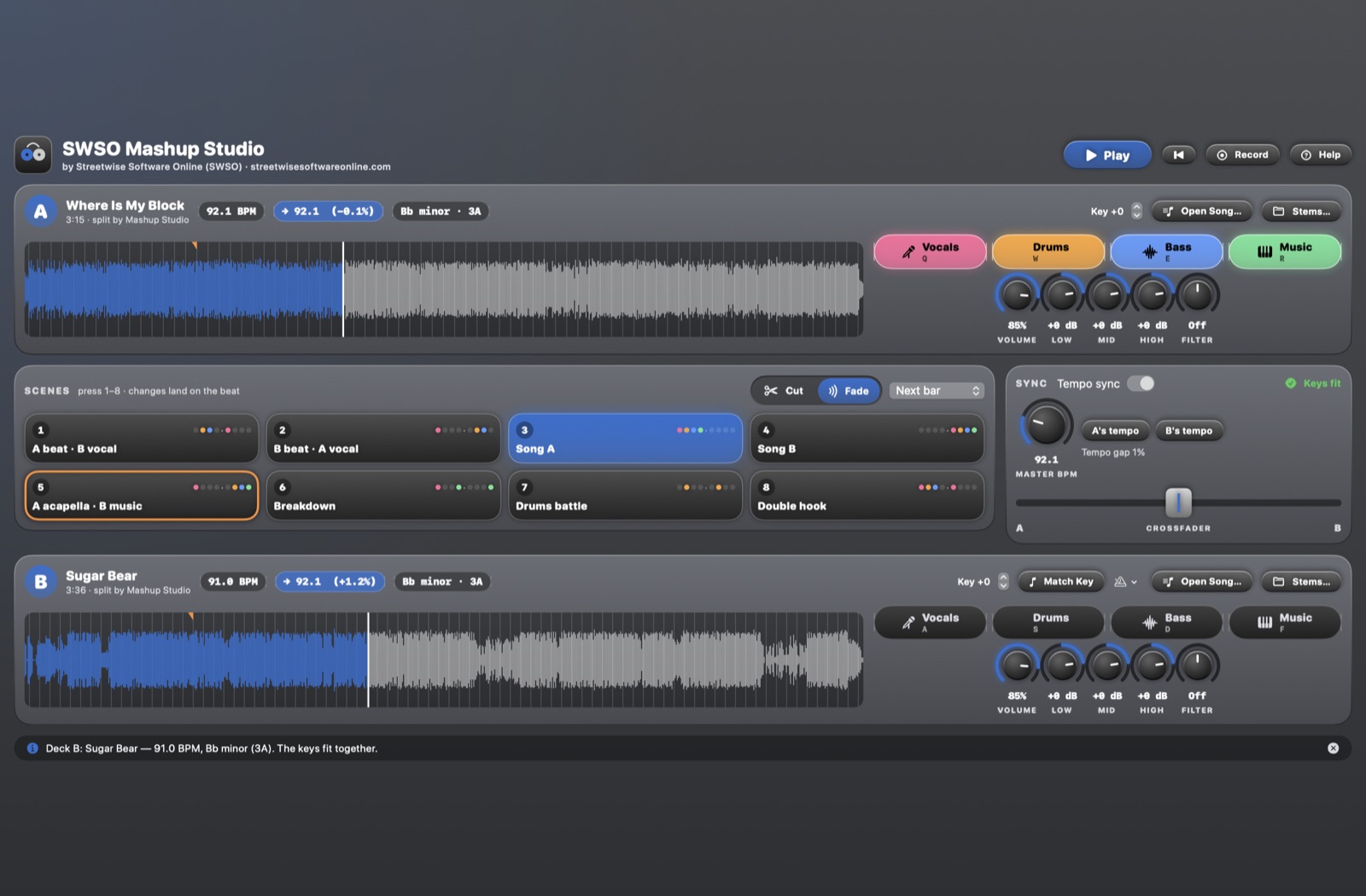
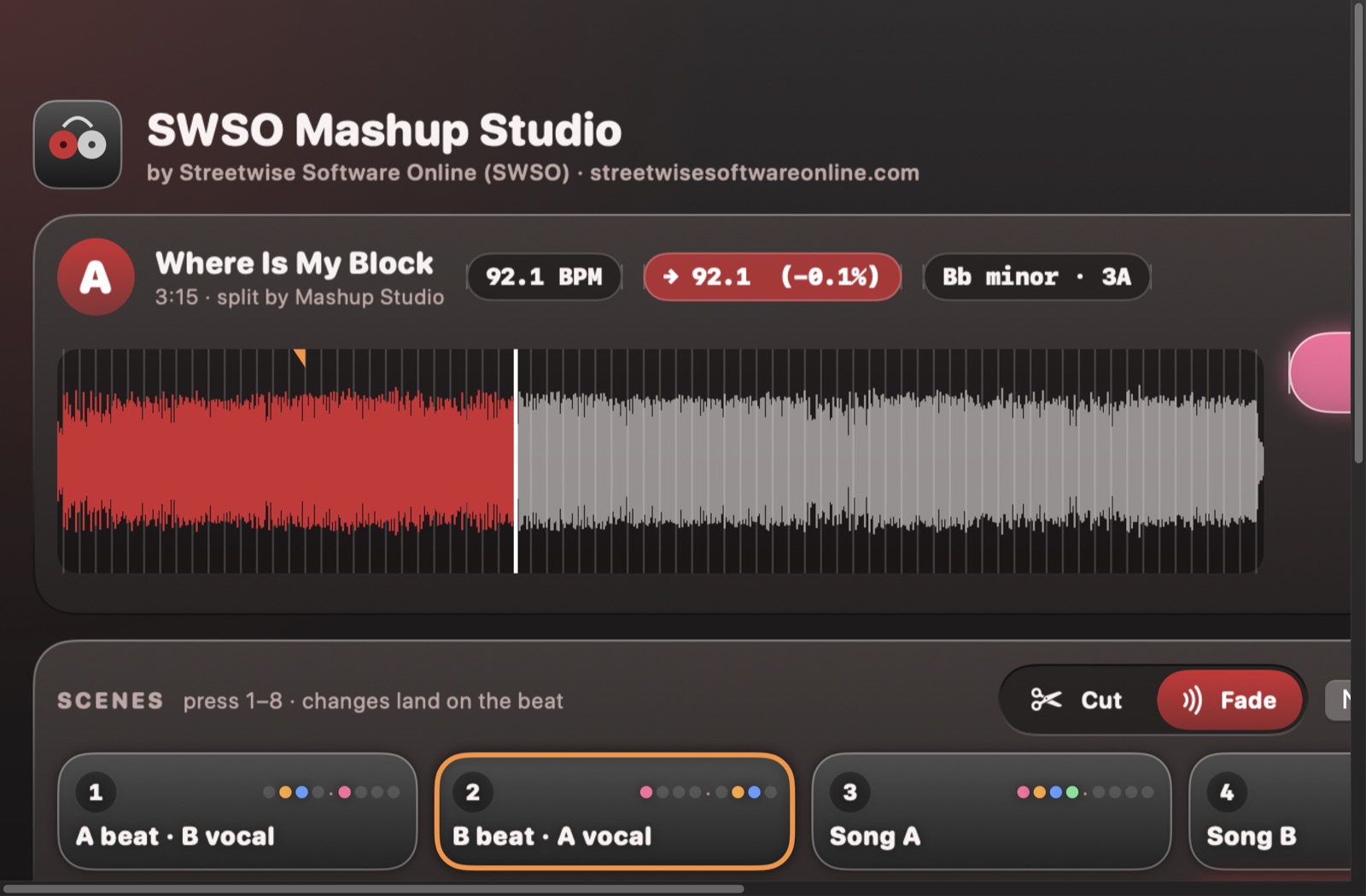
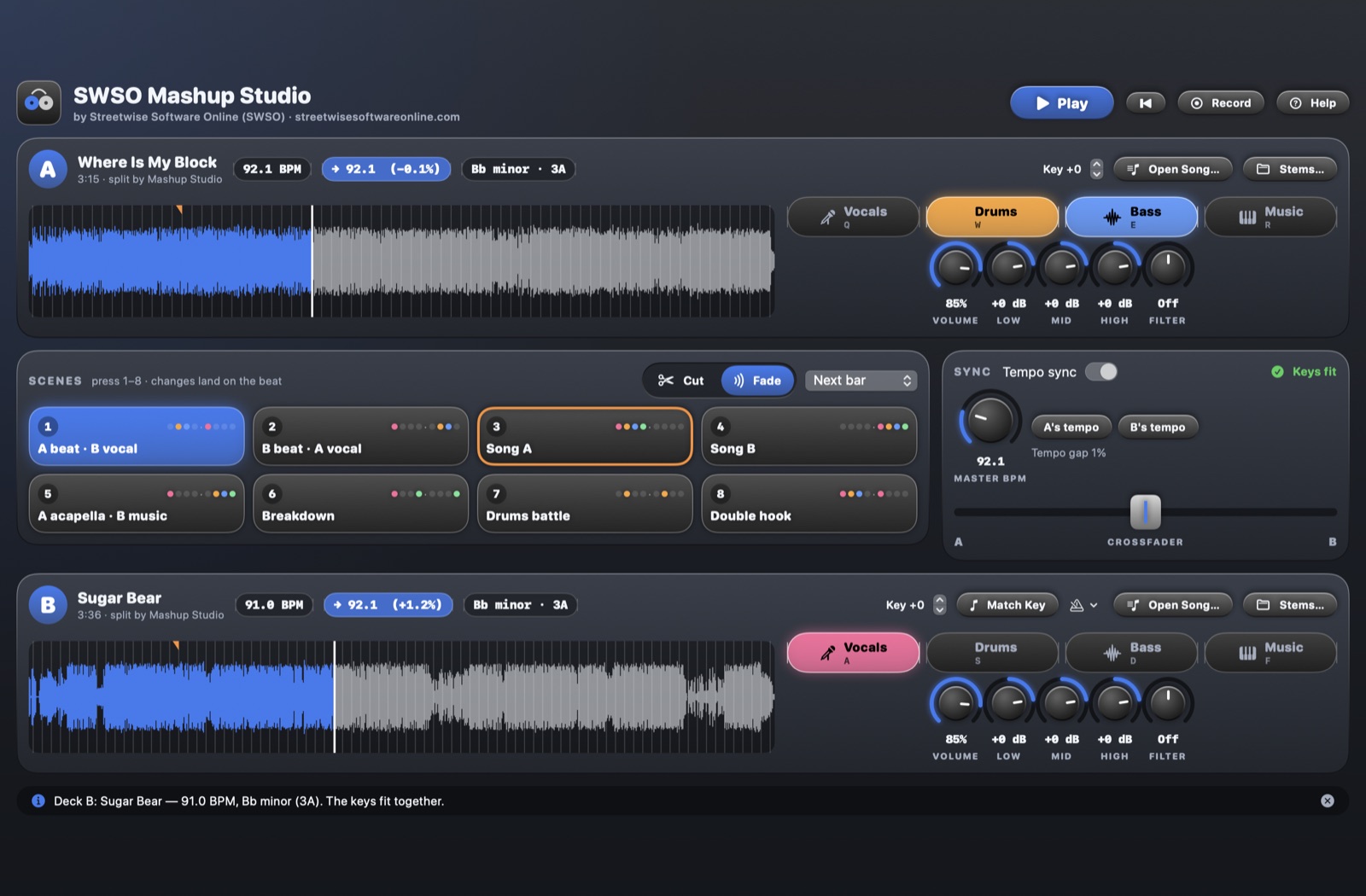
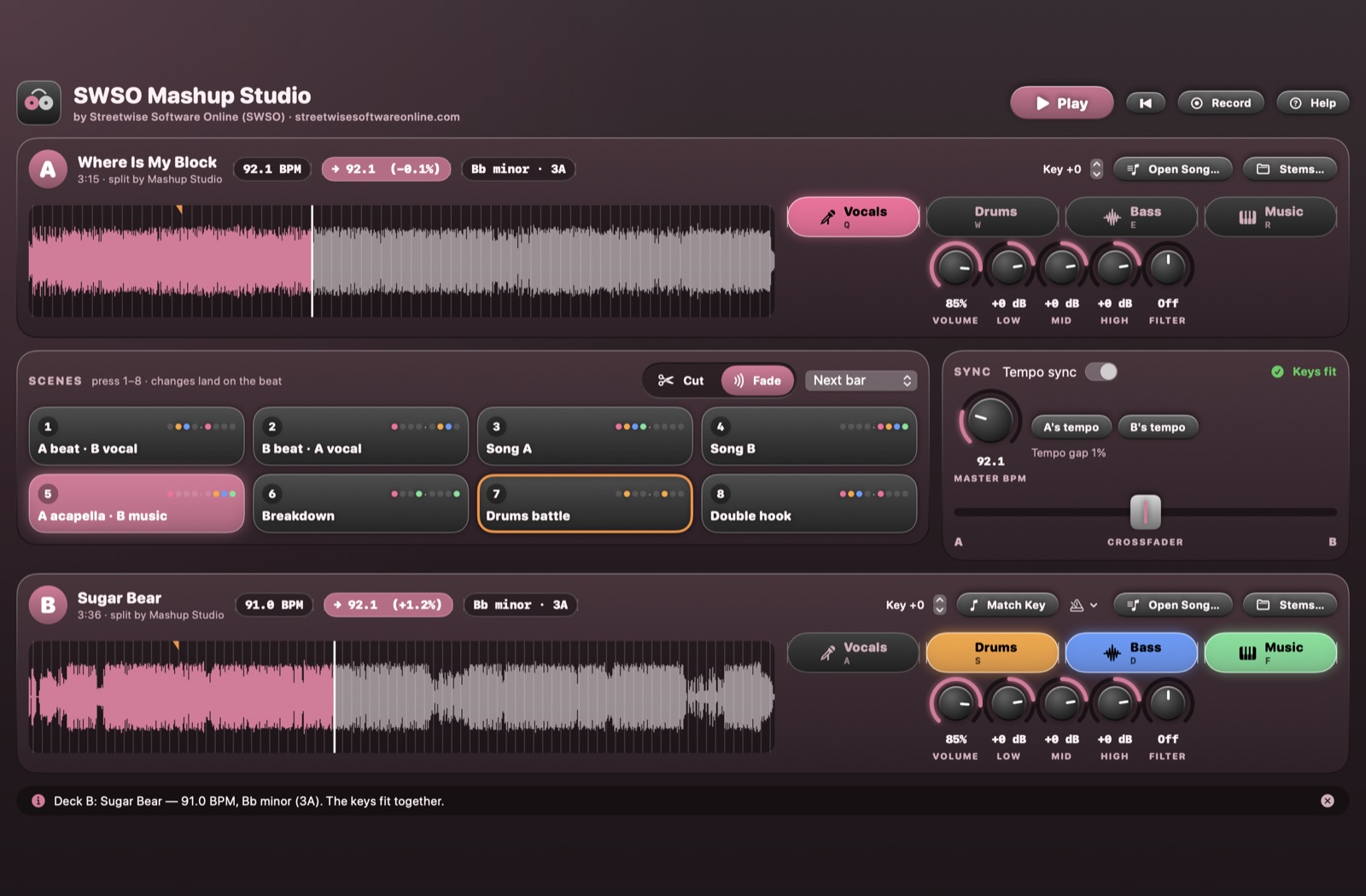
SWSO Mashup Studio in the Cobalt Gunmetal theme with a song on deck A and deck B, both synced to 92.1 BPM in the same key, part buttons for vocals, drums, bass and music, a crossfader and eight scene pads
2 deckseach song split into Vocals, Drums, Bass and Music
8 scene padsswap the parts on the next bar with one key
Tempo + keyfound for you, then matched

What you get

Split any song into four parts

  • Vocals, Drums, Bass and Music, from the songs you already have
  • The four parts always add back up to the original song exactly
  • The first split takes a few seconds and is kept, so the song opens at once next time
  • Already have stems? The Stems… button opens them
Same beat, same key

  • Finds each song’s tempo (BPM), beats and bar starts, and draws the bars on the waveform
  • Tempo sync plays both songs at the Master BPM without changing their pitch
  • Shows each song’s key with its Camelot number
  • Match Key moves deck B a few semitones to fit deck A, without changing its speed

Eight scene pads

  • A beat · B vocal, B beat · A vocal, Song A, Song B, A acapella · B music, Breakdown, Drums battle, Double hook
  • Cut switches at once; Fade blends over one bar
  • Changes land on the next bar, the next beat, or now
  • Or switch single parts with Q W E R and A S D F

Mix and record

  • Volume, Low/Mid/High EQ and a Filter on each deck
  • A crossfader; double-click puts it back in the center
  • Click the waveform to jump there, snapped to the nearest bar
  • Record saves what you hear as a 24-bit WAV file

What is in the box

The keyboard does most of the work, so you can play a mashup like an instrument.

ScenesKeys 1 to 8
Deck A partsQ · W · E · R
Deck B partsA · S · D · F
TransportSpace play/stop · ← → crossfader · ⌘R record
Matching⌘K match key · ⌘Y tempo sync
OpensMP3 · WAV · AIFF · M4A/AAC · FLAC · CAF

How it works

There is nothing to set up. Each song is split and analyzed the first time you open it.

  1. Load two songsClick Open Song… on deck A and on deck B.
  2. Press PlayOr the space bar. Both songs play at one tempo with their bars lined up.
  3. Perform and recordHit scene pads 1 to 8 or switch single parts, slide the crossfader, and click Record.

Who it’s for

Anyone who has ever wondered what one song’s singer would sound like over another song’s beat.

DJs

Try a blend before the gig: tempo and key are matched for you, and the scene pads change on the next bar.

Music fans

Make a mashup of two songs you love in minutes, with no audio editing skills.

Producers

Grab a quick a cappella or instrumental idea from a song, or open stems you already have.

Try it free for 7 days

  • Every feature works for 7 days from the first launch, no key and no sign-up needed
  • After the trial, a license key keeps it working. Your key arrives by email after you buy
  • One-time purchase, no subscription
  • Privacy: everything happens on your Mac. It asks for no special permissions

Specifications

System
macOS 14.2 Sonoma or later, Intel and Apple silicon (universal)
Version
1.0
Opens
MP3, WAV, AIFF, M4A/AAC, FLAC and CAF songs, mono or stereo, or ready-made stems
Records
WAV, 24-bit
Decks
2, each split into Vocals, Drums, Bass and Music
Tempo
Master BPM 60 to 200, with tempo sync
Key
Key and Camelot number shown; Match Key up to 6 semitones either way
Look
6 themes (Cobalt Gunmetal, Candy Red Titanium, Rose Gold, Lavender Pearl, Midnight Black and Brushed Gray), zoom from 85% to 200%

Questions

Is the splitter AI?

  • No. It is SWSO’s own quick splitter. It works on any song in seconds, but expect some spill between parts: part of the kick can land in Bass, and instruments mixed in the middle can land in Vocals.

Can it play from streaming services?

  • No. It opens audio files on your Mac.

What if the two songs are very different in tempo?

  • They still sync. Songs more than about 12% apart in tempo may sound smeared.

Does it work with a DJ controller?

  • Not in version 1.0. Use the keyboard shortcuts: 1 to 8, Q W E R and A S D F.

Price

SWSO Mashup Studio by Streetwise Software Online

Download the free trial now. One-time purchase, no subscription.

$19.99 one-time

See all SWSO software

Having a problem? Tell us and we’ll fix it.

Every Mac is a little different, and we fix issues as they come in. If something doesn’t work the way it should, use our contact form and tell us the app, its version, your Mac and macOS version, and what happened. Your report helps us fix it fast, for you and for everyone who uses our software.

Contact us

Product updates & bug reports

Found a bug or an issue? Report it to Streetwise Software Online with the app name, version and steps to reproduce it. We review reports and address confirmed bugs through product updates.

Read product updates and published fixes · Free trial and refund policy