Mac
macOS 14 Sonoma or later, Intel and Apple silicon (universal). Mac only — there is no Windows version
Tools
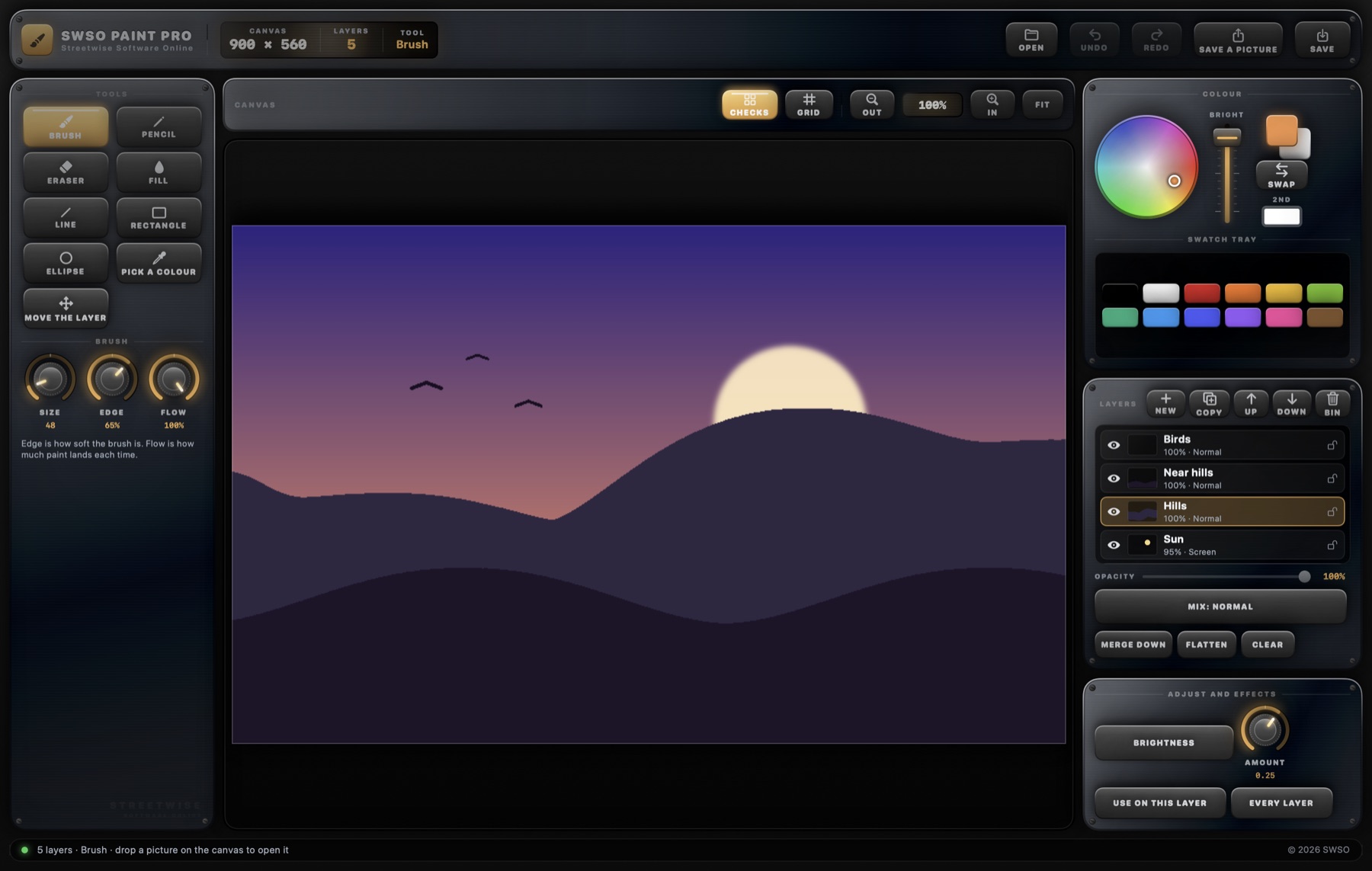
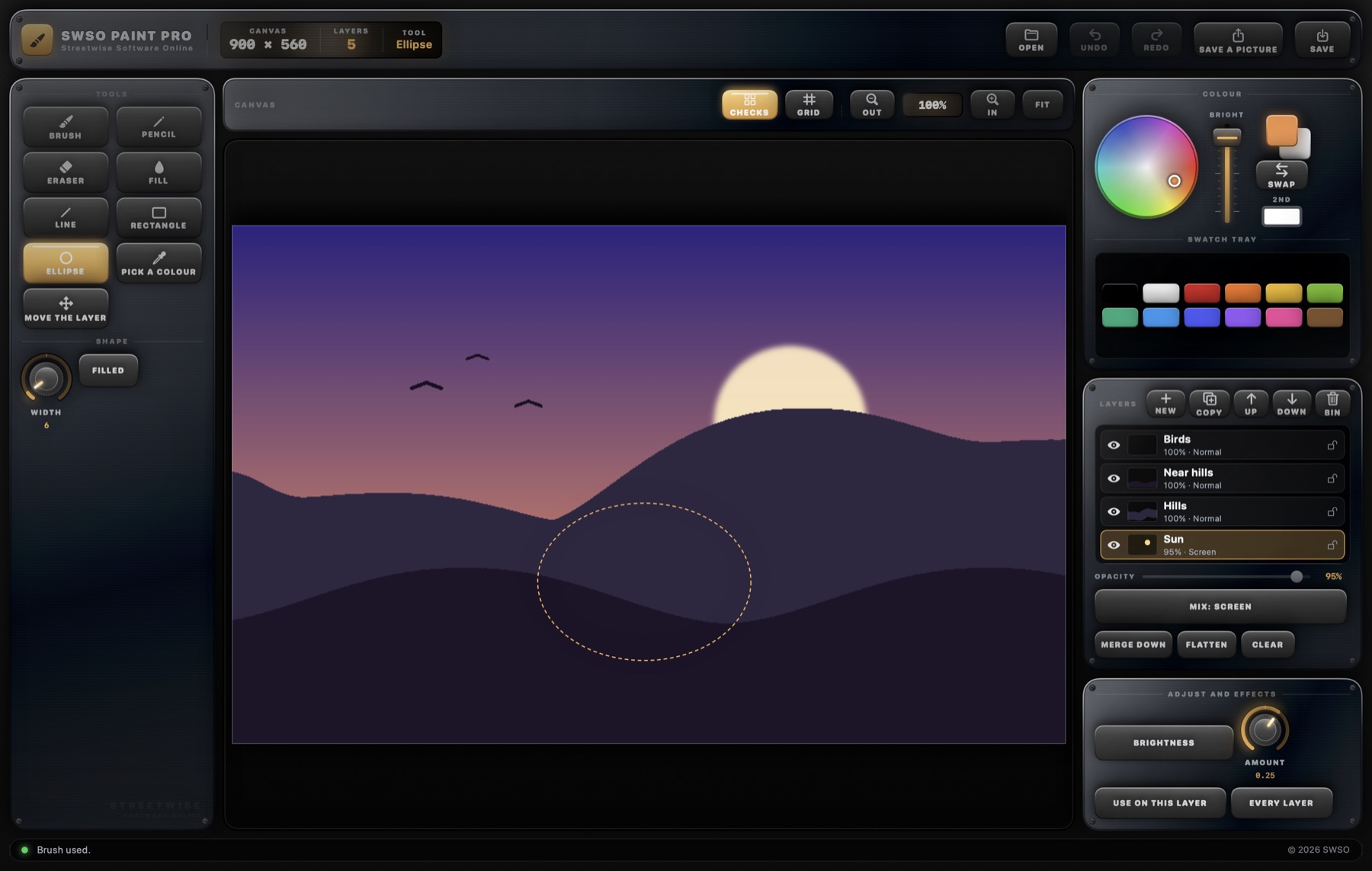
Nine · Brush (Size, Edge, Flow) · Pencil (hard-edged) · Eraser (takes paint away, does not paint white) · Fill (adjustable how-close-a-colour-has-to-be) · Line · Rectangle · Ellipse (outlined or filled) · Pick a colour · Move the layer · each with a single-letter shortcut
Layers
As many as you like · opacity per layer · show/hide eye · padlock · merge down, flatten, reorder, duplicate, clear · bring a picture in as a layer
Blend modes
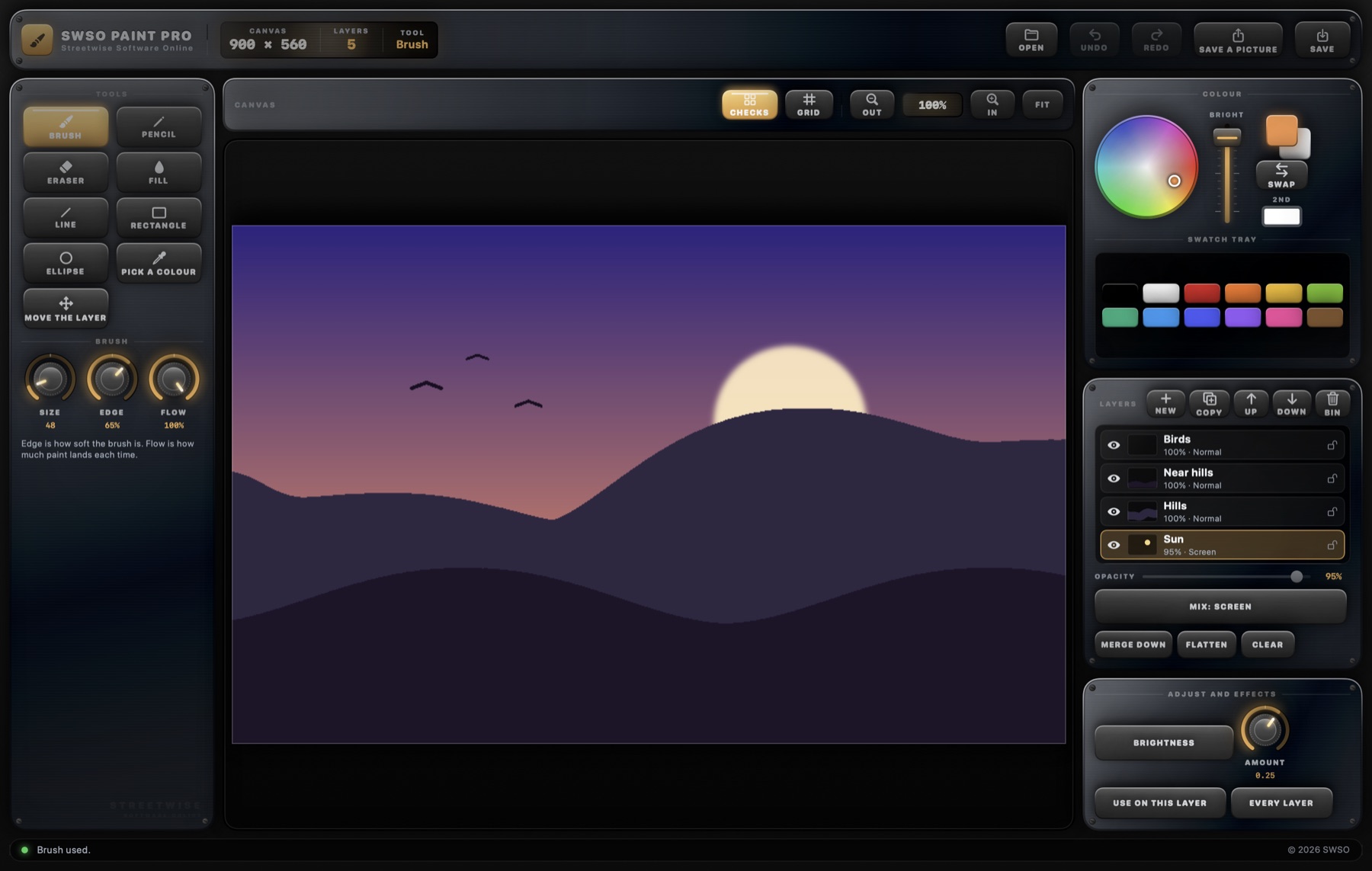
Normal, Multiply, Screen, Overlay, Darken, Lighten, Difference and Add
Adjust
Brightness · Contrast · Colour strength · Warmth · Shift the colours
Effects
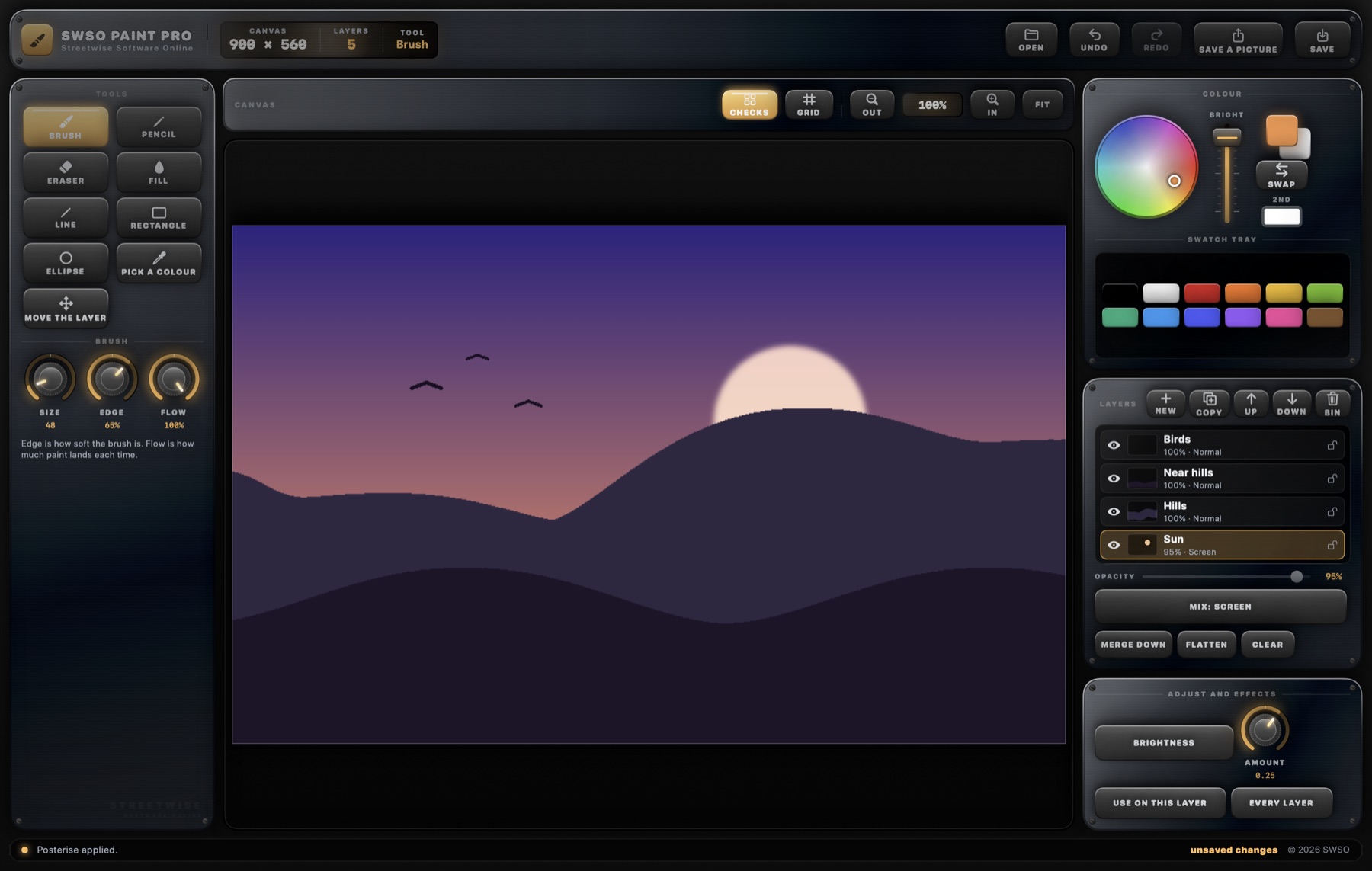
Blur · Sharpen · Pixelate · Add grain · Black and white · Invert · Old photo (sepia) · Posterise · Find the edges · any of them on one layer or on every layer
Undo
40 steps, covering brushes, shapes, fills, adjustments, effects, merges and flattening
Canvas
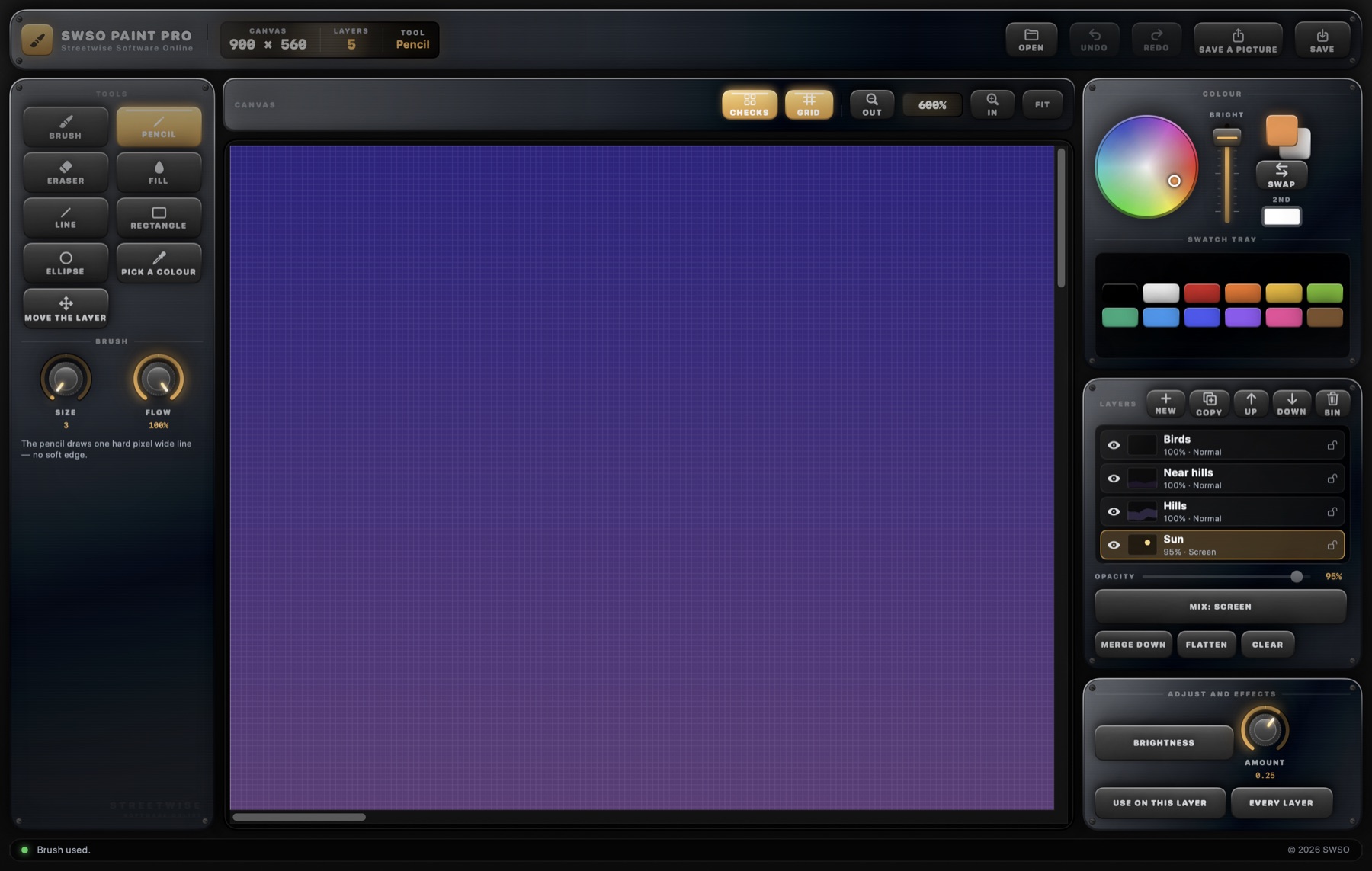
Resize · quarter turn either way · upside down · flip across or down · zoom 10% to 1600% · chequerboard behind see-through parts · pixel grid past 400%
Saves
.swpaint, keeping every layer, its opacity and its blend · opens by double-click in the Finder
Exports
PNG (keeps see-through parts), JPEG or TIFF
Opens
PNG, JPEG, TIFF and HEIC — as a new painting, or brought in as a layer
Safety net
A recovery copy is kept as you work
Interface
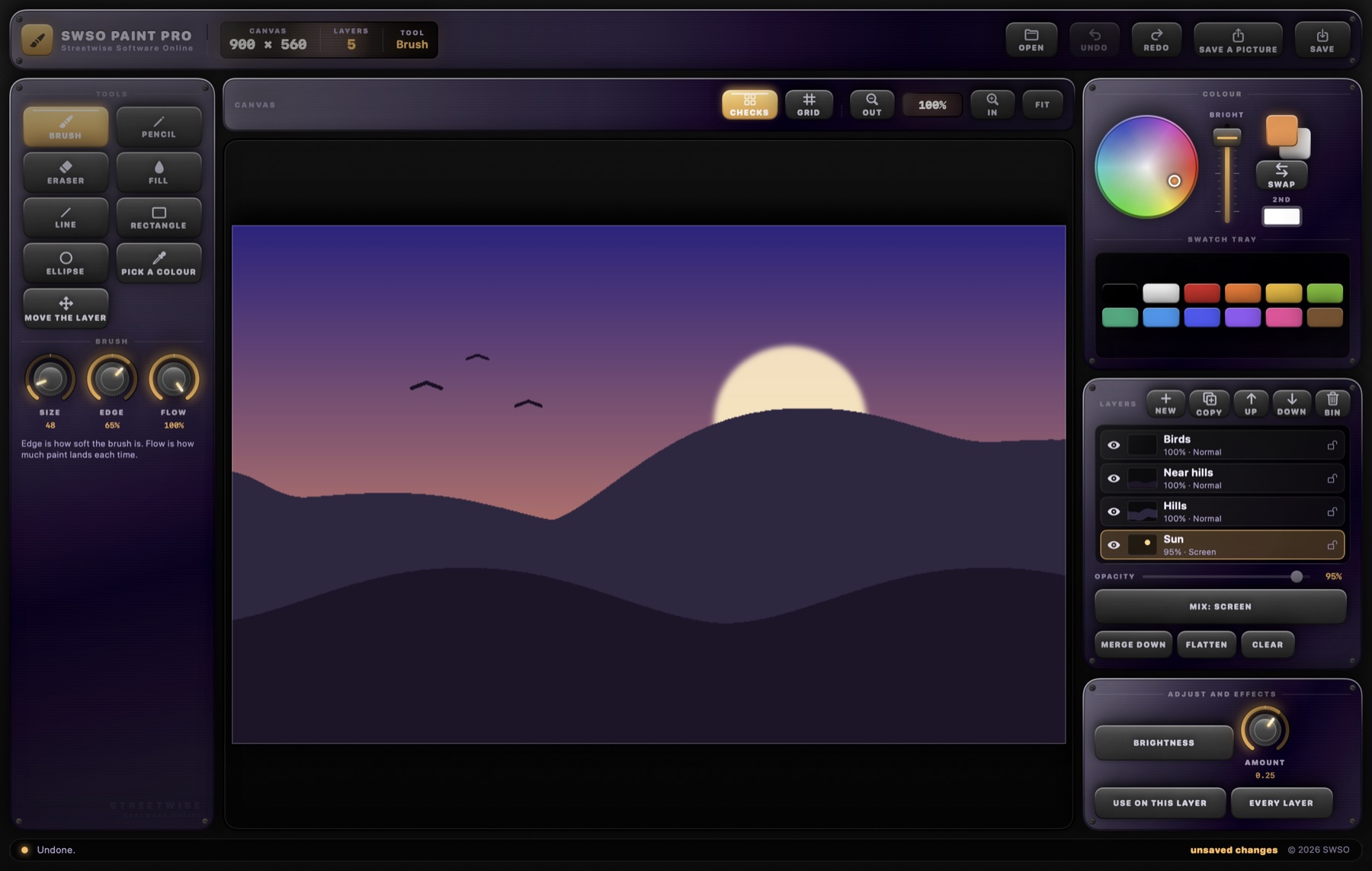
12 coloured themes (opens in Studio Slate) · Liquid Glass or SWSO Chrome look · interface zoom with ⌘+, ⌘− and ⌘0
Your data
Everything happens on your Mac. No accounts, no subscription, nothing uploaded
Signed
Signed and notarized by Apple