
SWSO Paint app icon

Painting and drawing for your Mac

Paint with chrome and candy.

SWSO Paint · Made by Streetwise Software Online (SWSO)

A painting and drawing studio for the Mac with polished chrome controls and candy-paint accents. Pick from 33 original brushes, paint in layers with 19 blend modes, use your tablet's pen pressure, and export a Photoshop file with every layer kept.

$29.99 one-time · 15-day free trial

Mac • 15-day free trial • free download

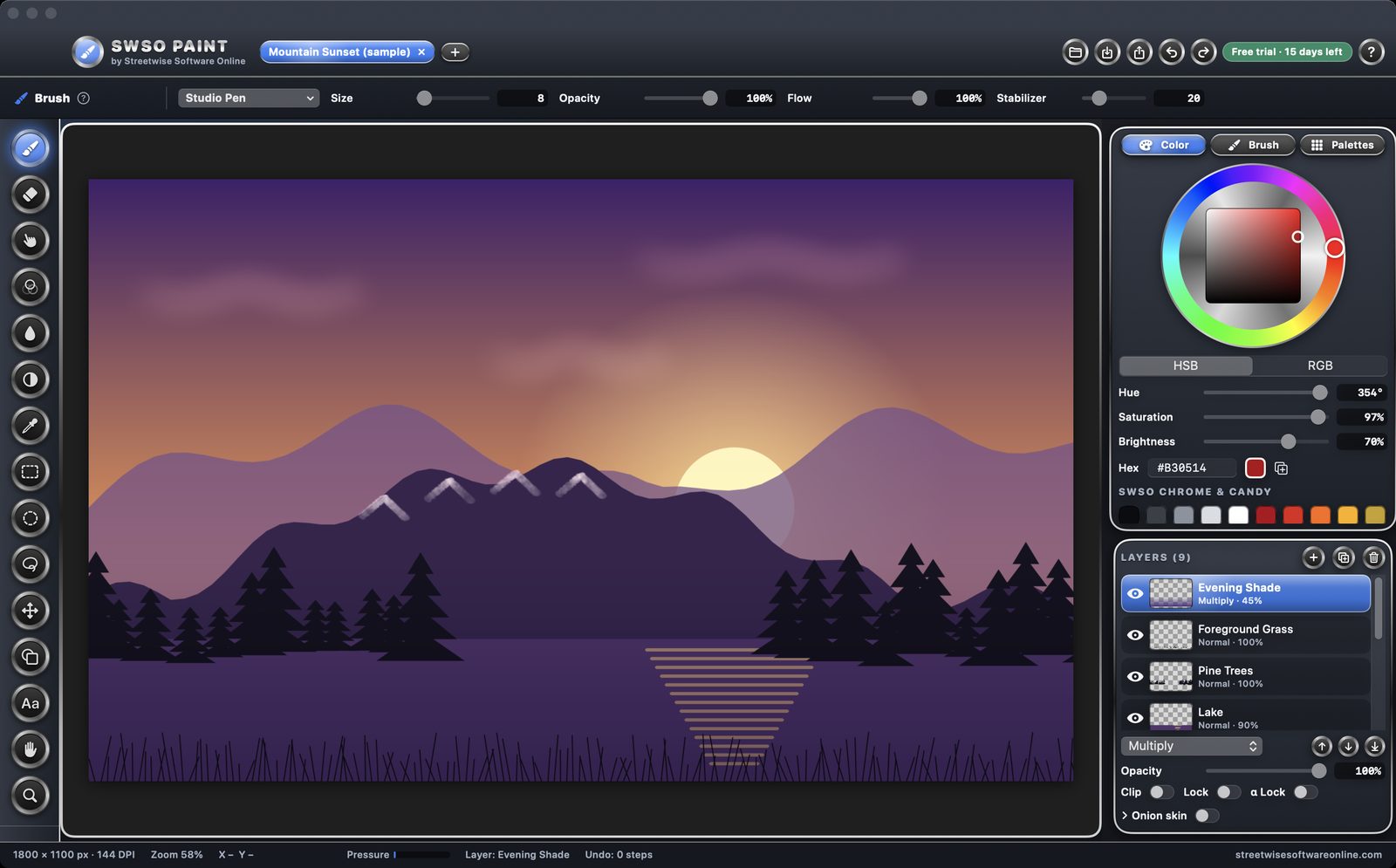
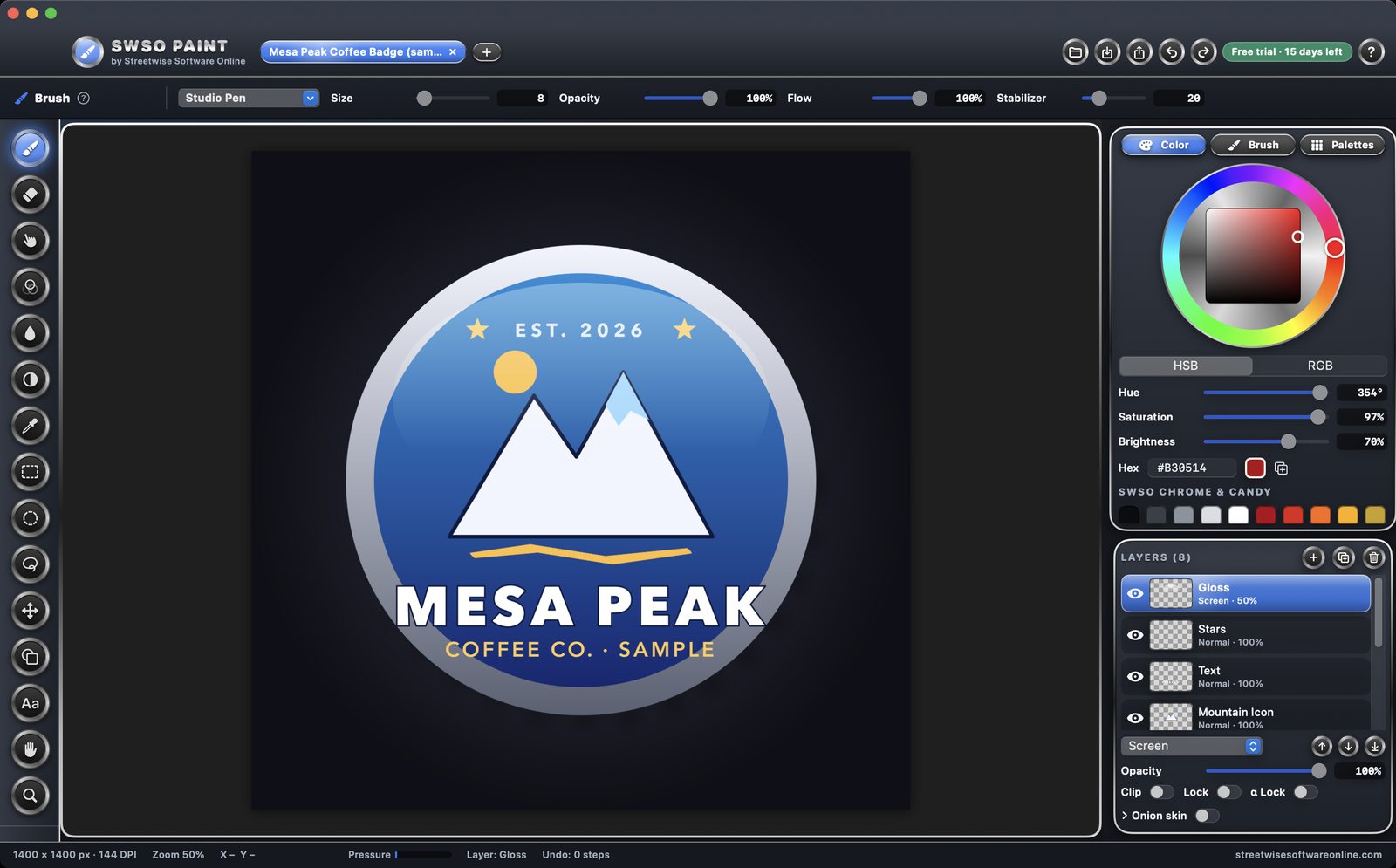
SWSO Paint with the Mesa Peak coffee badge sample open, showing the color wheel and layers panel
SWSO Paint — digital painting and drawing studio
33original brush presets
19layer blend modes
PSDexport with layers kept

What you get

Brushes you can tune

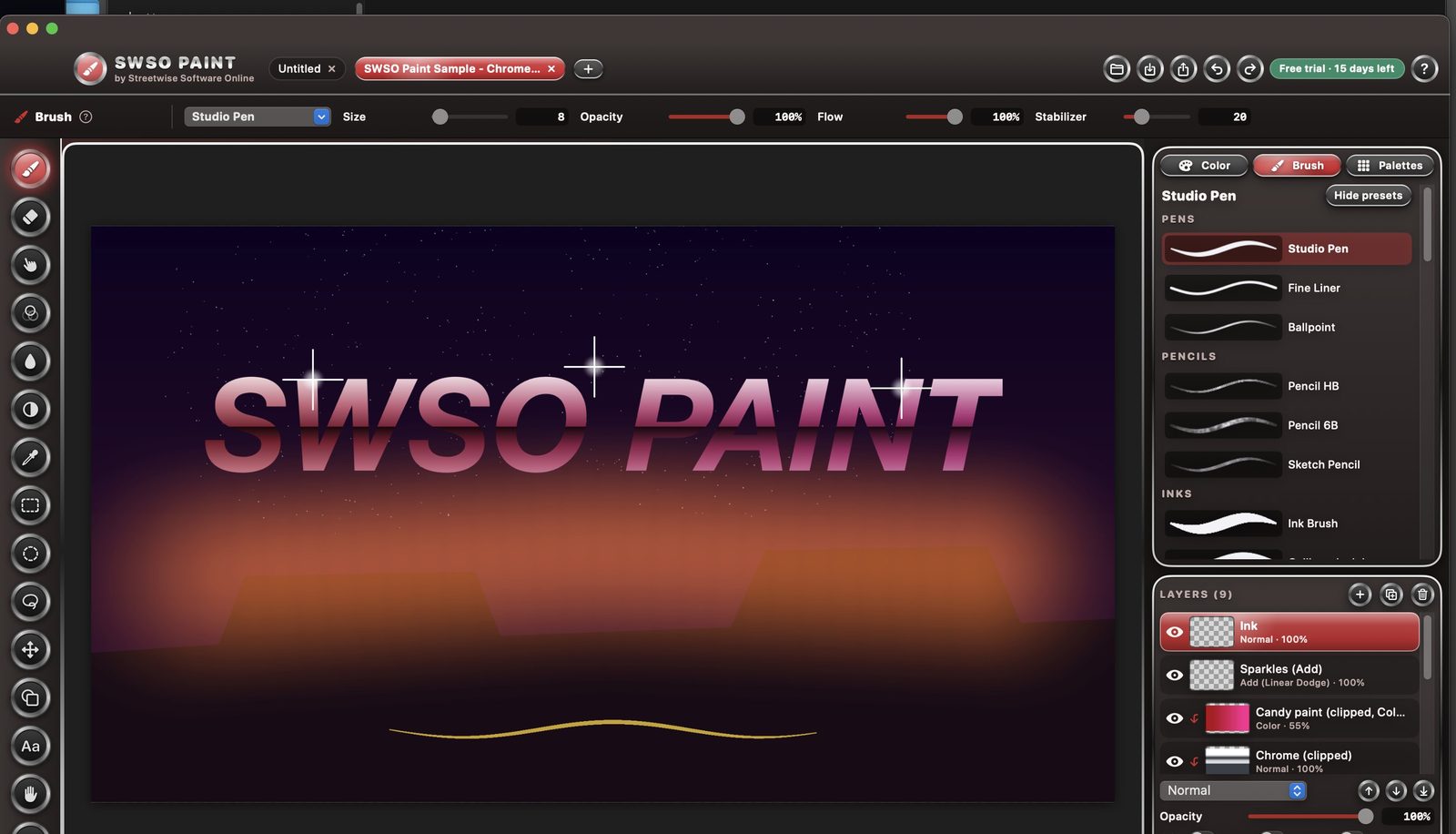
  • Pens, pencils, inks, markers, airbrush, spray can, charcoal, chalk, smudge, blur and erasers
  • Size, opacity, flow, hardness, spacing, stabilizer, texture, jitter and scatter for every brush
  • Save your own presets, and import or export brush files
Tablets and canvas

  • Real pen pressure from Wacom and other tablets, with a soft, normal or firm pressure curve
  • The pen's eraser end switches to the Eraser by itself
  • Zoom, pan, rotate and flip the view; ready-made sizes for screens, social posts and 300 DPI print

Layers and tools

  • Opacity, 19 blend modes, lock, alpha lock, clipping, merge and onion skin
  • Bucket fill, gradients, shapes, text with any Mac font, selections and Move & Transform
  • Color wheel, palettes, and GIMP .gpl and Photoshop .aco palette import

Safe files

  • Its own .swsopaint file keeps every layer exactly
  • Export PNG, JPEG, TIFF and Photoshop PSD with layers, or flattened
  • Autosave every minute and crash recovery; 100 undo steps by default

Try it free for 15 days

  • Every feature works for 15 days from the first launch, no key and no sign-up needed
  • After day 15 the app opens read-only: you can still open, view and export your own work, and nothing is ever deleted
  • A license key unlocks editing again; it is checked on your Mac and works offline

System requirements

System
macOS 13 Ventura or later, Intel and Apple silicon (universal)
Free trial
15 days with every feature, no sign-up
Opens
PNG, JPEG, TIFF, HEIC, GIF, BMP, WebP and PSD (normal 8-bit RGB layers)
Exports
PNG, JPEG, TIFF and Photoshop PSD with layers
Help
Searchable built-in Help with 39 pages and 3 start-to-finish tutorials
Made by
Streetwise Software Online (SWSO)

Price

SWSO Paint by Streetwise Software Online

One-time purchase, no subscription. Try it free for 15 days first.

$29.99 one-time · 15-day free trial

Bundle: SWSO Paint + SWSO Animation

Both drawing apps together. They share the same brushes, layers and blend modes. Bought separately: $29.99 + $24.99. See SWSO Animation.

$44.99 both apps · one-time

See all SWSO software