SWSO Photo Studio app icon

Layered photo editing for your Mac

Build the picture in layers.

SWSO Photo Studio · Made by Streetwise Software Online (SWSO)

A layered photo editor for compositing, retouching, text and posters. Work with pixel, adjustment, text and shape layers, masks and selections, heal and clone, then save a layered PSD or export JPEG, PNG, TIFF or HEIC.

$49.99 one-time · 15-day free trial

Mac • 15-day free trial • free download

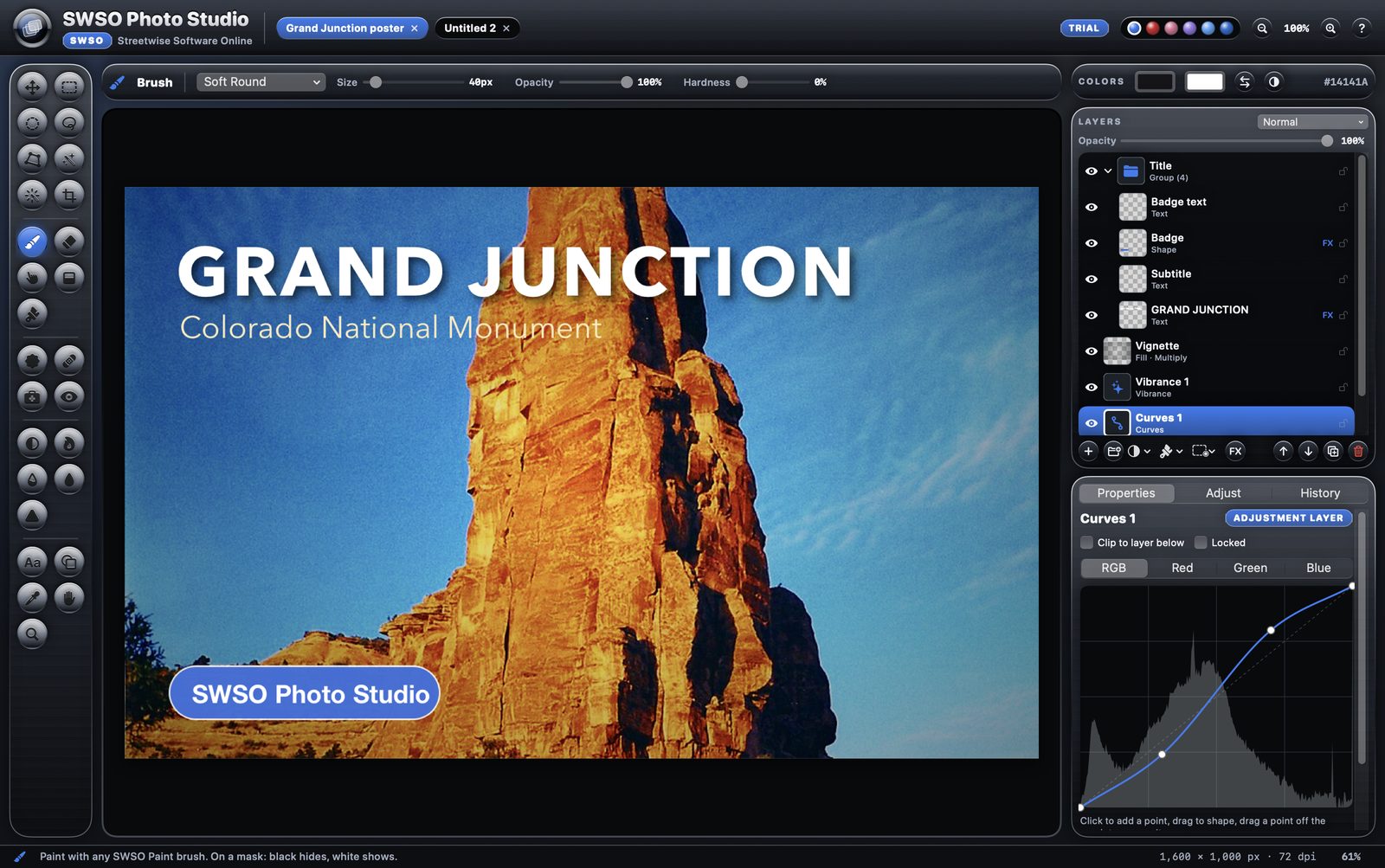
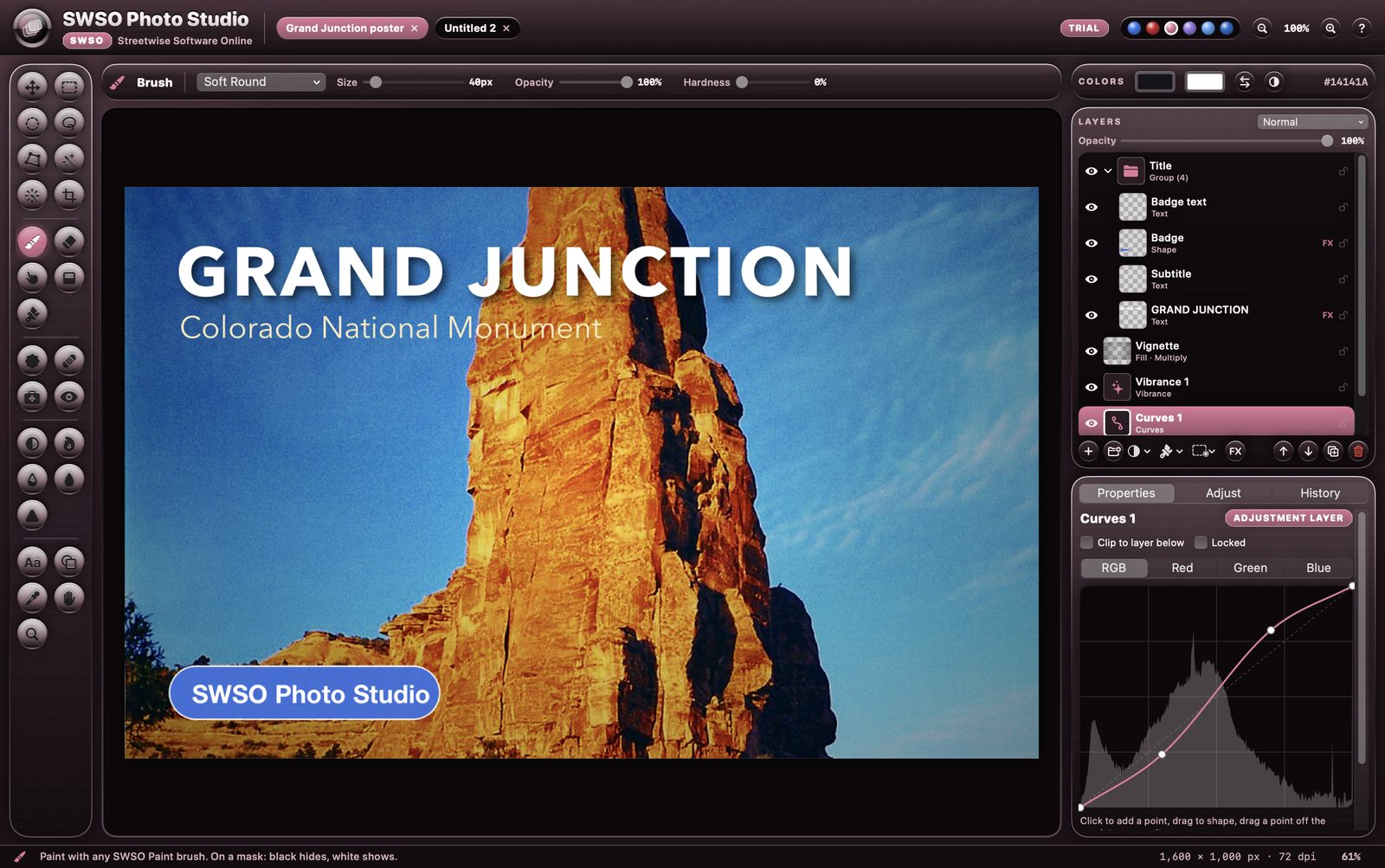
SWSO Photo Studio with a layered Grand Junction poster, the layers panel and a Curves adjustment layer
SWSO Photo Studio — layered photo editing
13kinds of adjustment layer
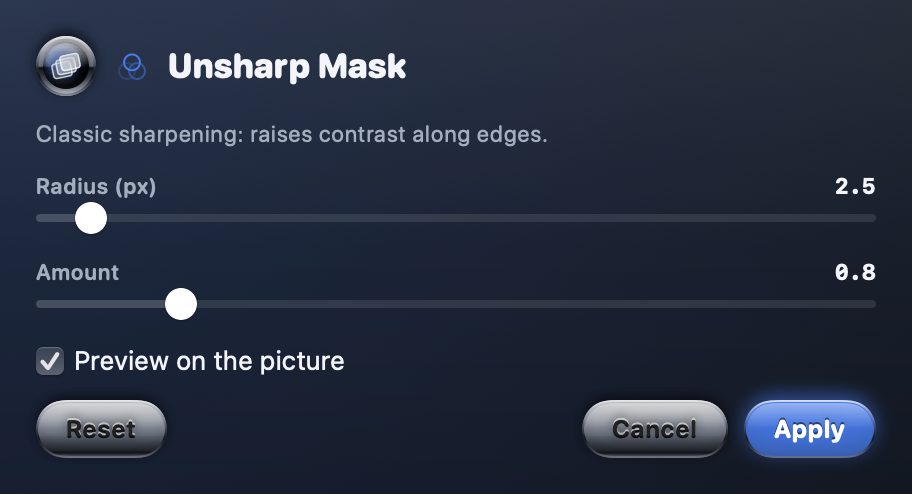
23filters with live preview
PSDlayered open and save

What you get

Layers and masks

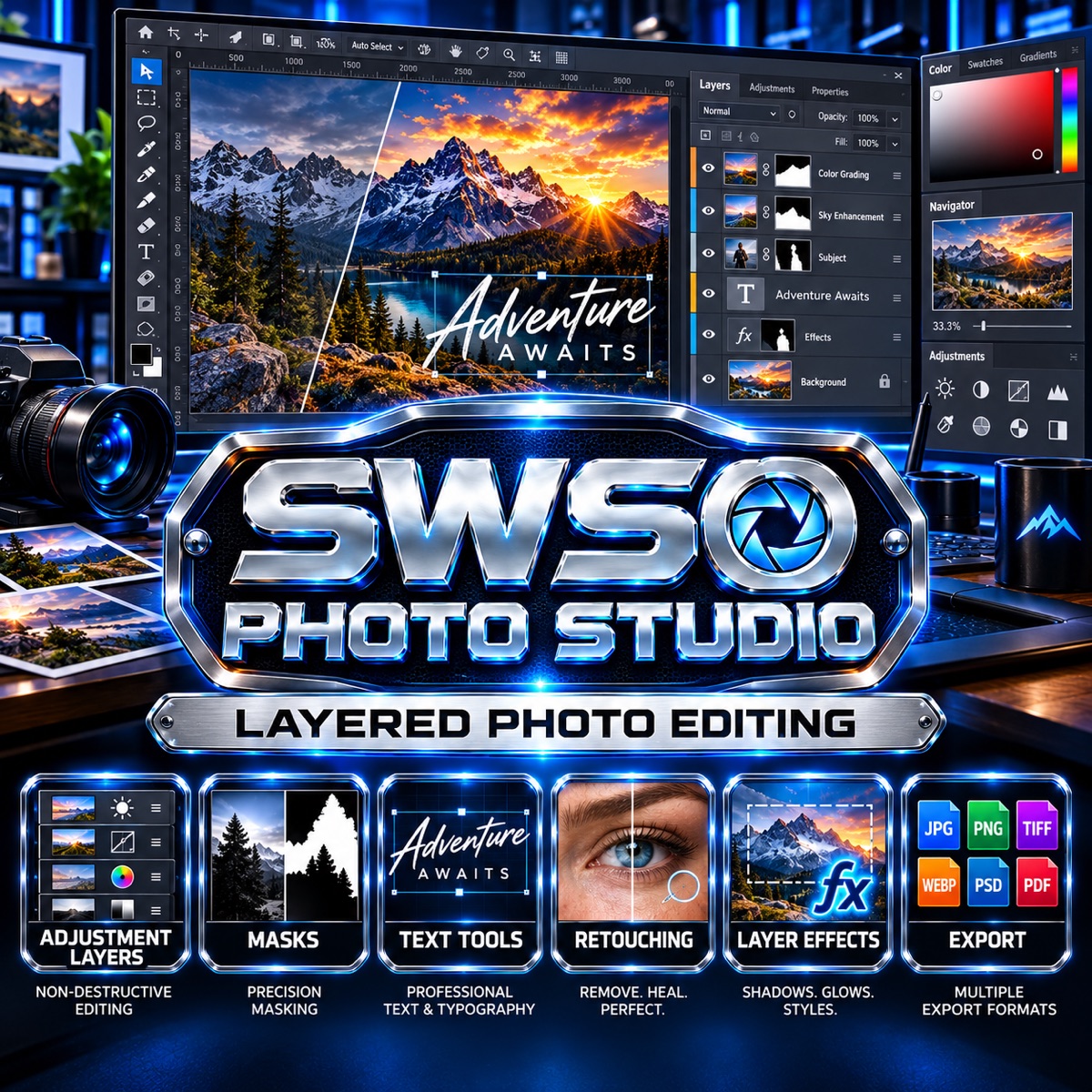
  • Pixel, adjustment, text, shape and fill layers, plus groups
  • Layer masks, clipping, 19 blend modes, opacity and fill opacity
  • Layer effects: drop shadow, stroke, outer glow and color overlay
Selections

  • Rectangle, ellipse, lasso, polygon lasso and Magic Wand
  • Quick Select and Select Subject (Apple Vision, on your Mac), and Select Sky
  • Feather, grow, smooth, border and invert

Retouching

  • Healing brush, spot healing and clone stamp
  • Smart Fill fills a selected area from the picture around it
  • Dodge, burn, sponge, red eye and Smooth Skin

Text, shapes and files

  • Text with any font on your Mac, and shapes with fill and stroke
  • Free transform, perspective, warp and crop
  • History panel, snapshots, autosave and crash recovery

Try it free for 15 days

  • Every feature works for 15 days from the first launch, no key and no sign-up needed
  • After day 15 the app opens read-only: you can still open, view and export your own work, and nothing is ever deleted
  • A license key unlocks editing again; it is checked on your Mac and works offline

System requirements

System
macOS 14 Sonoma or later, Intel and Apple silicon (universal)
Free trial
15 days with every feature, no sign-up
Opens
Any picture your Mac can read, layered PSD files and SWSO Paint files
Exports
JPEG, PNG, TIFF and HEIC, plus layered PSD and its own .swsostudio file
Color
8-bit RGB (no CMYK, 16-bit or RAW; RAW is SWSO Photo Lab's job)
Help
Searchable built-in Help in the Help menu
Made by
Streetwise Software Online (SWSO)

Price

SWSO Photo Studio by Streetwise Software Online

One-time purchase, no subscription. Try it free for 15 days first.

$49.99 one-time · 15-day free trial

See all SWSO software