SWSO RAW Lab app icon

New · camera RAW for Mac

Develop your RAW photos. Keep every original.

SWSO RAW Lab by Streetwise Software Online · SWSO

Open what your camera actually shot — Canon, Nikon, Sony, Fujifilm, Panasonic, Olympus, Pentax, DNG and more — and work the light, the colour and the detail with a live histogram in front of you. Nothing is ever written back to your files: every change is kept as settings you can undo tomorrow. Opens in the neutral Darkroom Graphite theme, with 11 more to choose from.

$19.99 one-time purchase · 7-day free trial

Mac • macOS 14 or later • 7-day free trial

macOSavailableWindowscomingMobilecoming soon
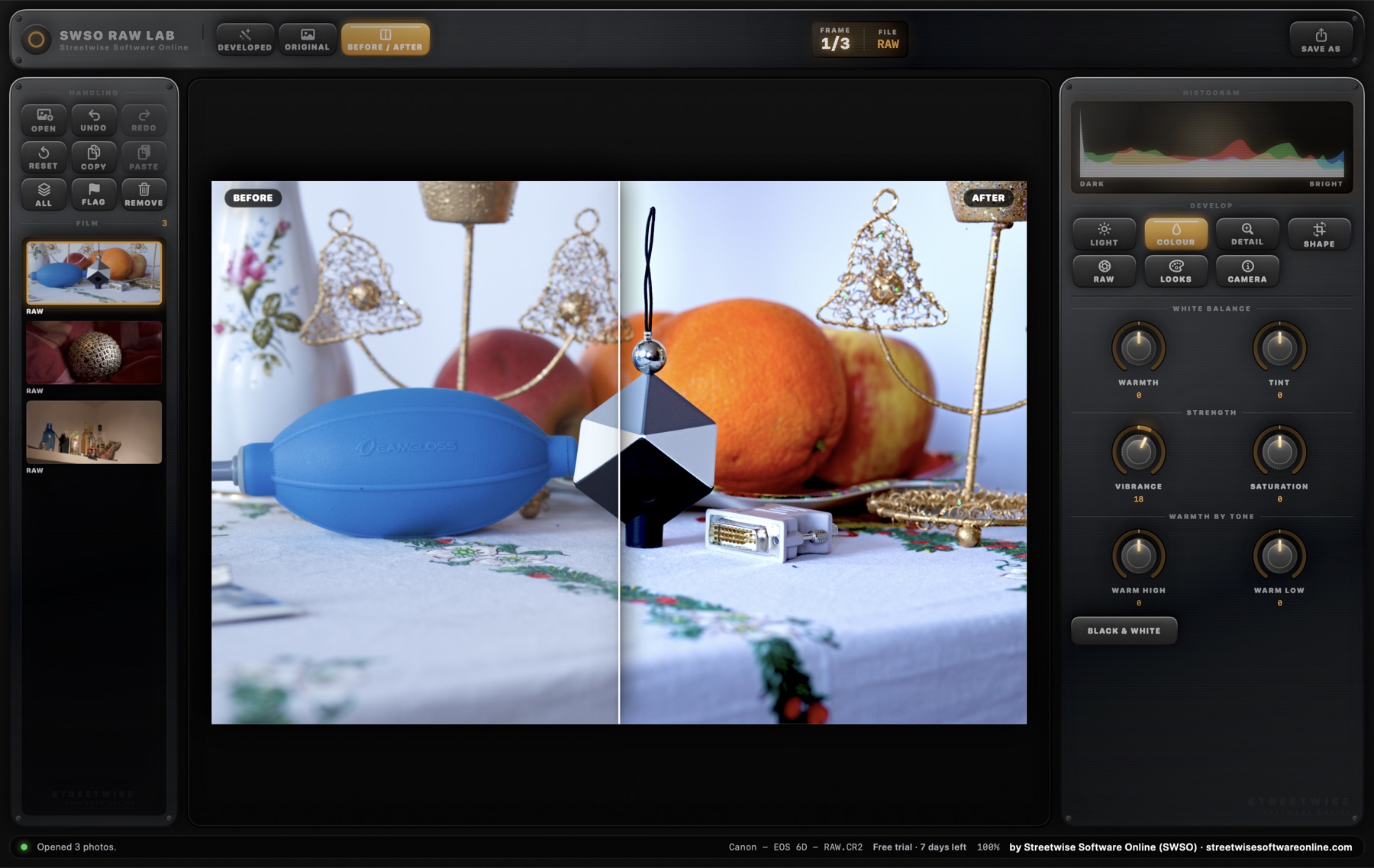
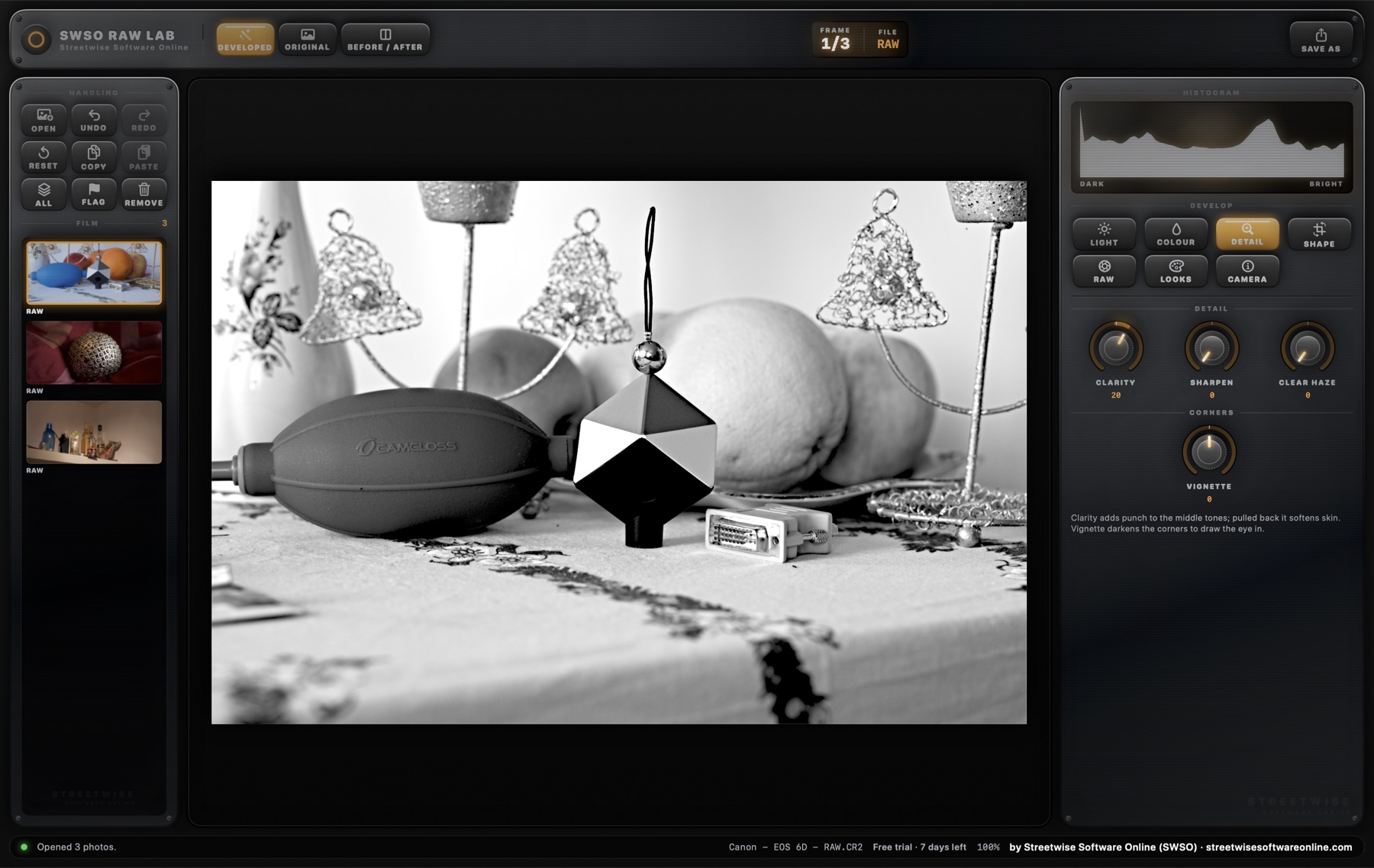
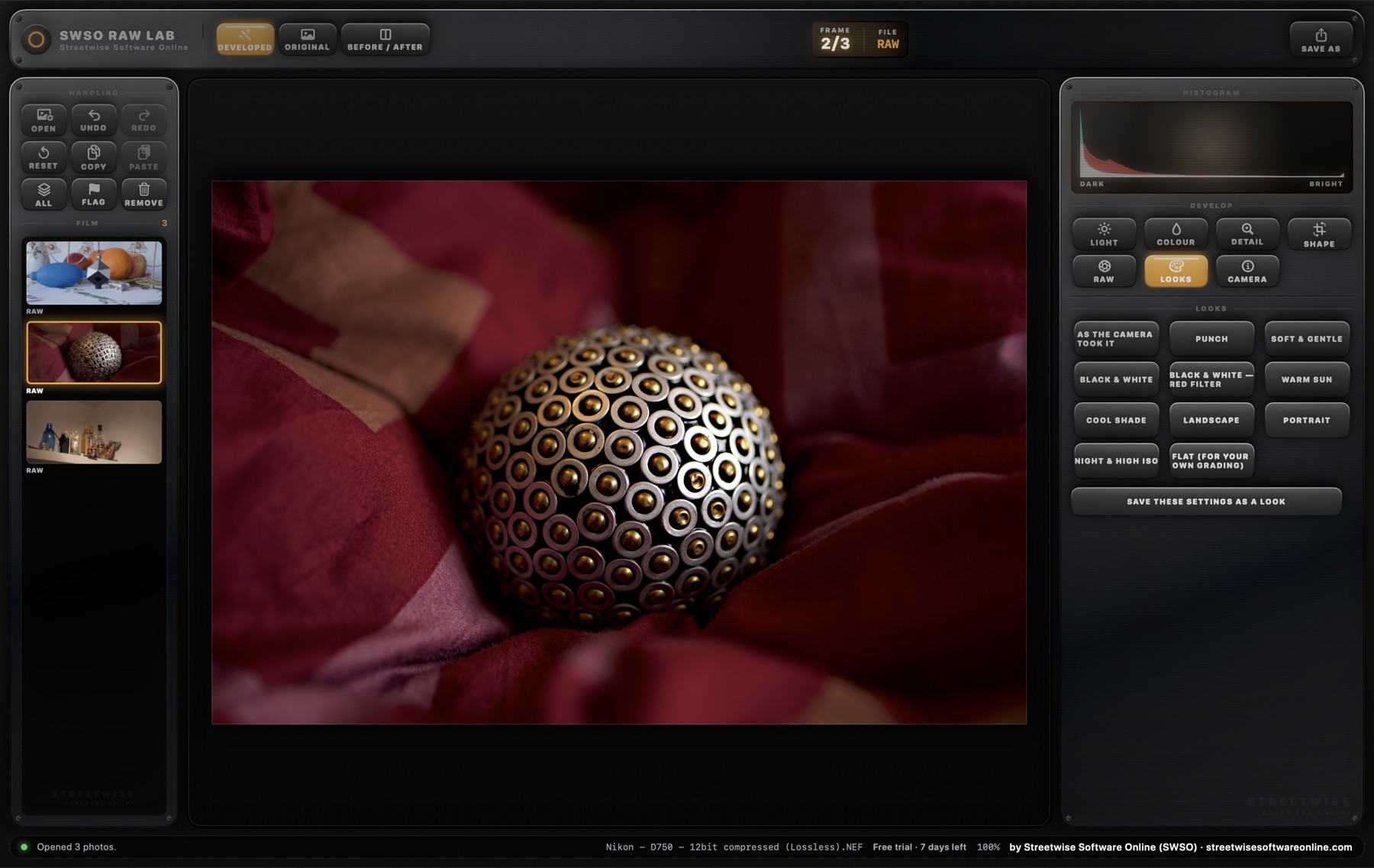
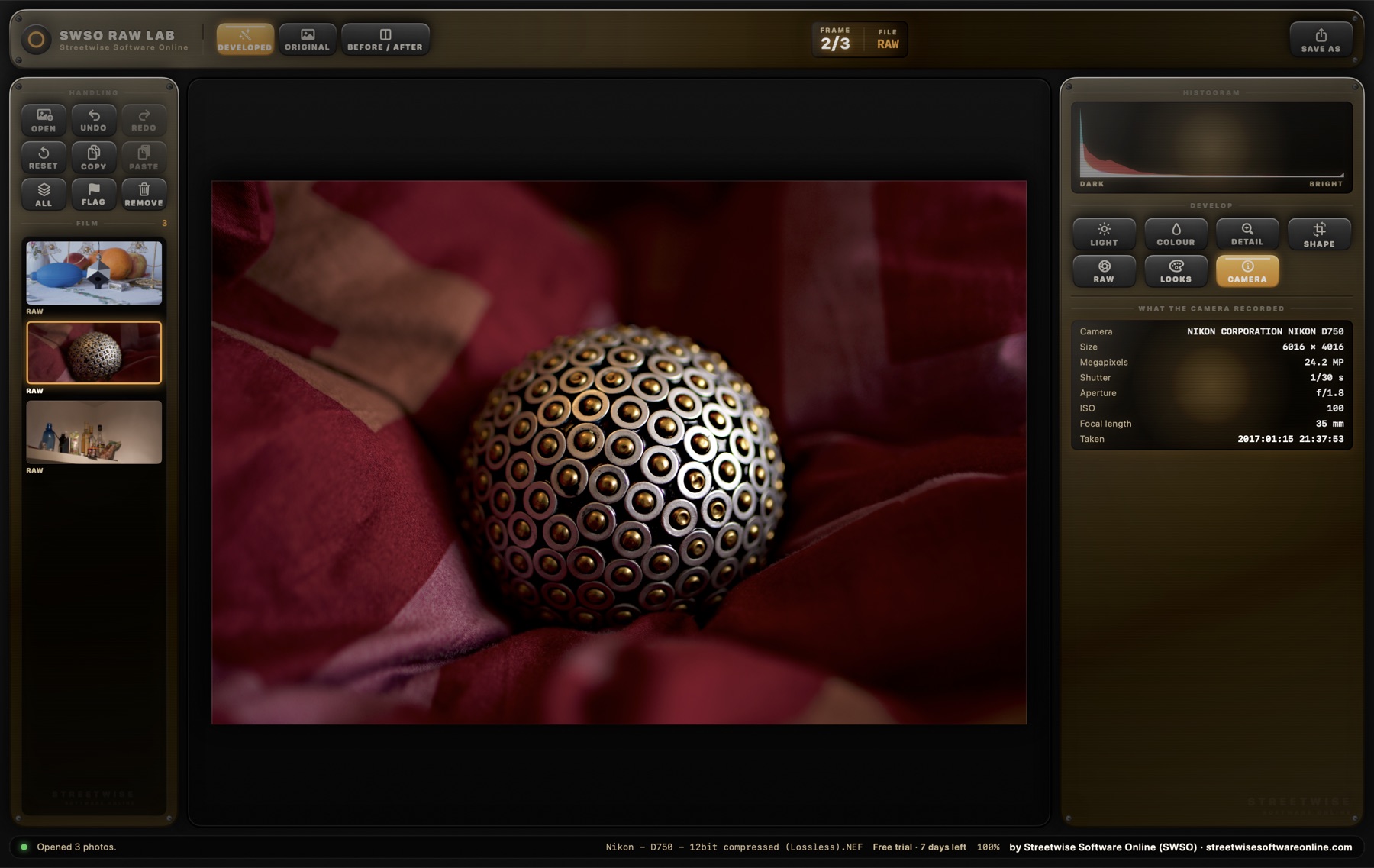
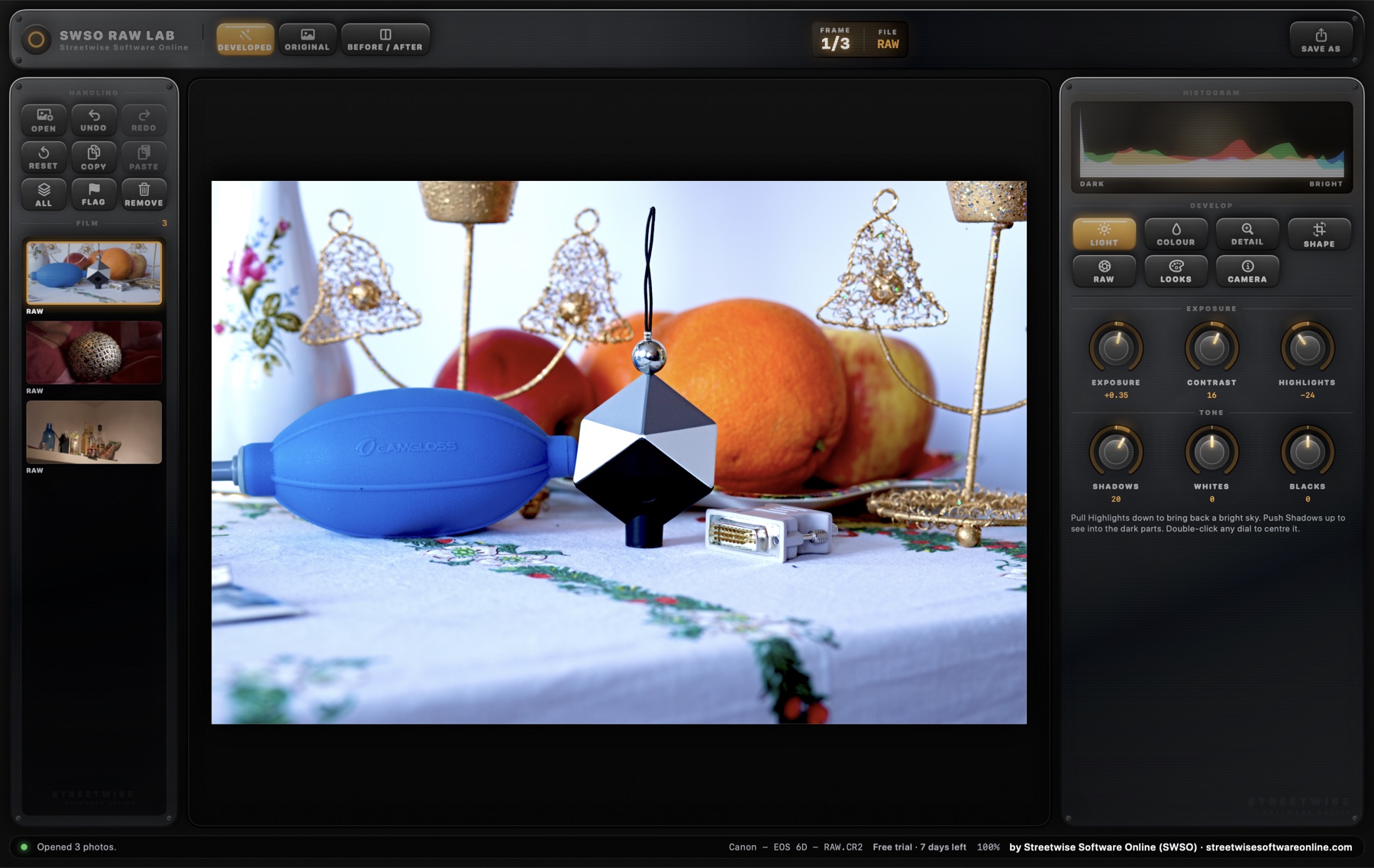
SWSO RAW Lab developing a Canon CR2 photo, with the live histogram, the Looks and the Light sliders on the right and the film strip along the bottom
22 RAW typesCanon, Nikon, Sony, Fujifilm, Panasonic, Olympus, Pentax, DNG and more
11 Looksone click each — or save your own and use it on the whole shoot
Originals untouchedevery change is kept as settings, never written to your files

What you get

Opens what your camera shoots

  • 22 RAW file types: CR2, CR3, CRW, NEF, NRW, ARW, SRF, SR2, RAF, RW2, ORF, PEF, DNG, ERF, MRW, 3FR, FFF, IIQ, MOS, GPR, SRW and X3F
  • Decoded by the camera-RAW support built into macOS, so it keeps up with new cameras
  • JPEG, HEIC, TIFF and PNG open too, with the same controls
  • Open one photo, a handful, or a whole folder at once

Light, colour and black & white

  • Exposure, contrast, highlights, shadows, whites and blacks, with a live RGB histogram above them
  • Warmth and tint — real white balance on a RAW file — plus vibrance and saturation
  • Warm highlights and warm shadows, tinted separately, for a classic film look
  • Black & white with red, green and blue mixers, just like coloured filters on a film camera

Detail, noise and lenses

  • Clarity, sharpen, clear haze and vignette
  • Noise reduction for high-ISO RAW files: grain and colour blotches on separate sliders
  • The RAW card: camera look, RAW detail and sharpening, and lens correction for bending and dark corners
  • Crop, straighten, rotate in quarter turns, and flip — the crop stays with that photo

A whole shoot at a time

  • 11 built-in Looks, from Punch and Landscape to Black & White — Red Filter and Flat; save your own
  • Copy and paste develop settings between photos, or put them on every photo at once
  • Flag your picks and give stars 1–5; at Save As you can write only the flagged ones
  • Batch export to JPEG, HEIC, TIFF 16-bit or PNG, shrinking the long side to 4000, 2048 or 1024 pixels

How it works

Open, look, adjust, save. The photo on your drive is never written to — everything you do is kept as settings next to it, so you can change your mind a year later.

  1. Open your photosClick Open, or drop photos or a whole folder in. They line up in the strip along the bottom; click one to work on it, and the arrow keys walk through them.
  2. Develop itTry a Look, then move the sliders: light, colour, detail, noise, crop. The histogram shows what you are doing to the brightness, and Before / After shows what you changed.
  3. Save finished filesSave As writes new JPEG, HEIC, TIFF 16-bit or PNG files at full size or shrunk for the web. Your originals stay exactly as the camera wrote them.

Who it’s for

Anyone whose camera writes RAW files — and anyone who wants their originals left alone.

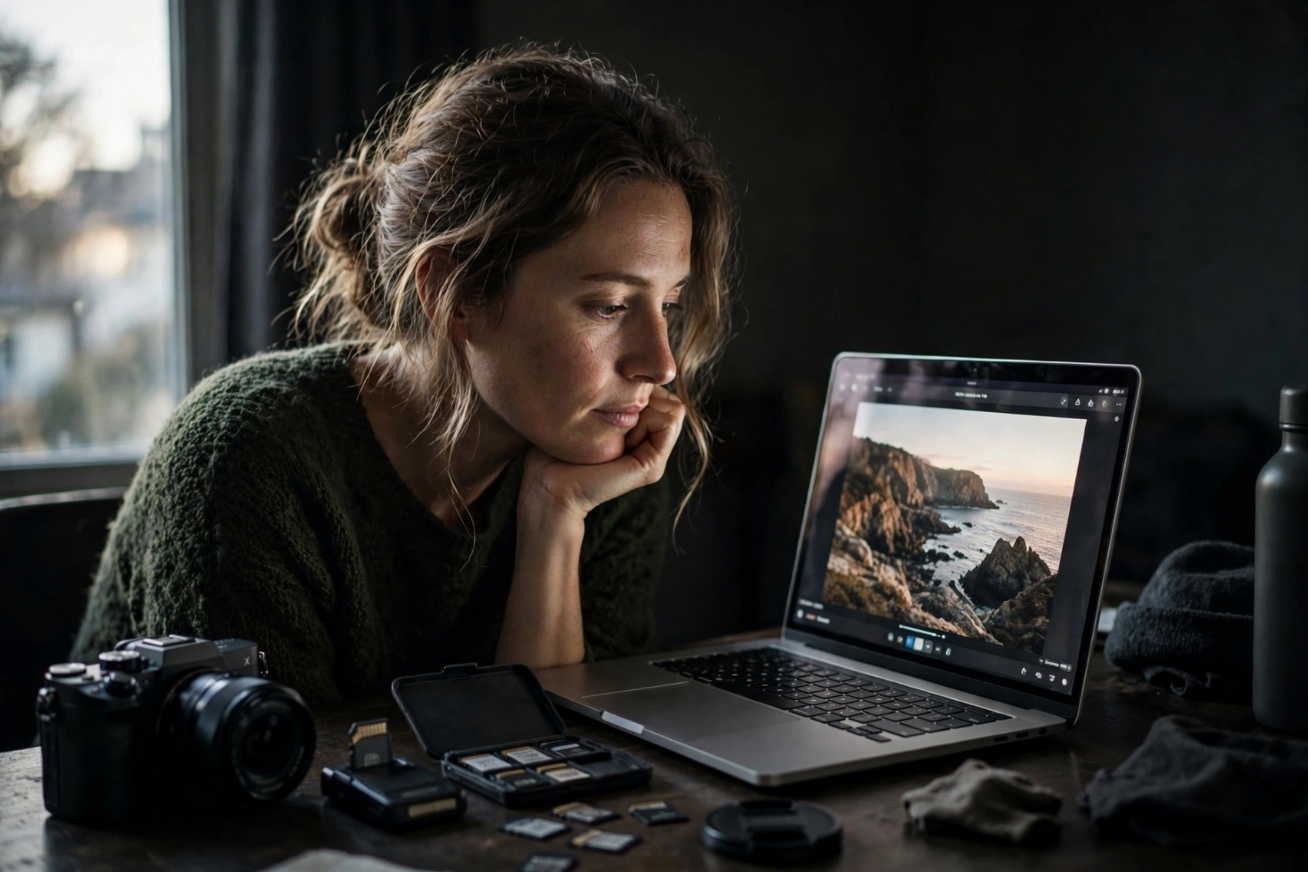
A photographer at her desk with a camera and card reader, studying a picture on screen

Photographers who shoot RAW

Rescue a blown sky or a dark face, set the white balance properly, and finish the photo yourself instead of letting the camera decide.

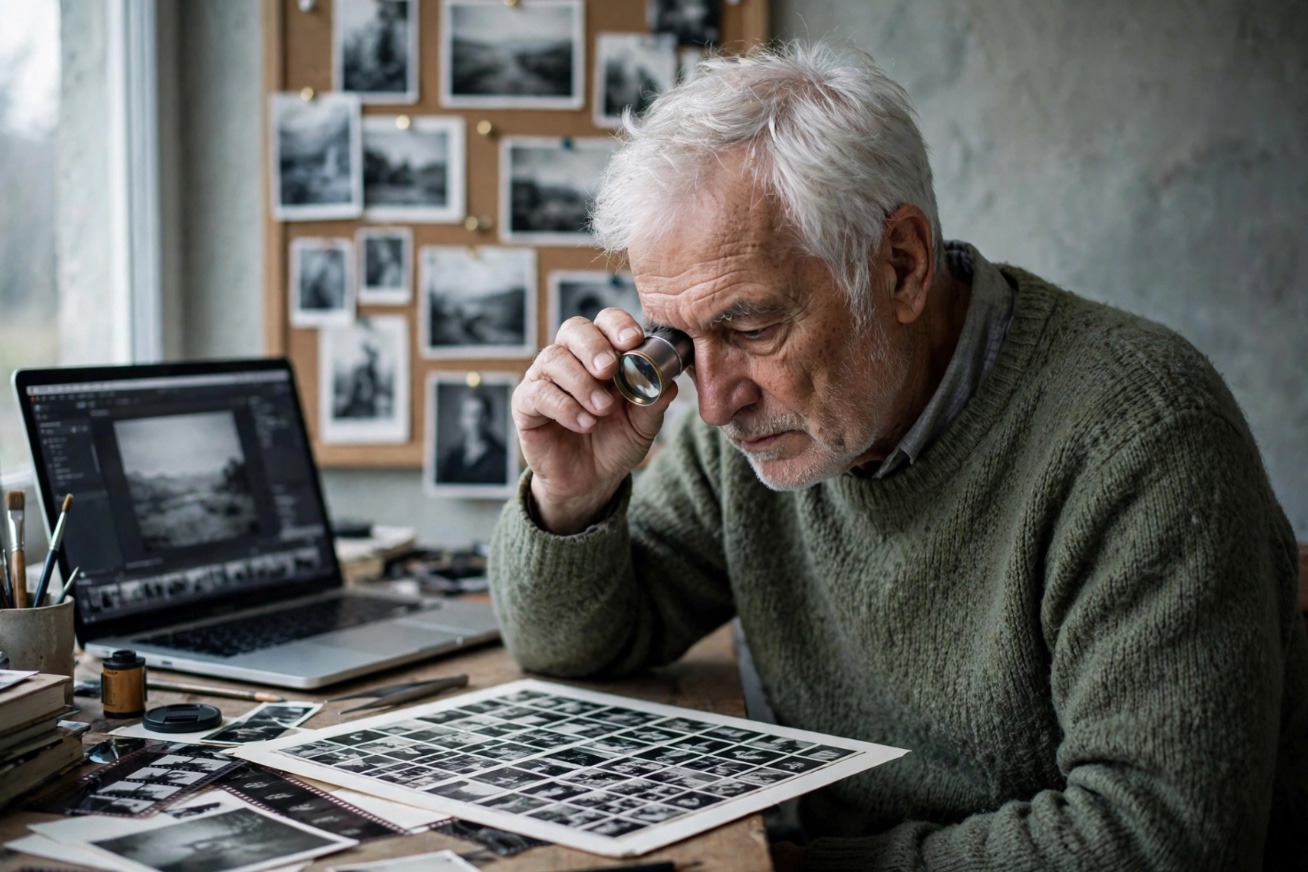
An older photographer with a loupe over a contact sheet, black-and-white prints behind him

Black-and-white workers

Mix red, green and blue the way a coloured filter did on film: darken a sky, lift the leaves, and judge it all on a neutral grey background.

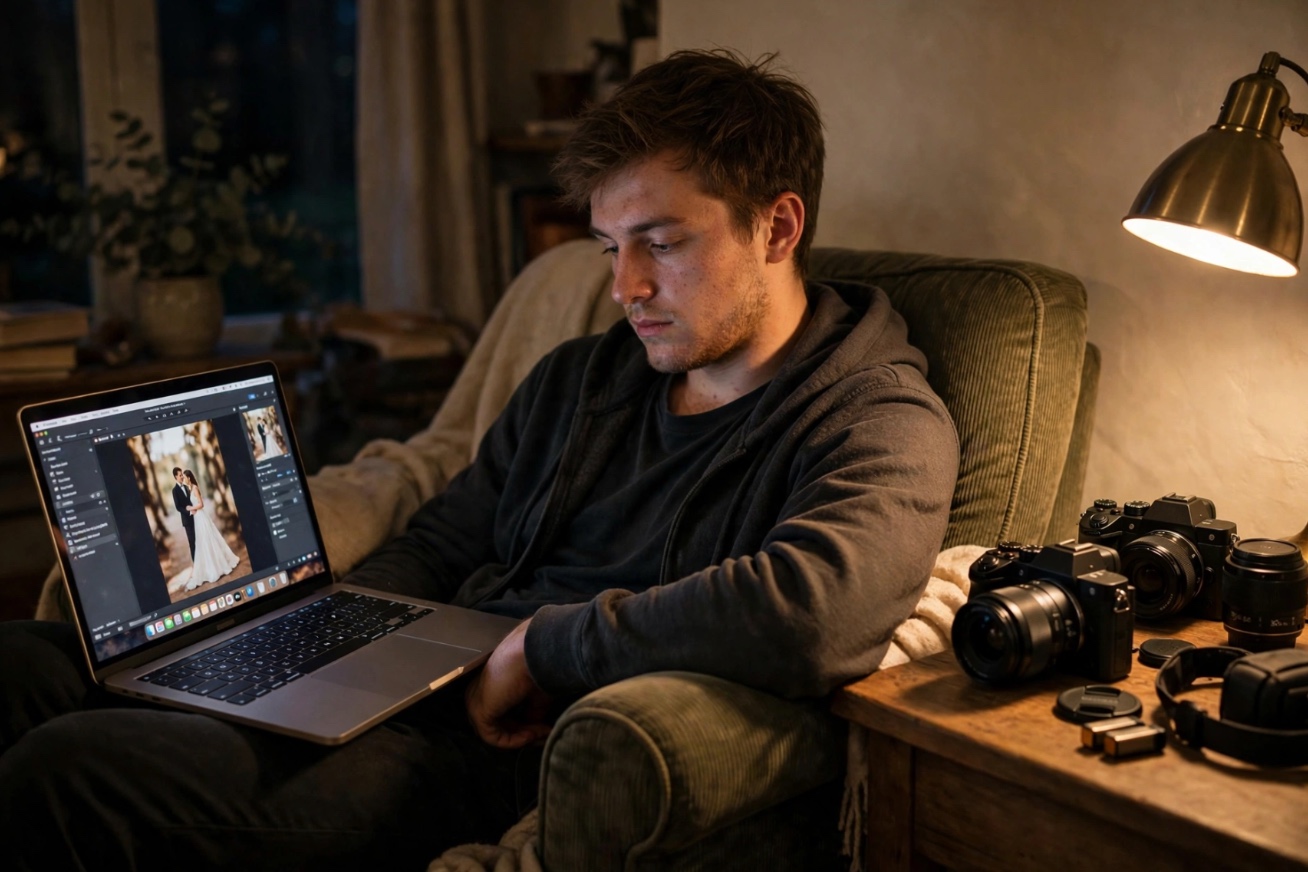
A wedding photographer at home late at night going through a shoot on a laptop

Anyone with a whole shoot to get through

Develop one photo, then copy those settings to the rest, flag your keepers, and batch-export only the ones you flagged.

Try it free for 7 days

  • Every feature works for 7 days from the first launch, no key and no sign-up needed
  • After the trial you can still open and look at your work; add a license key to export again. One-time purchase — no subscription
  • Family Edition: one Family key unlocks the app and every add-on, plug-in and extra pack — no second keys
  • Privacy: everything happens on your Mac. Your photos are never uploaded

System requirements

Mac
macOS 14 Sonoma or later, Intel and Apple silicon (universal). Mac only for now
Opens
22 RAW types (CR2, CR3, CRW, NEF, NRW, ARW, SRF, SR2, RAF, RW2, ORF, PEF, DNG, ERF, MRW, 3FR, FFF, IIQ, MOS, GPR, SRW, X3F) plus JPEG, HEIC, TIFF and PNG
Develop
Light, colour and white balance, black and white mixer, clarity, sharpen, clear haze, vignette, RAW noise reduction, lens correction, crop, straighten, rotate, flip
Saves
JPEG, HEIC, TIFF 16-bit, PNG — full size or resized to 4000, 2048 or 1024 pixels on the long side
Your files
Originals are never changed; settings are kept separately and saved automatically
Your data
Everything happens on your Mac. Nothing is uploaded
Signed
Signed and notarized by Apple
Questions

Will it change my original files?

  • No. SWSO RAW Lab reads your photos and keeps your develop settings separately. Save As writes brand-new files; the originals stay exactly as the camera wrote them, and Reset puts a photo back to how it was taken.

My camera is brand new — will its RAW files open?

  • SWSO RAW Lab opens the RAW files macOS itself supports, so a very new camera sometimes needs a macOS update first. Until then, shoot RAW+JPEG or convert to DNG.

Can I work on a whole shoot at once?

  • Yes. Develop one photo, then copy and paste those settings to another, or put them on every photo at once. Flag your picks, give stars, and batch-export only the flagged ones.

Is there a Windows version?

  • Not yet. SWSO RAW Lab 1.0 is a Mac app, macOS 14 Sonoma or later, signed and notarized by Apple.

Price

SWSO RAW Lab by Streetwise Software Online

Download the free trial now. One-time purchase, no subscription.

$19.99 one-time

See all SWSO software

Having a problem? Tell us and we’ll fix it.

Every computer is a little different: the macOS or Windows version, the hardware and how it’s set up can all change how an app behaves. We understand that, and we fix issues as they come in. If something doesn’t work the way it should, please don’t stay silent. Use our contact form and tell us the app, its version, your computer and system version, and what happened. Your report helps us fix it fast, for you and for everyone who uses our software.

Contact us

Product updates & bug reports

Found a bug or an issue? Report it to Streetwise Software Online with the app name, version and steps to reproduce it. We review reports and address confirmed bugs through product updates.

Read product updates and published fixes · Free trial and refund policy