Record
- Listen shows the input level; TOO LOUD warns you
- Arm one track at a time with the red dot
- You hear what is already recorded as you go
- Records from the input set in macOS Sound settings
New · multitrack recorder for your Mac
SWSO Studio Recorder by Streetwise Software Online · SWSO
Arm a track, press Record, then arm the next track and record the next part while you hear what is already there. Tidy each take with trims, fades and splits, bring in music you did not record here, and mix the whole session down to a single WAV, AIFF or M4A file.
$25.99 one-time · 7-day free trial
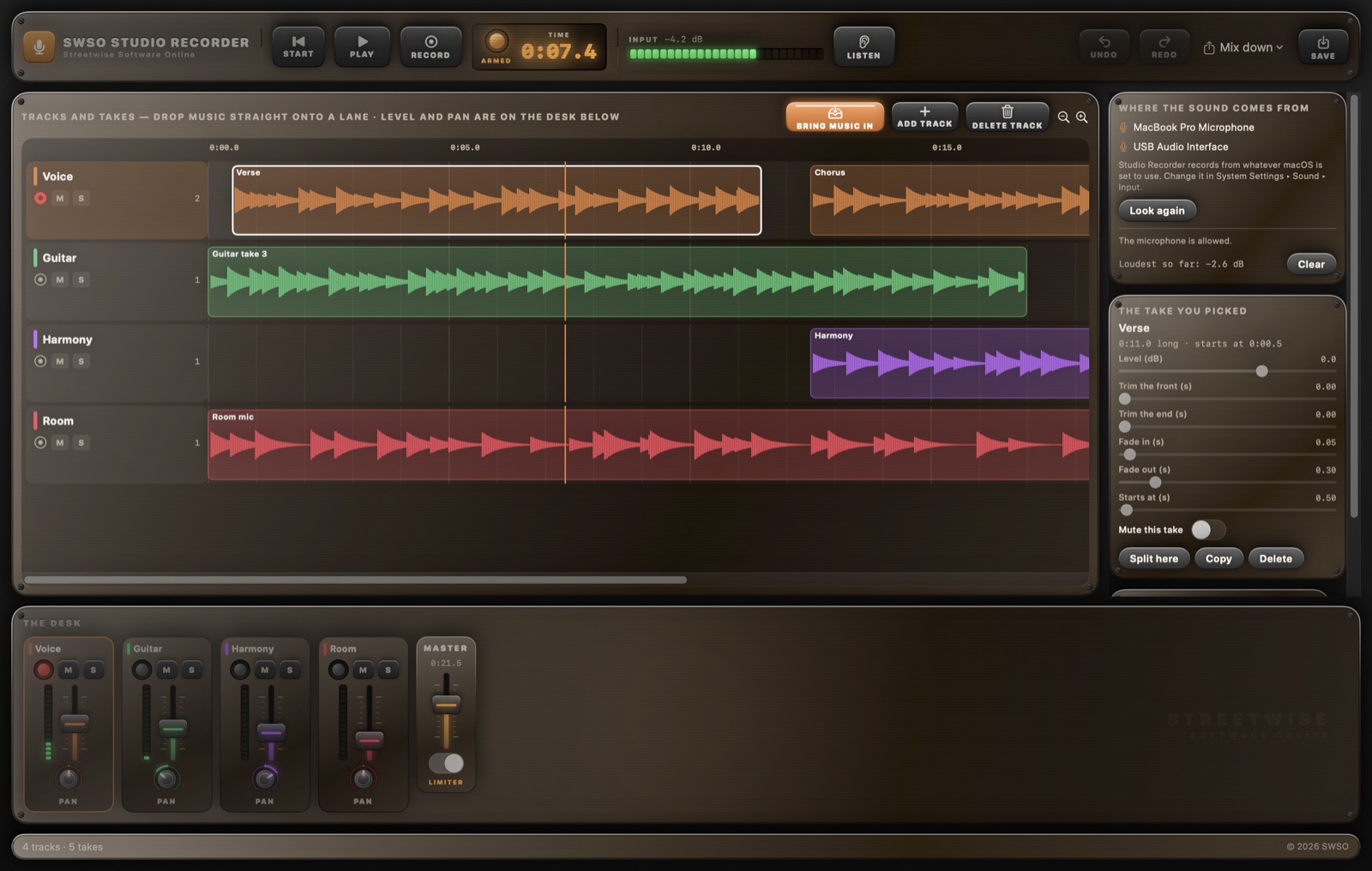
Press Listen first so you can see what the Mac can hear.
Real screenshots of SWSO Studio Recorder on macOS.
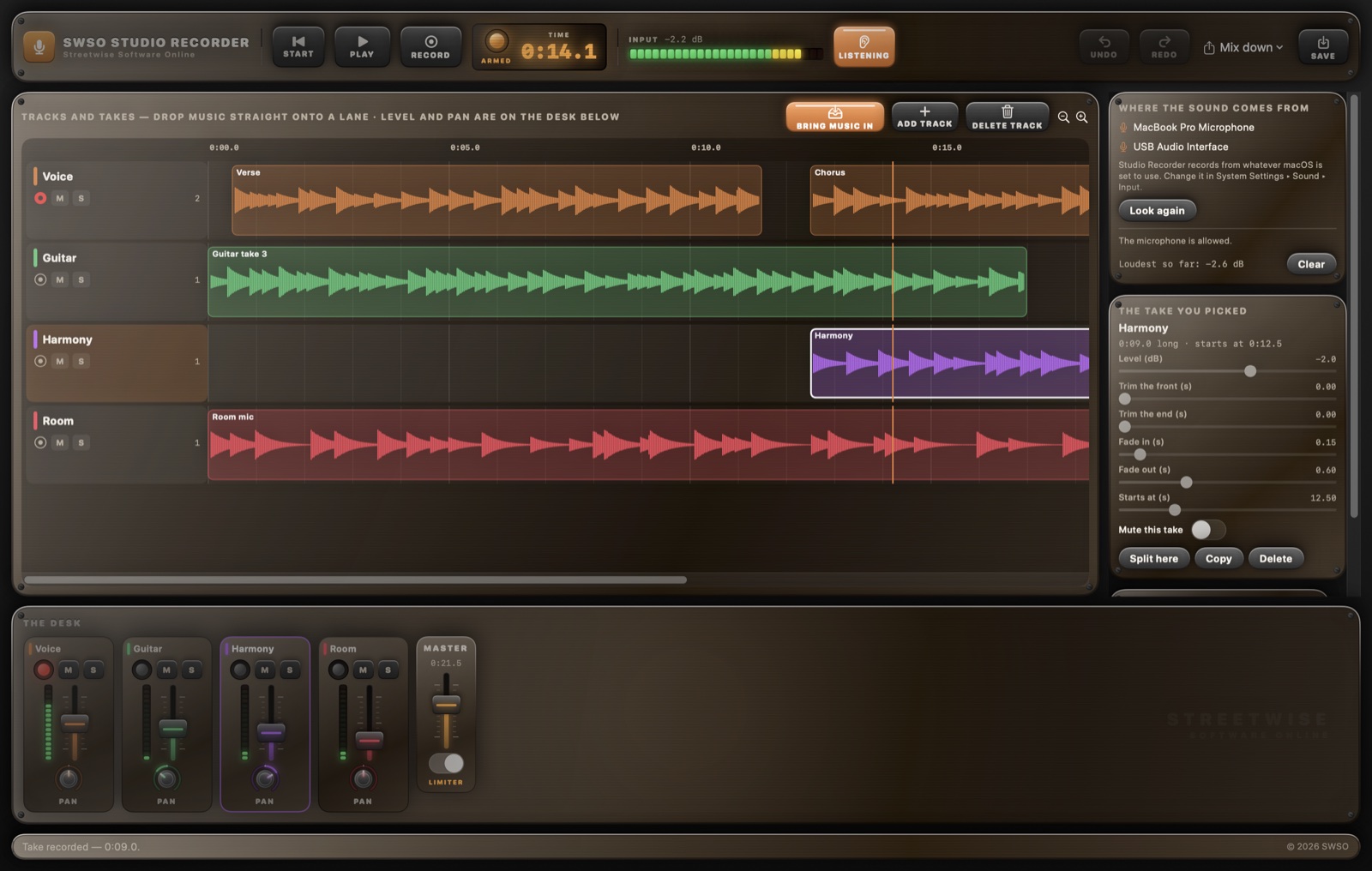
Pick a take to trim, fade, split or move it.
For recording songs, voice and practice one part at a time.
Lay down guitar, then voice, then harmony, each on its own track.
Record, trim the count-in and mix down to M4A to send.
Clear Help, a level meter that warns you, and nothing recorded over.
Download the free trial now. One-time purchase, no subscription.
$25.99 one-time
Every Mac is a little different, and we fix issues as they come in. If something doesn’t work the way it should, use our contact form and tell us the app, its version, your Mac and macOS version, and what happened. Your report helps us fix it fast, for you and for everyone who uses our software.
Found a bug or an issue? Report it to Streetwise Software Online with the app name, version and steps to reproduce it. We review reports and address confirmed bugs through product updates.
Read product updates and published fixes · Free trial and refund policy