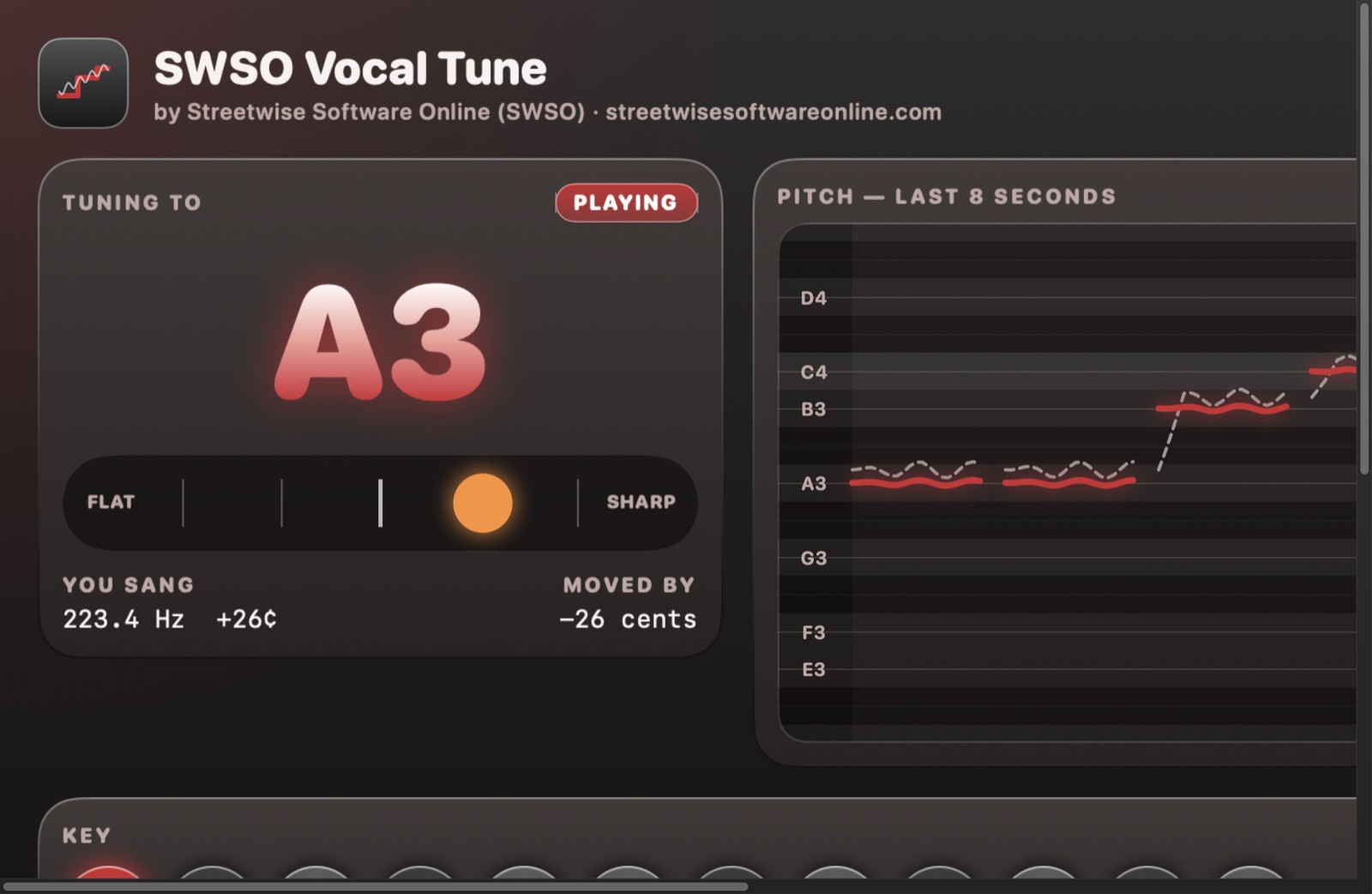
SWSO Vocal Tune app icon

New · pitch correction for your voice

Every note right in key.

SWSO Vocal Tune by Streetwise Software Online · SWSO

Pick your song’s key and scale, and Vocal Tune moves the voice onto the right notes. Keep it natural, or turn Retune Speed all the way down for the hard robot effect. Tune a vocal file or sing live through the microphone. It also comes as an Audio Unit plug-in for your music apps.

$19.99 one-time · 7-day free trial

Mac • macOS 14.2 or later • Intel and Apple silicon • 1.4 MB

macOSavailableWindowscomingMobilecoming soon
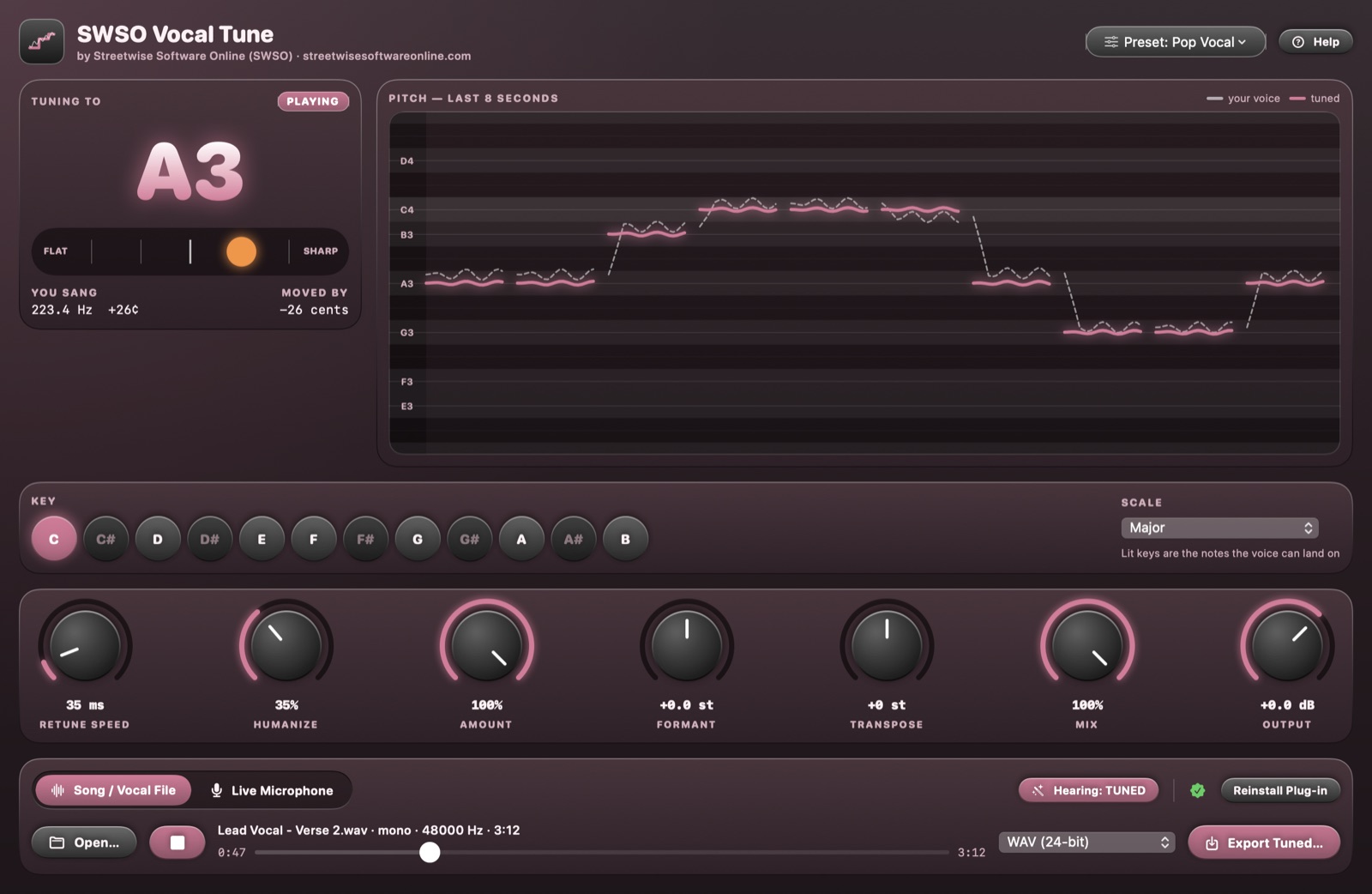
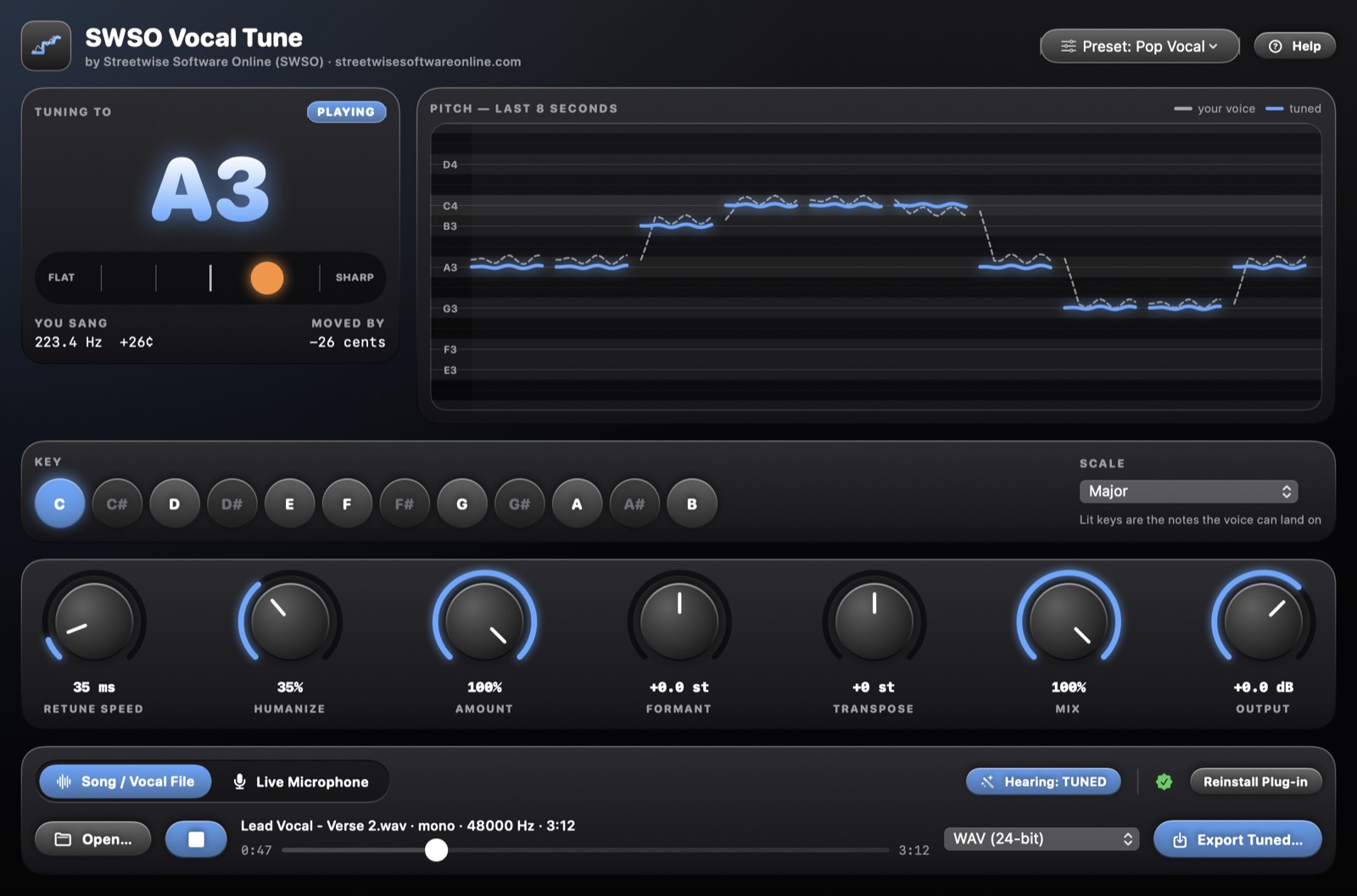
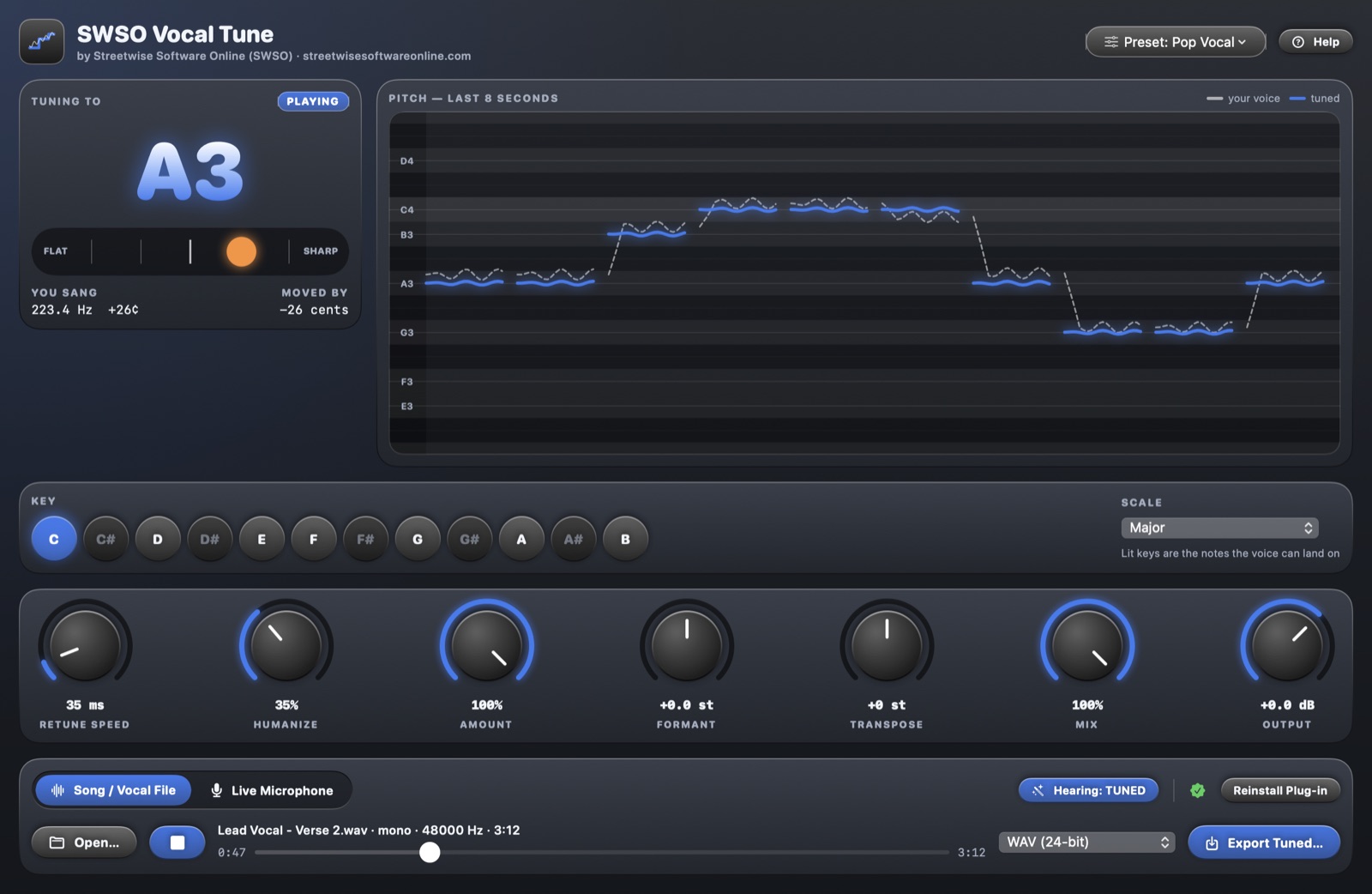
SWSO Vocal Tune in the Cobalt Gunmetal theme with the Pop Vocal preset: the Tuning To note display, a pitch graph of the last eight seconds, key buttons C to B, a scale menu and seven knobs
12 keys, 9 scalesincluding Chromatic, for when you are not sure
6 presetsfrom Natural Polish to Hard Robot
App + plug-inan Audio Unit for Logic Pro, GarageBand and other music apps

What you get

Tuning

  • Pick the song’s key and scale; Chromatic allows every note
  • Retune Speed: Instant gives the hard robot effect, 50 to 120 ms sounds natural
  • Humanize keeps vibrato and slides; Amount sets how far notes are moved
  • Breaths and “s” and “t” sounds are left alone

Voice character

  • Formant changes the voice’s character without changing the notes, with no chipmunk sound
  • Transpose moves the whole voice by half-steps, up to an octave either way
  • Transpose keeps the voice’s natural tone (its formants)
  • Mix and Output to blend and set the level

See what it does

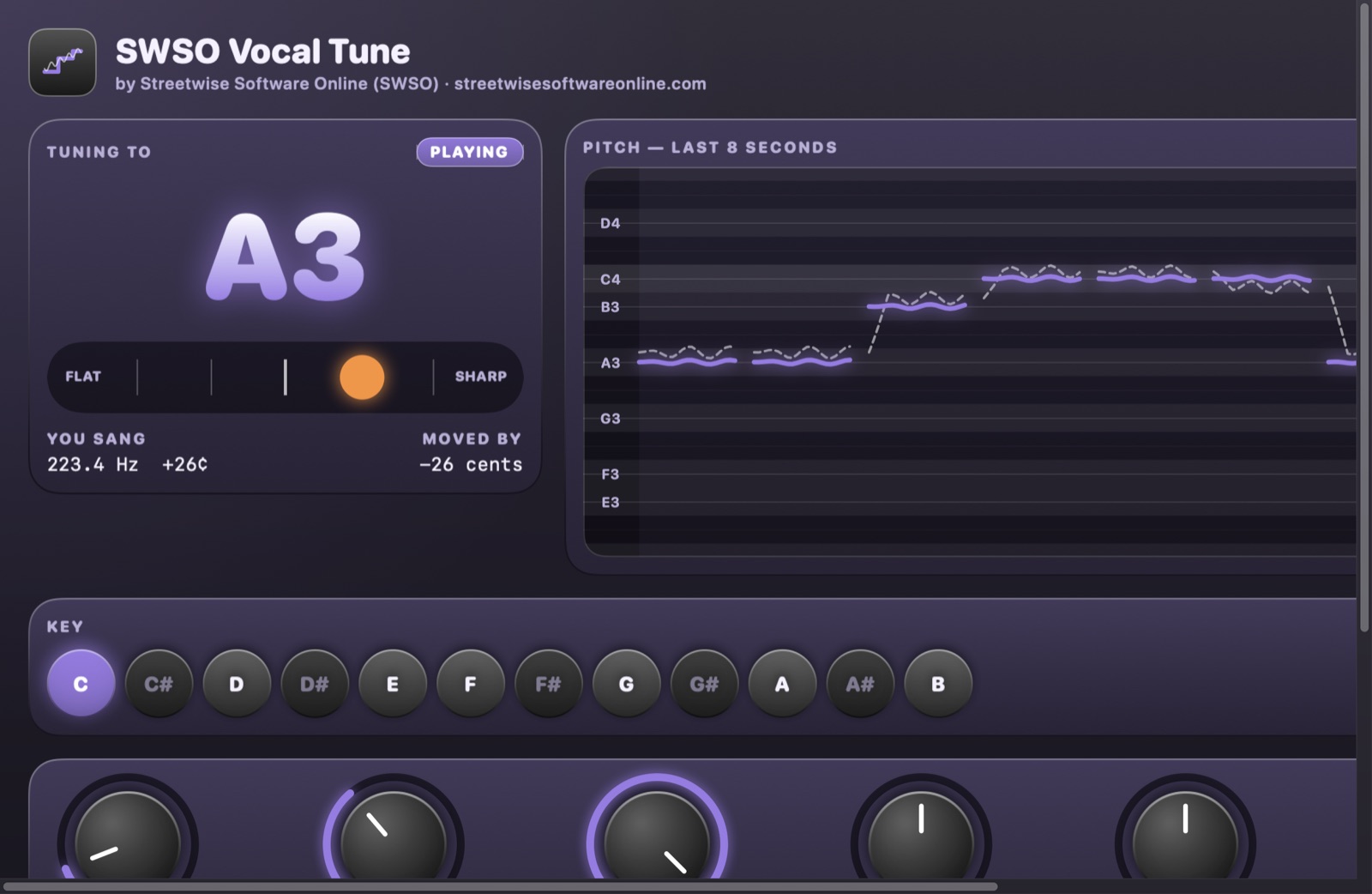
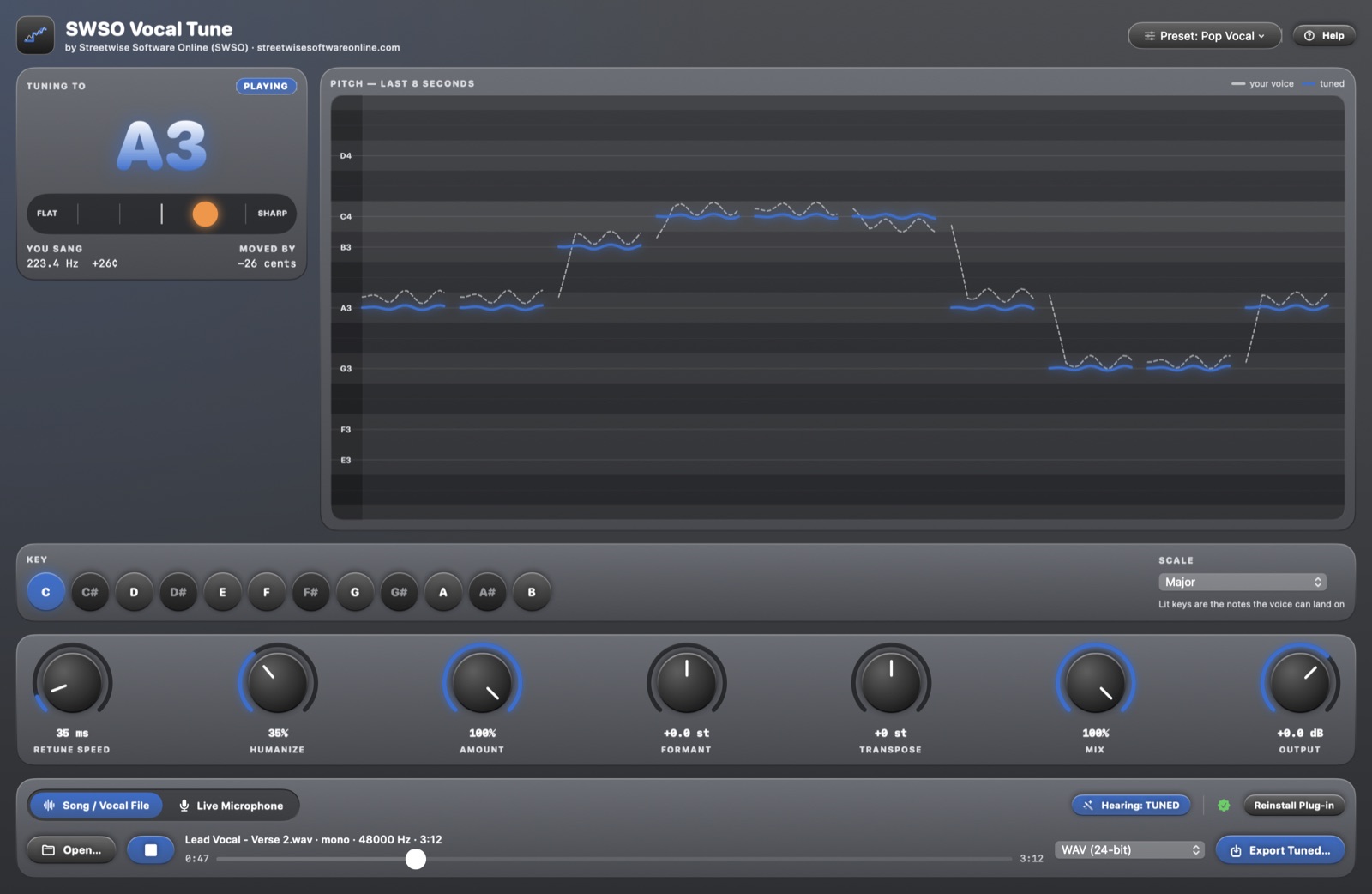
  • A big “Tuning to” note and a flat/sharp meter
  • “You sang” in Hz and cents, and “Moved by” in cents
  • The graph draws your voice dotted and the tuned voice bright
  • “Hearing: TUNED / ORIGINAL” to compare (⌘B)

Files, live and plug-in

  • Export Tuned saves WAV, AIFF or M4A, the same length as the original and lined up sample for sample
  • Your original file is never changed
  • Live Microphone tunes you while you sing (wear headphones; about 50 ms delay). Nothing is recorded or saved
  • The Audio Unit has the same knobs and presets, installed with one button. Passed Apple’s own Audio Unit test with no warnings

What is in the box

Scales, presets and knobs, as named in the app.

ScalesChromatic · Major · Natural Minor · Harmonic Minor · Major Pentatonic · Minor Pentatonic · Blues · Dorian · Mixolydian
PresetsNatural Polish · Pop Vocal · Hard Robot (T-style) · Chromatic Safety Net · Deep Voice · Bright Voice
KnobsRetune Speed 0–400 ms · Humanize · Amount · Formant ±6 st · Transpose ±12 st · Mix · Output
OpensWAV · AIFF · MP3 · M4A/AAC · FLAC · CAF, mono or stereo
SavesWAV 24-bit · AIFF 24-bit · M4A (AAC 256 kbps)

How it works

A vocal recorded without reverb or effects works best. Picking a preset does not change the key you set, and double-clicking a knob sets it back.

  1. Open a vocalClick Open… and pick a vocal track, or choose Live Microphone.
  2. Set the keyClick the song’s key and choose the scale. Use Chromatic if you’re not sure.
  3. Compare and exportPress Play, flip “Hearing: TUNED” to compare, then click Export Tuned.

Who it’s for

Anyone who sings into a Mac.

Singers

Tidy up a take with Natural Polish and keep your own vibrato and slides with Humanize.

Rap and pop producers

Hard Robot gives the instant, stepped effect, as a file or right inside your music app.

Live and streaming

Live Microphone tunes your voice while you sing, with headphones on.

Try it free for 7 days

  • Every feature works for 7 days from the first launch, no key and no sign-up needed
  • After the trial, a license key keeps it working. Your key arrives by email after you buy
  • One-time purchase, no subscription
  • Privacy: the microphone is used only in Live mode. Nothing is recorded or saved, and nothing leaves your Mac

Specifications

System
macOS 14.2 Sonoma or later, Intel and Apple silicon (universal)
Version
1.0
Keys and scales
12 keys, 9 scales (including Chromatic)
Opens
WAV, AIFF, MP3, M4A/AAC, FLAC and CAF, mono or stereo
Saves
WAV 24-bit, AIFF 24-bit, M4A (AAC 256 kbps, up to 48 kHz)
Plug-in
Audio Unit effect for Logic Pro, GarageBand, SWSO Production Station and other music apps
Microphone
Live mode only
Look
6 themes (Cobalt Gunmetal, Candy Red Titanium, Rose Gold, Lavender Pearl, Midnight Black and Brushed Gray), zoom from 85% to 200%

Questions

Can it sound natural?

  • Yes. Set Retune Speed to about 50 to 120 ms and raise Humanize to keep vibrato and slides. Or start from the Natural Polish preset.

Can it do the hard robot effect?

  • Yes. Turn Retune Speed to Instant, or pick the Hard Robot (T-style) preset.

Does it add harmonies or let me draw notes?

  • Not in version 1.0. It tunes to the key and scale you pick.

Does it change my original file?

  • Never. Export Tuned saves a new copy.

Price

SWSO Vocal Tune by Streetwise Software Online

Download the free trial now. One-time purchase, no subscription.

$19.99 one-time

See all SWSO software

Having a problem? Tell us and we’ll fix it.

Every Mac is a little different, and we fix issues as they come in. If something doesn’t work the way it should, use our contact form and tell us the app, its version, your Mac and macOS version, and what happened. Your report helps us fix it fast, for you and for everyone who uses our software.

Contact us

Product updates & bug reports

Found a bug or an issue? Report it to Streetwise Software Online with the app name, version and steps to reproduce it. We review reports and address confirmed bugs through product updates.

Read product updates and published fixes · Free trial and refund policy