Module by module
Everything in version 1.0
Every screenshot on this page is the real app running the built-in sample company, “Grand Valley Builders (Sample)”. Load it yourself from Go › Load Sample Company.
Command
Command Hub
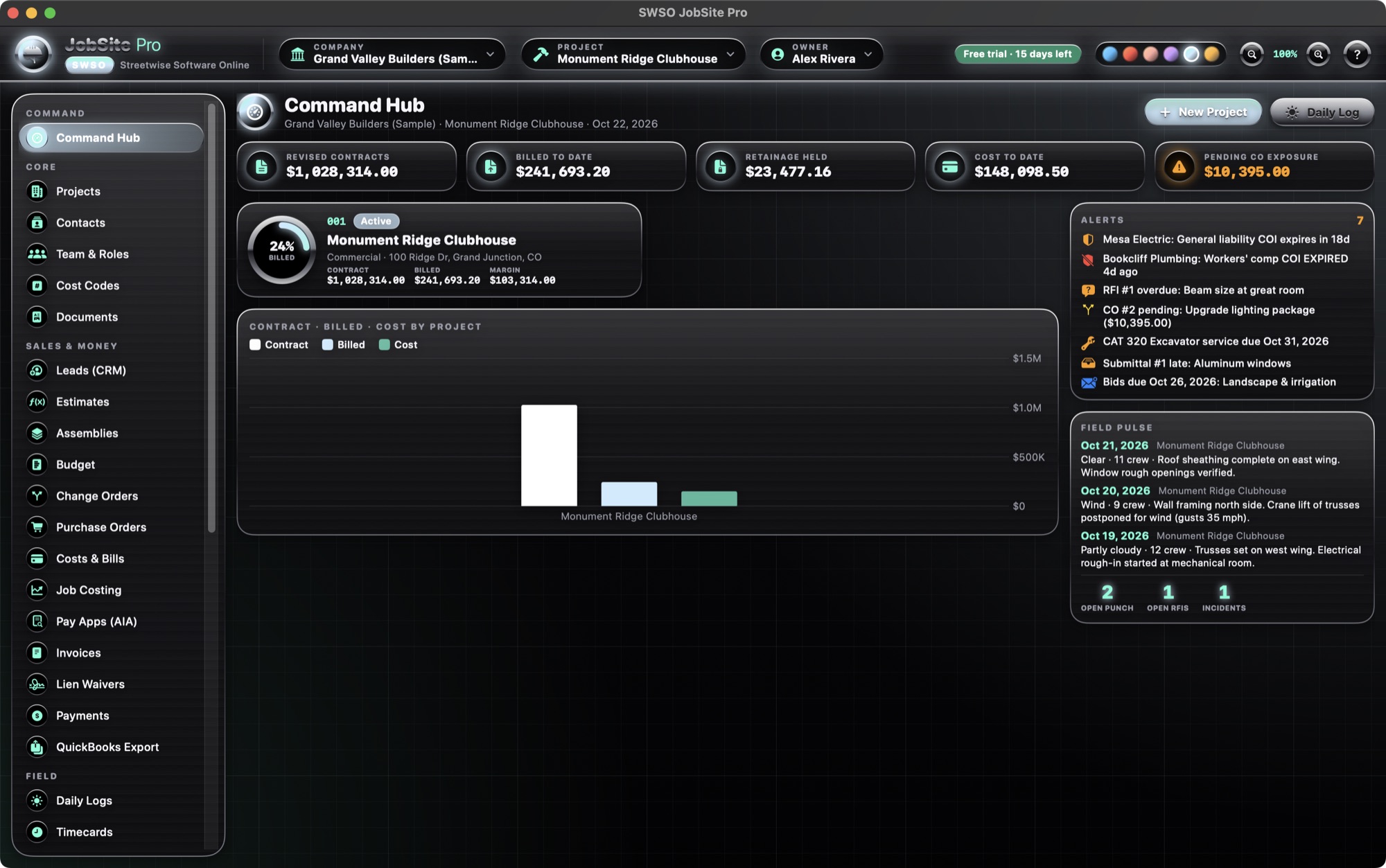
The dashboard for the whole company or one project.
- Revised contracts, billed to date, retainage held, cost to date and pending change-order exposure
- Per-project chrome gauge (percent billed), contract, billed and margin
- Contract / billed / cost chart by project
- Alerts: expiring or expired sub insurance, overdue RFIs, pending change orders, equipment service due, late submittals, bids due
- Field pulse from the latest daily logs, with open punch items, open RFIs and incidents
Sales & Money
Estimates & assemblies
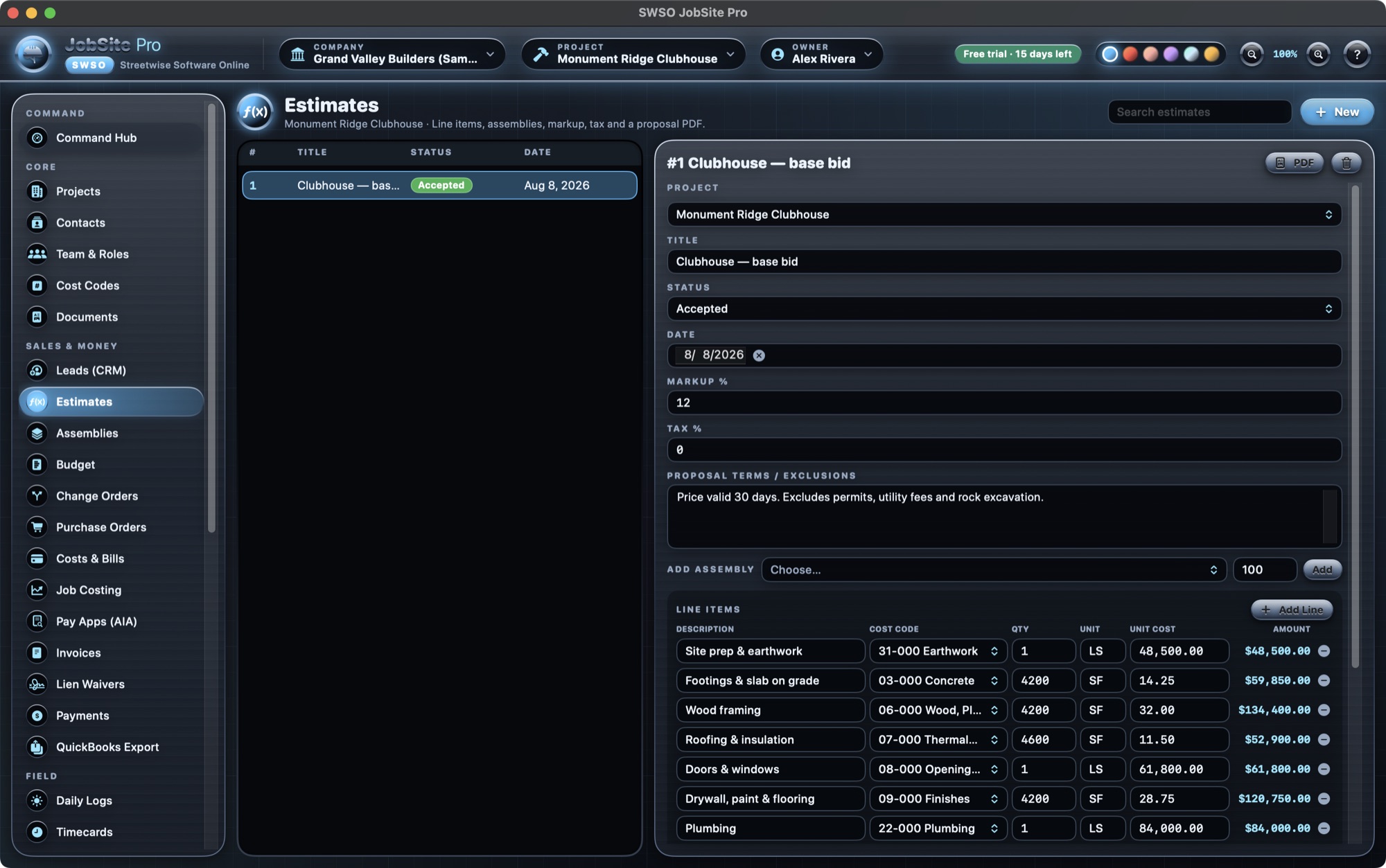
- Line items with cost codes, quantity, unit and unit cost
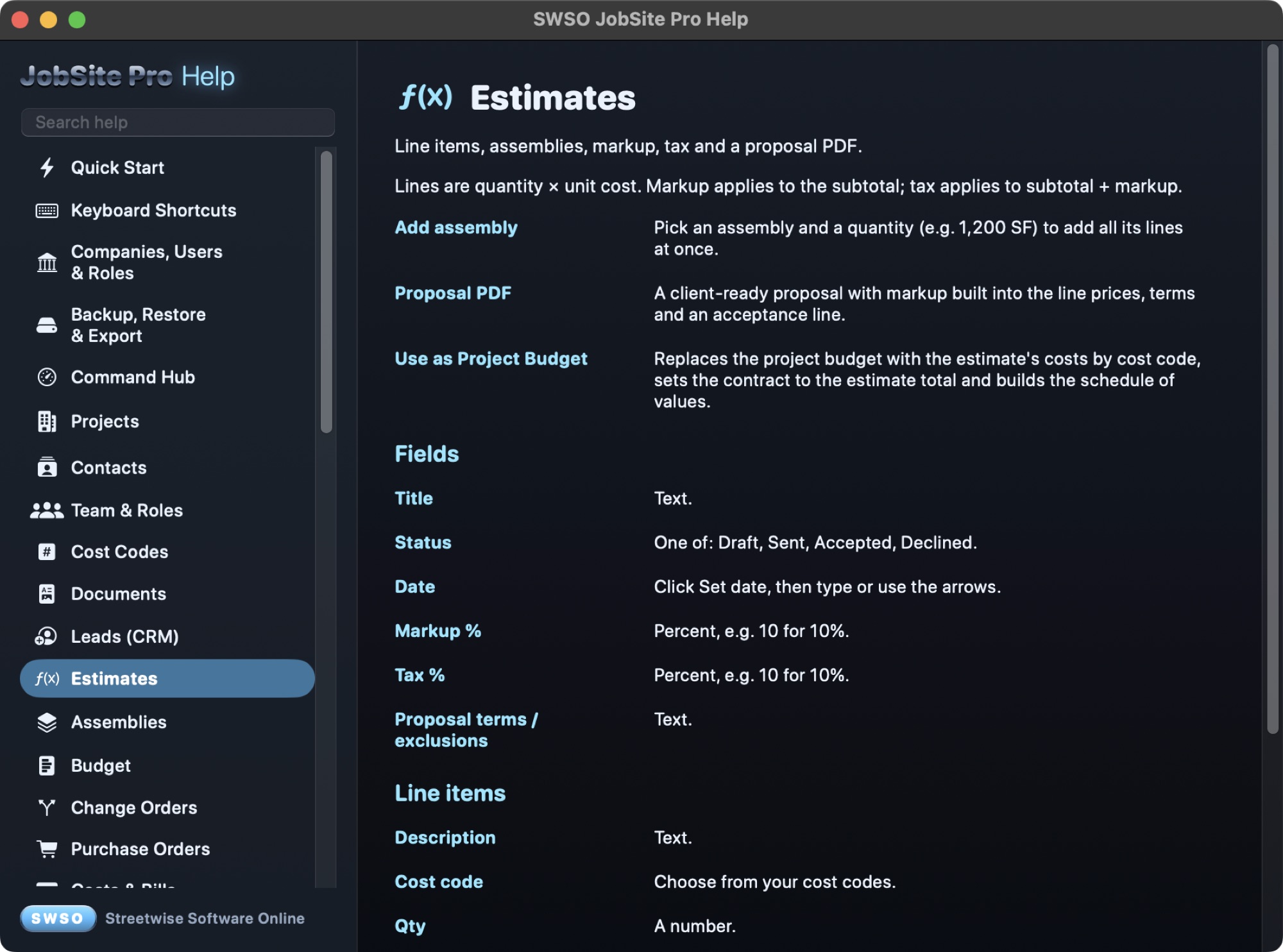
- Add a saved assembly at a quantity (for example 1,200 SF) to drop in all its lines
- Markup on the subtotal and tax on subtotal plus markup
- Proposal PDF with terms and exclusions and an acceptance line
- Use as Project Budget: sets the budget by cost code, the contract and the schedule of values
Sales & Money
Change orders
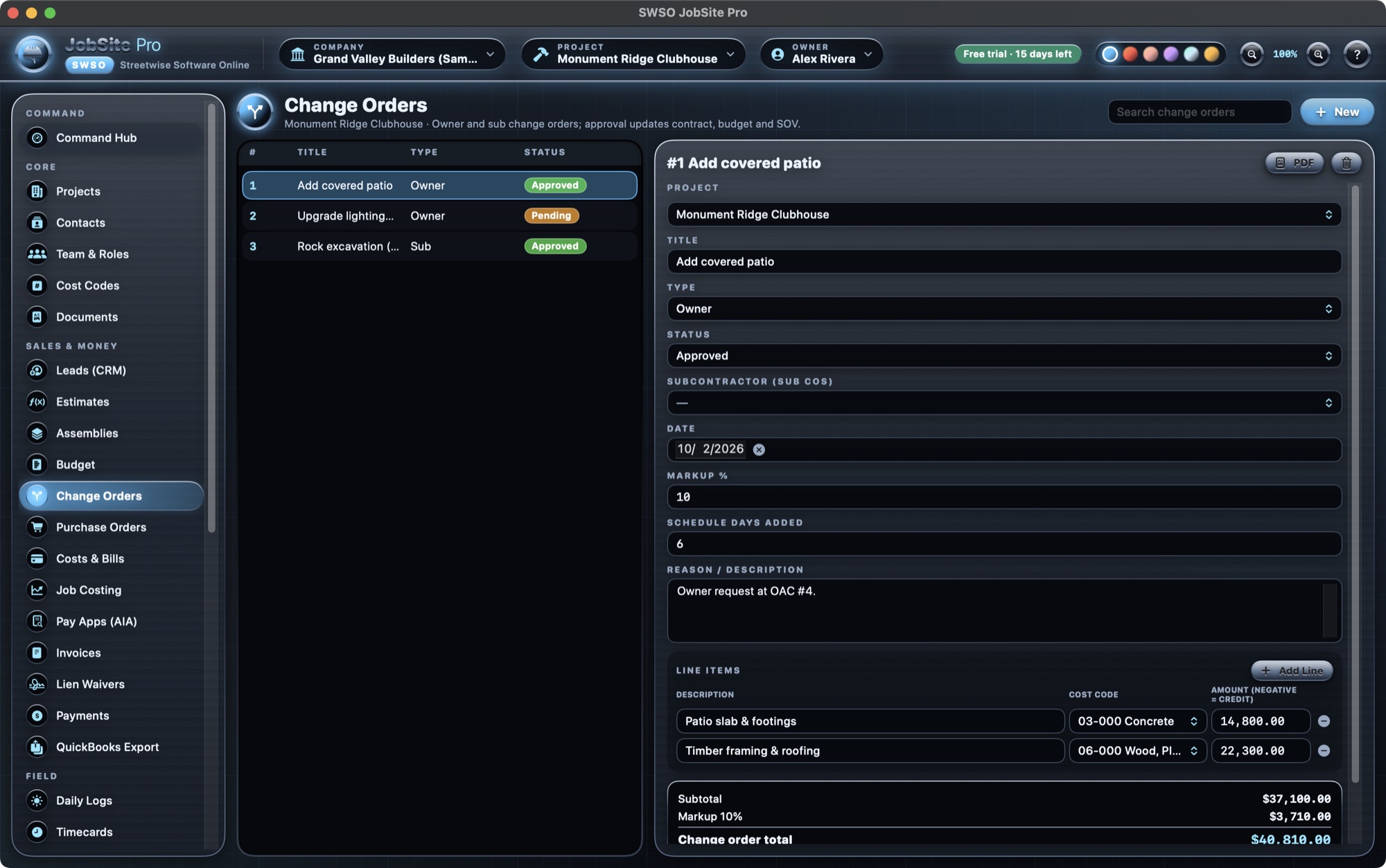
- Owner and subcontractor change orders
- Approve, pending, rejected or void; credits as negative lines
- Markup and schedule days added
- Approving an owner change order updates the contract, the budget and adds an SOV line; un-approving removes it
- PDF for every change order
Sales & Money
Budget & job costing
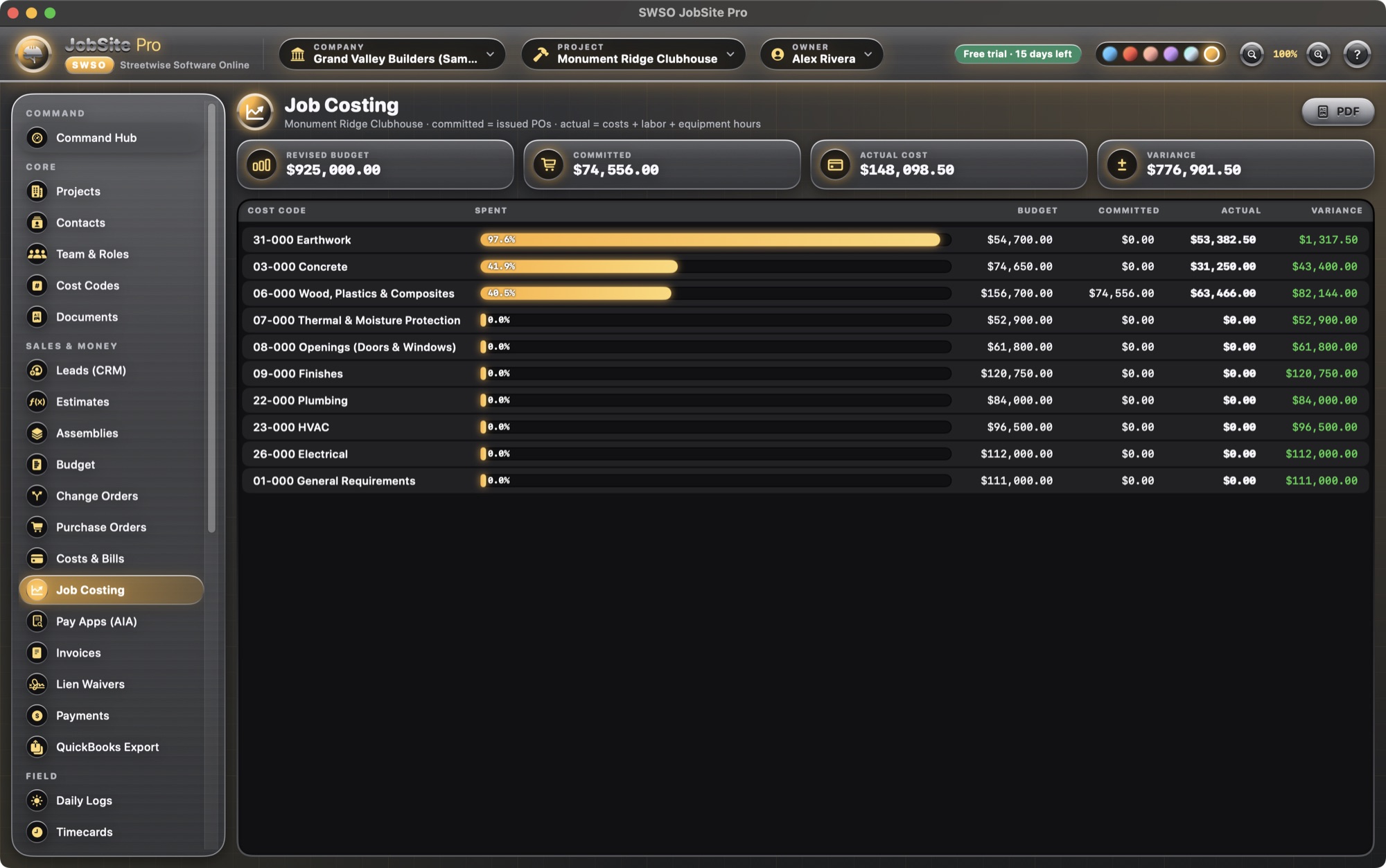
- Original, approved changes, revised, pending and projected budget by cost code
- Purchase orders count as committed cost
- Costs & bills plus labor cost from timecards count as actual cost
- WIP report as PDF or CSV
Sales & Money
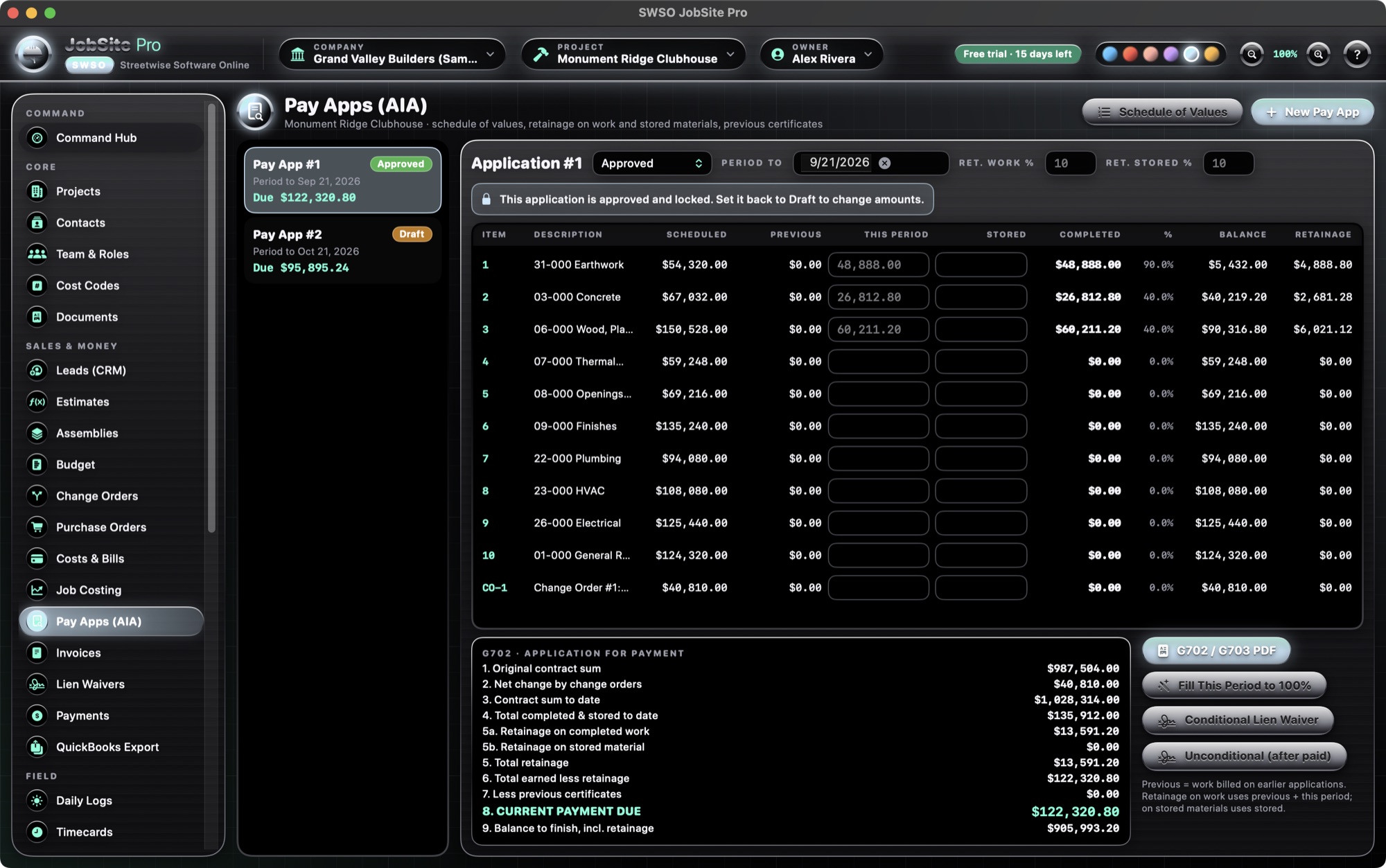
AIA-style pay applications
- Schedule of values editor; this period and materials stored
- Separate retainage percent on completed work and on stored materials (G702 lines 5a and 5b)
- Previous certificates carried forward automatically
- Locks when approved or paid; “Fill this period to 100%”
- G702 / G703 PDF
- One-click conditional or unconditional lien waiver, filled from the pay app
AIA, G702 and G703 are trademarks of The American Institute of Architects. JobSite Pro makes its own AIA-style forms and is not affiliated with or endorsed by the AIA.
Sales & Money
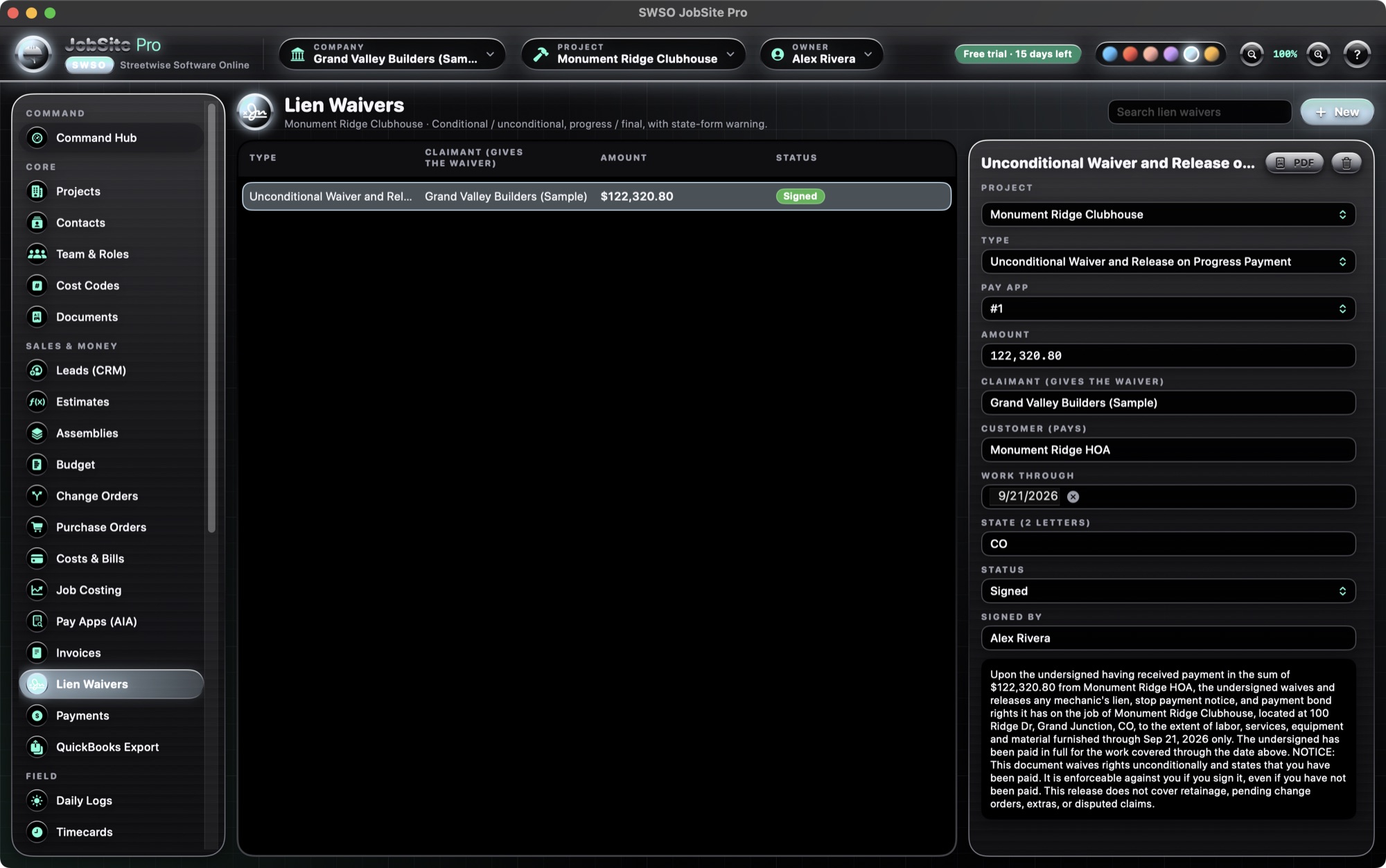
Invoices, lien waivers & payments
- Invoices with tax and retainage, and payments against them
- Four lien-waiver types (conditional / unconditional, progress / final), auto-filled from a pay app
- A red warning for states with statutory waiver forms (AZ, CA, FL, GA, MI, MS, MO, NV, TX, UT, WY)
- Leads (CRM) and purchase orders
Sales & Money
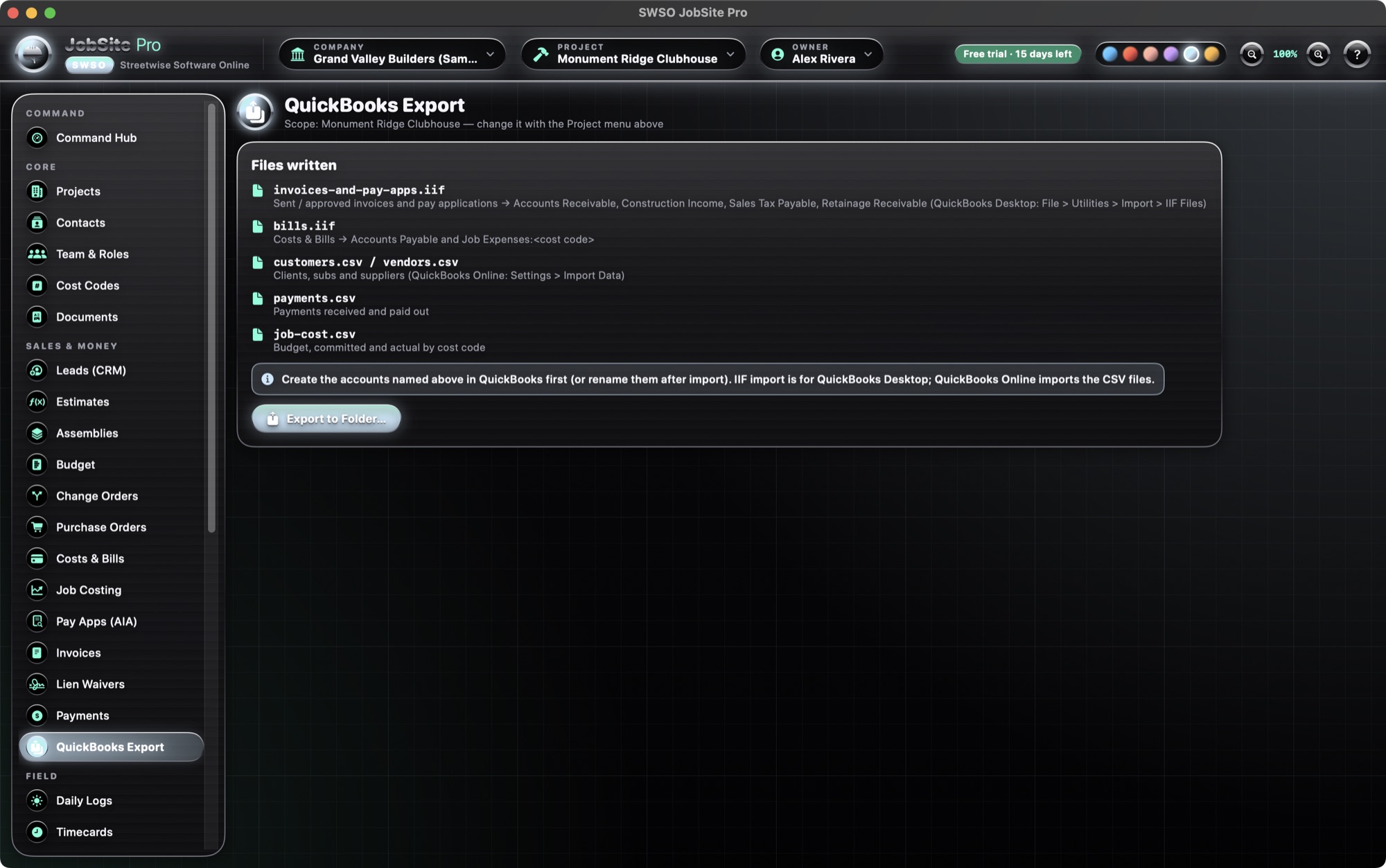
QuickBooks export
- IIF for invoices, pay apps and bills
- CSV for customers, vendors, payments and job cost
QuickBooks is a trademark of Intuit Inc. Exported files are meant to be imported by you; JobSite Pro does not connect to QuickBooks directly.
Field
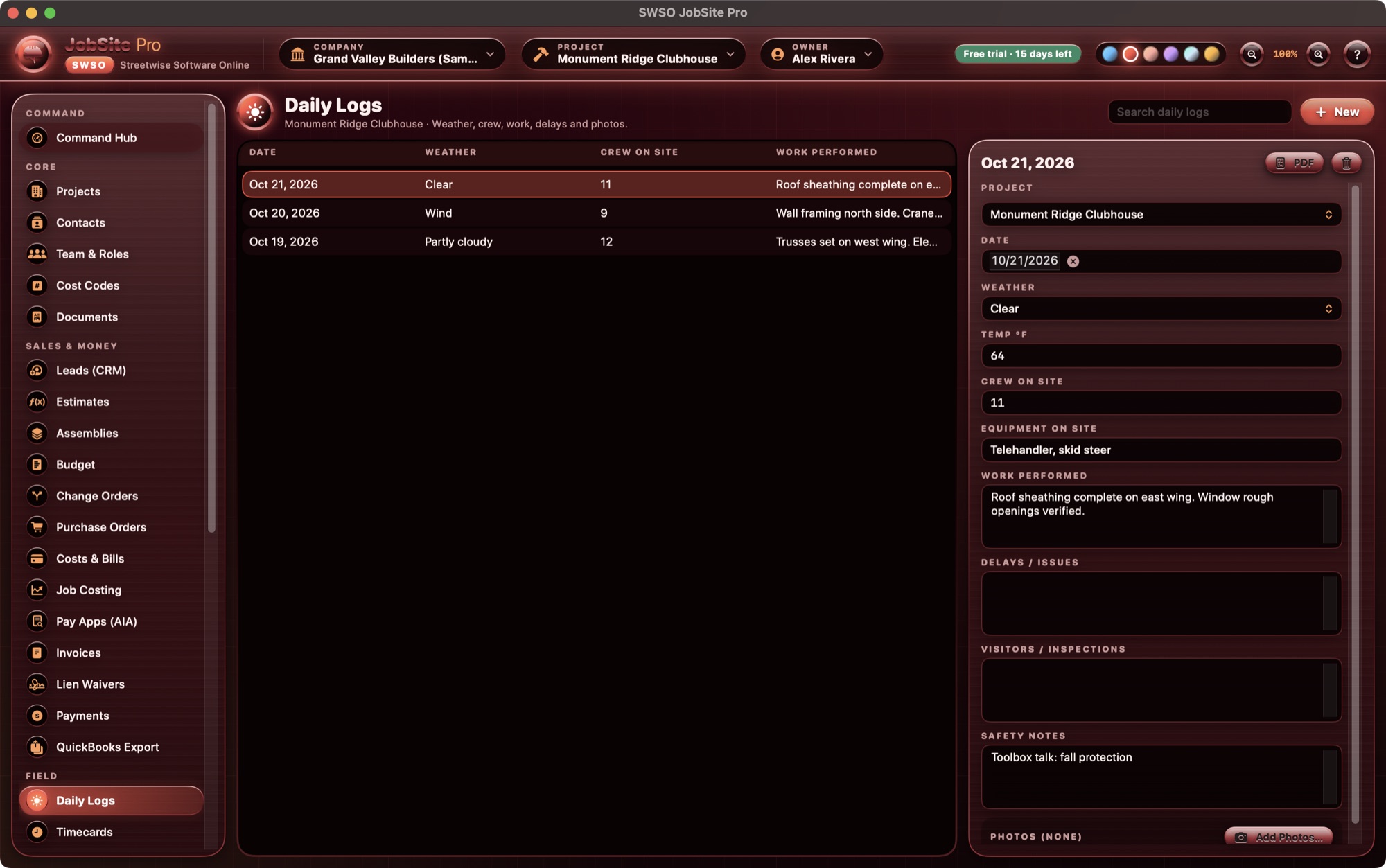
Daily logs, timecards & punch list
- Daily logs with weather, crew count, notes and photos
- Timecards with breaks and overnight shifts; hours and labor cost feed job costing
- Punch list with photos
Field
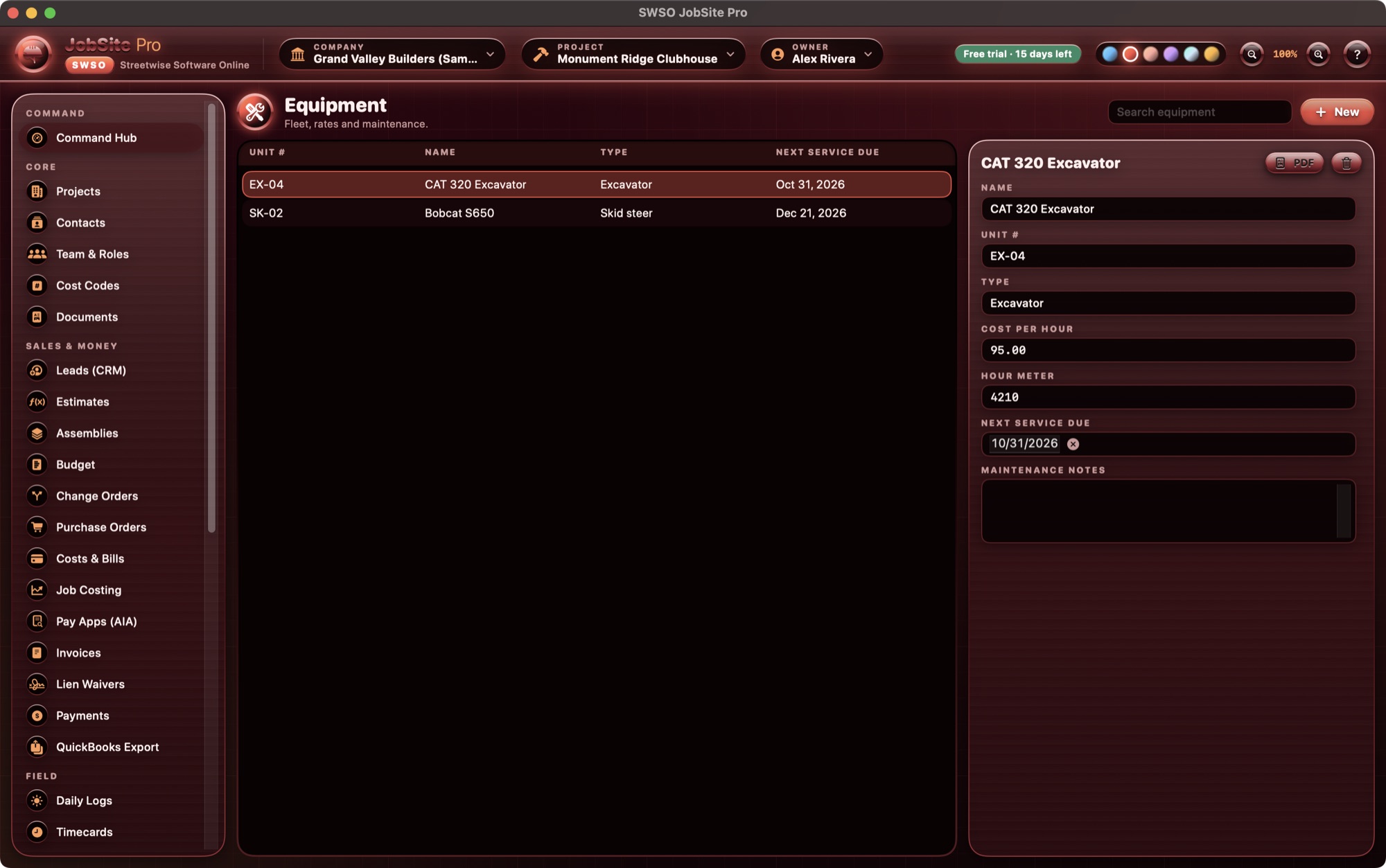
Safety & equipment
- Toolbox talks, inspections and incidents
- Equipment list with maintenance-due alerts
- Equipment hours log
Project Management
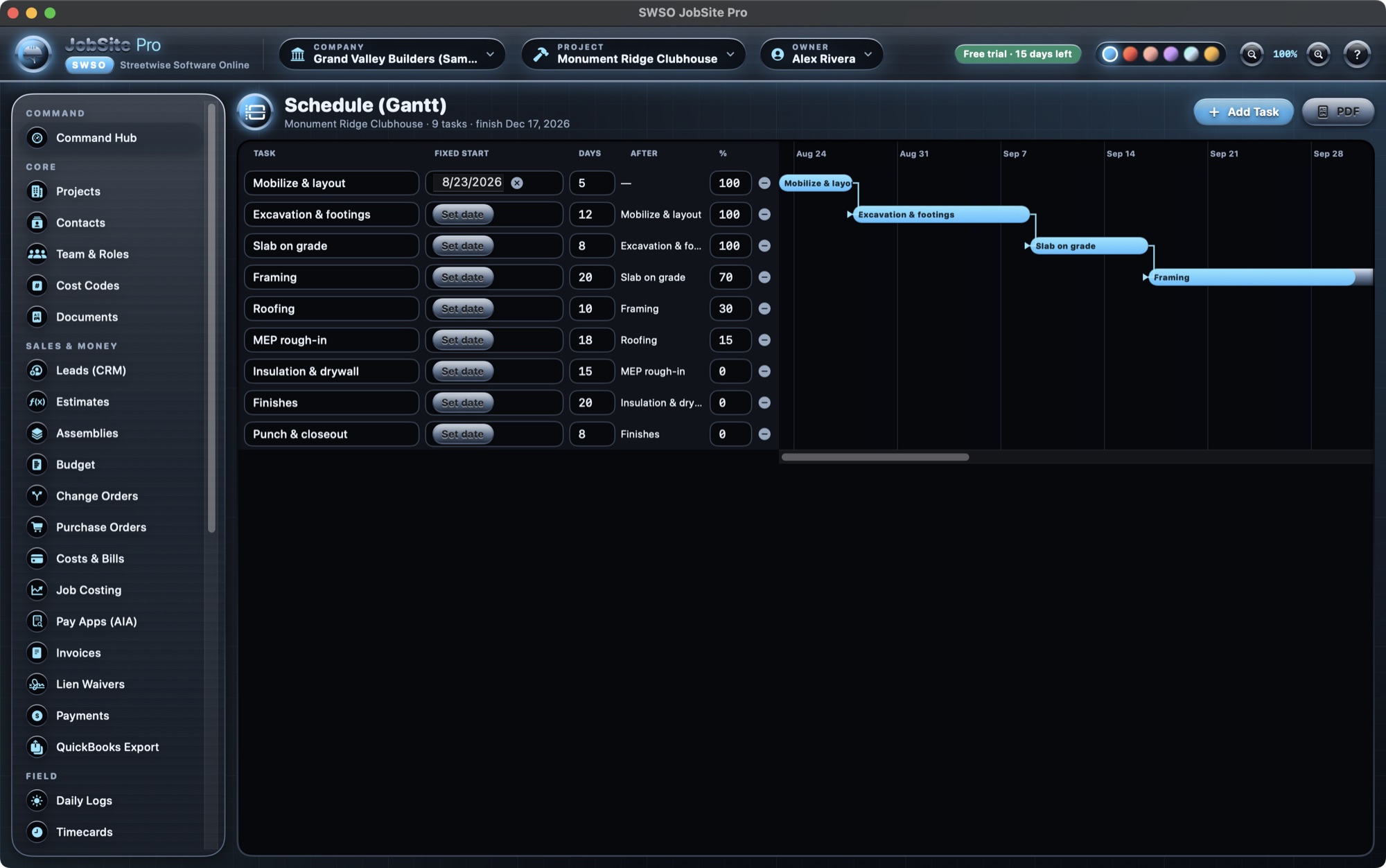
Gantt schedule
- Durations, fixed starts and finish-to-start links with lag
- Percent complete, weekends and a today line
- Schedule PDF
Project Management
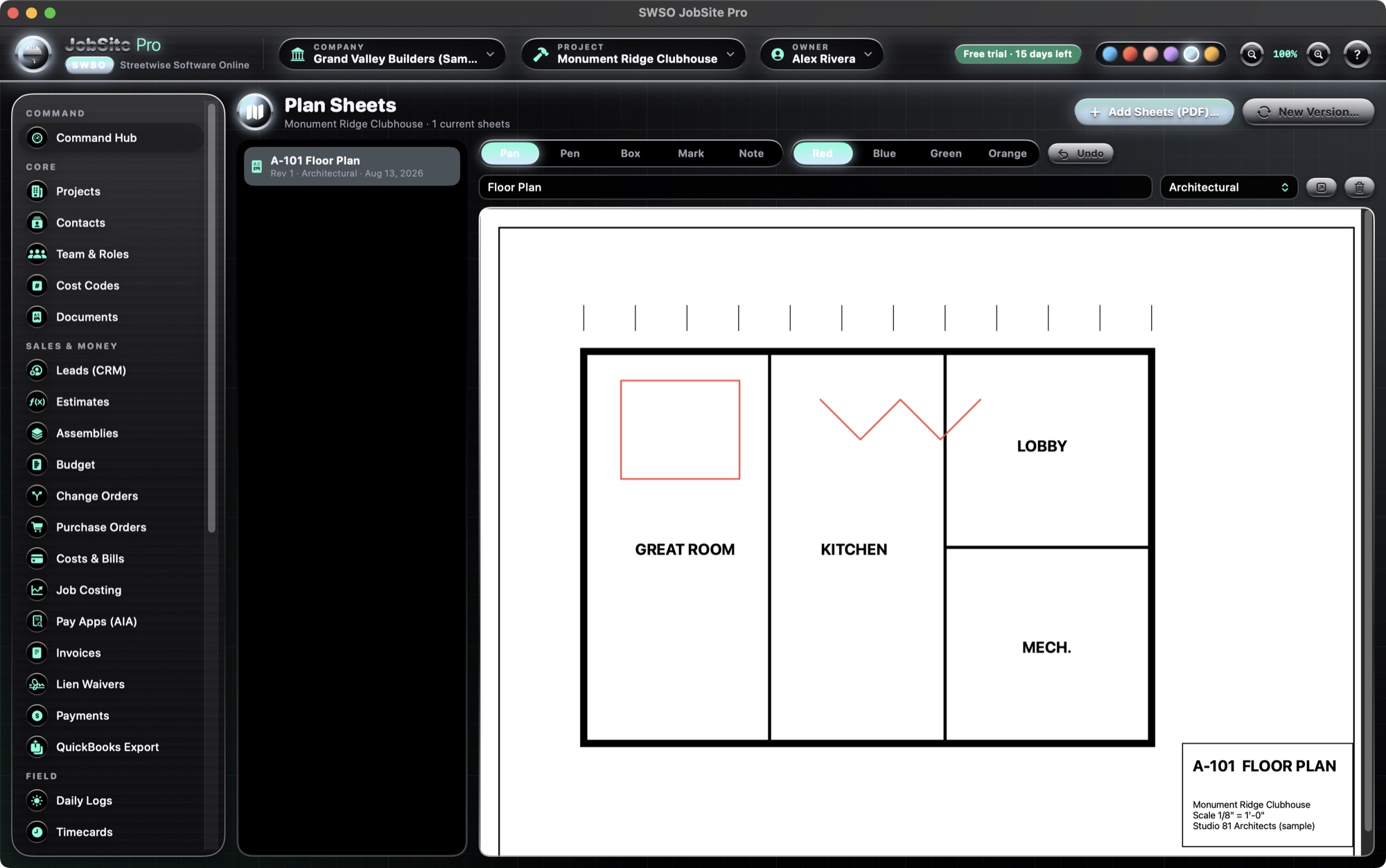
Plan sheets & markups
- Import plan-sheet PDFs; new versions mark older ones superseded
- Markup tools: pen, box, highlight (mark) and notes in four colors, with undo
- Markups are saved into the sheet's PDF
Project Management
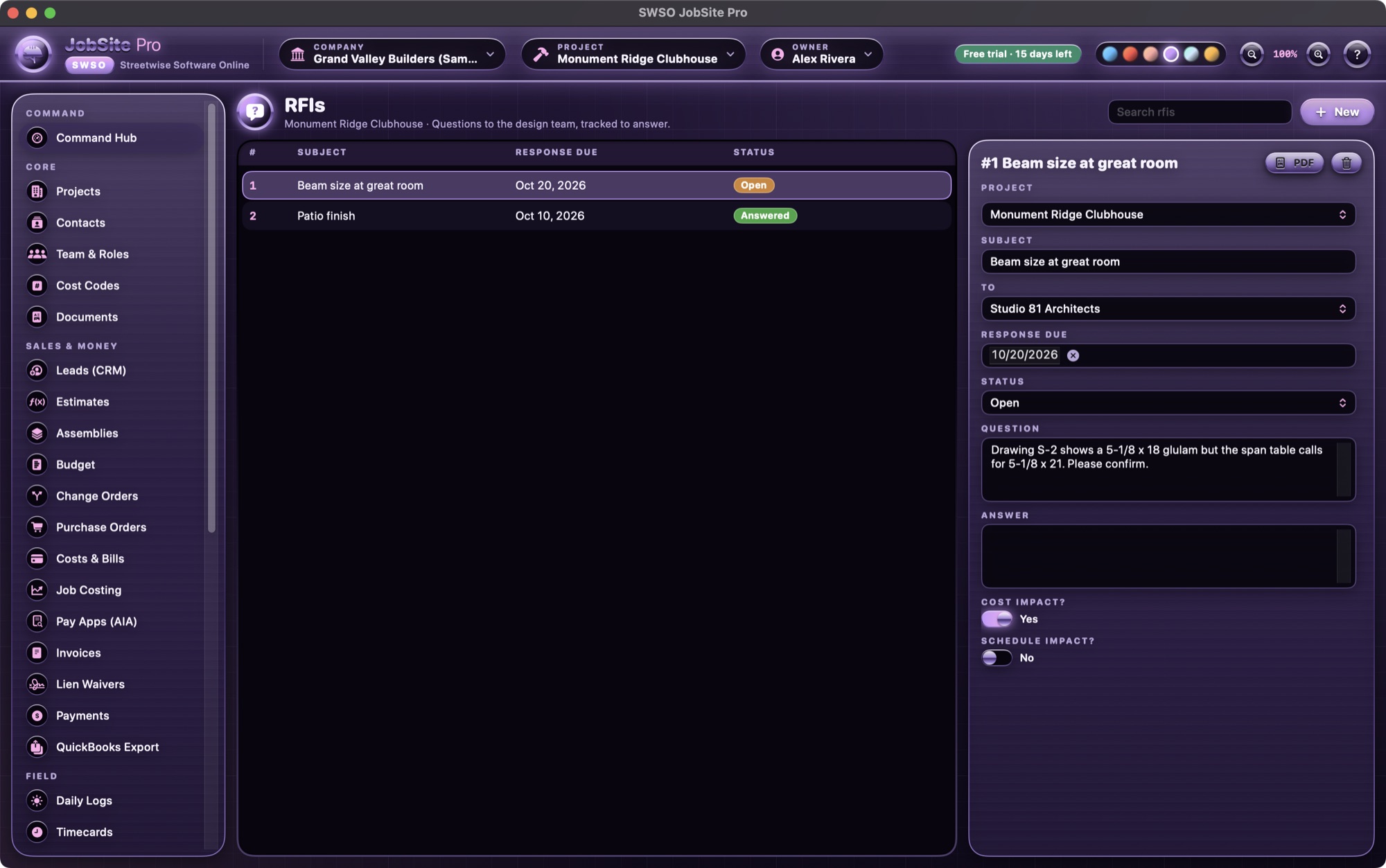
RFIs, submittals, meetings & closeout
- RFIs and submittals with due dates (overdue and late items show on the Hub)
- Meeting minutes
- Closeout & warranty
Bidding, Civil & Reports
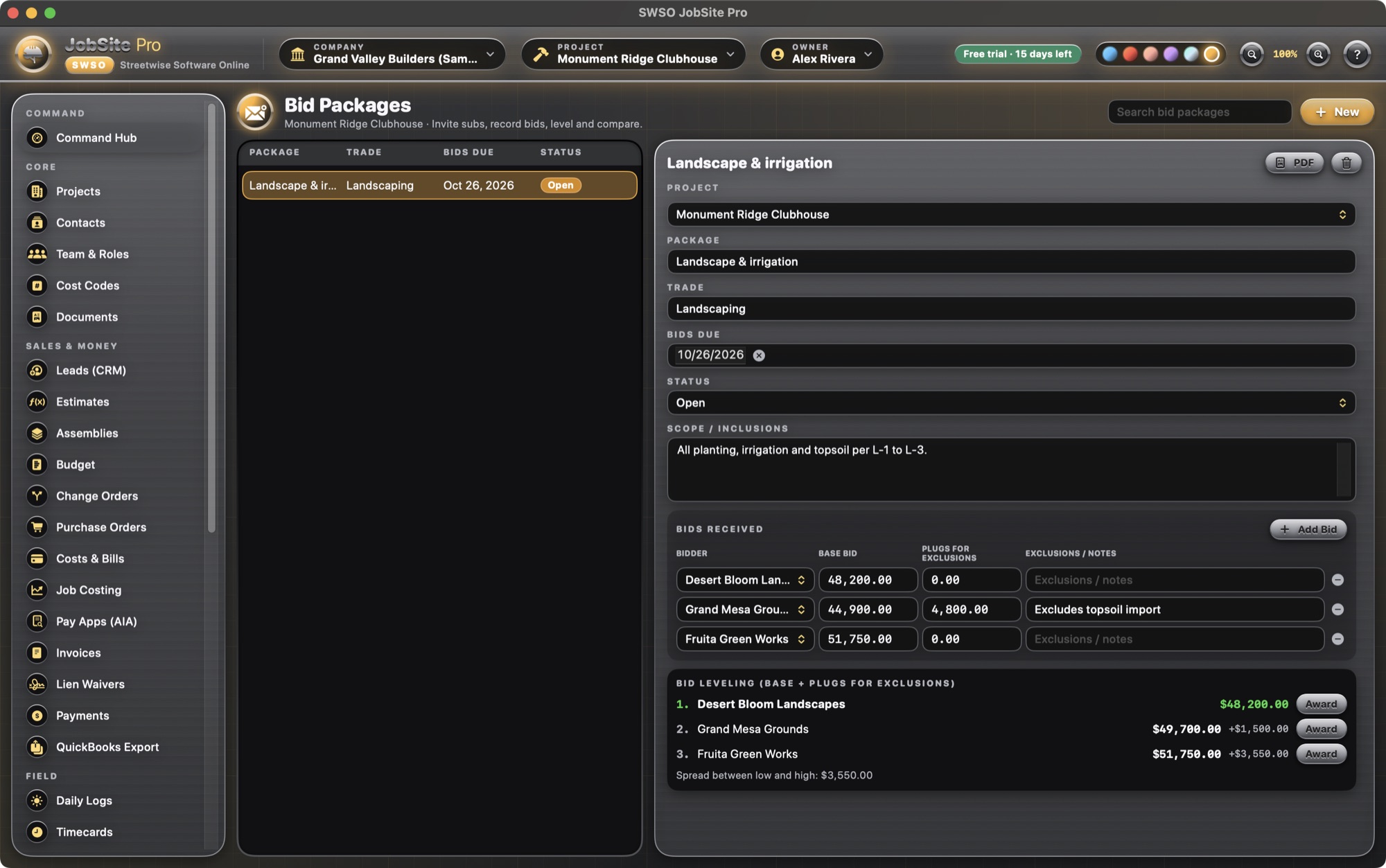
Bid packages & bid leveling
- Bid packages by trade with sub bids side by side
- Plugs for missing scope and the spread between bids
- Award issues a purchase order
Bidding, Civil & Reports
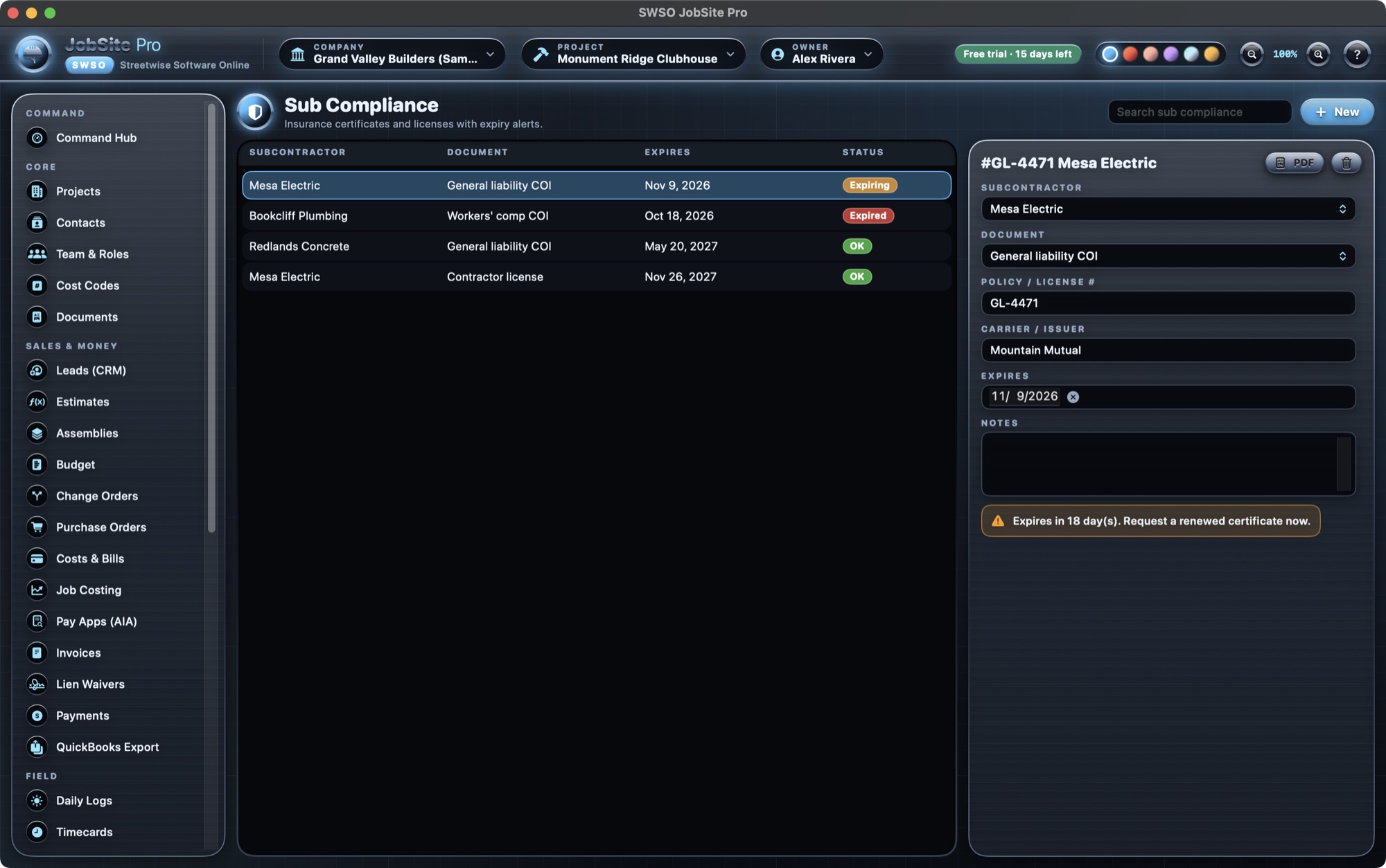
Sub compliance
- Certificates of insurance and licenses with expiry dates
- Expired and expiring badges, plus alerts on the Hub
Bidding, Civil & Reports
Heavy-civil tools
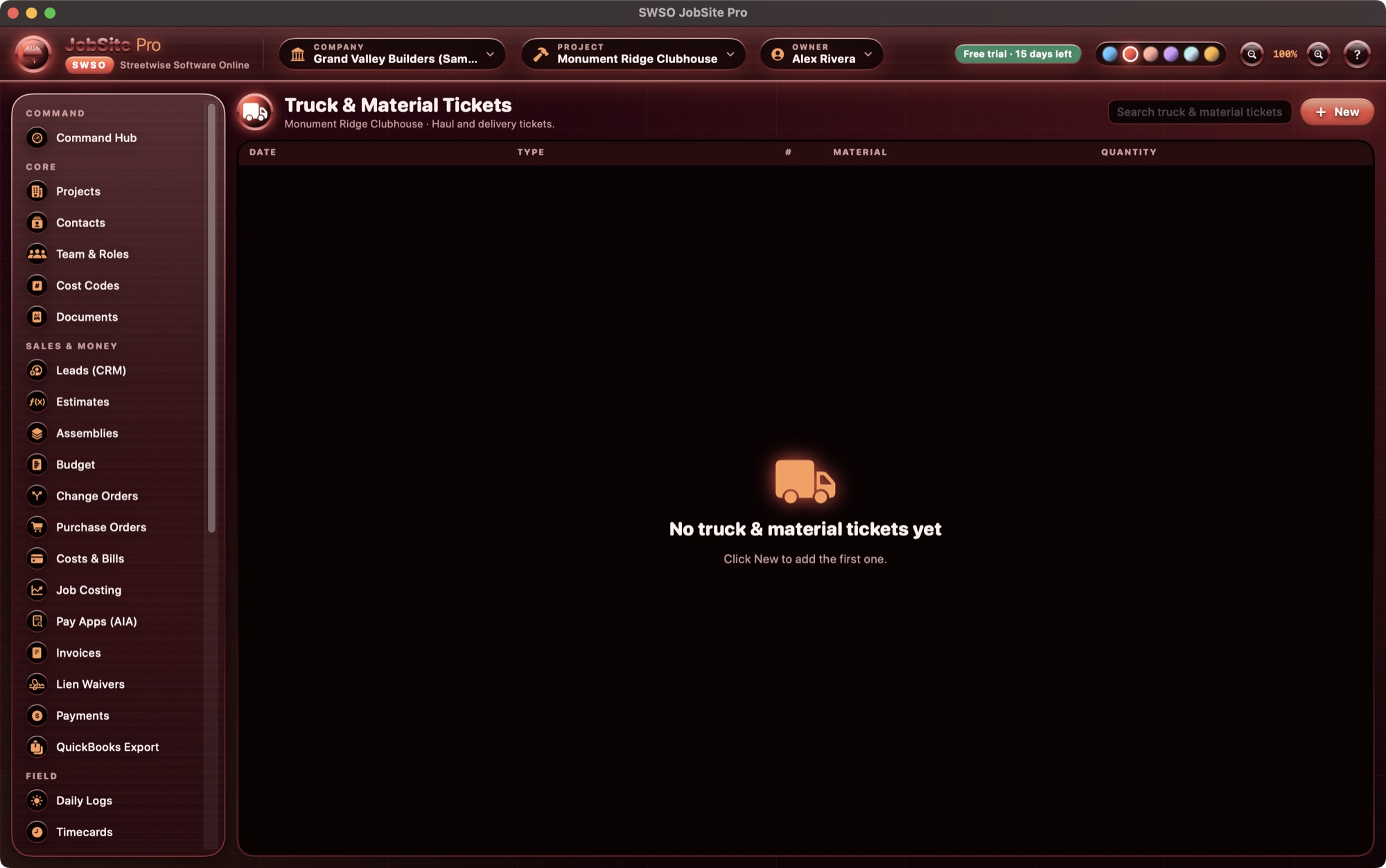
- Unit-price items and quantities installed
- Truck & material tickets
Bidding, Civil & Reports
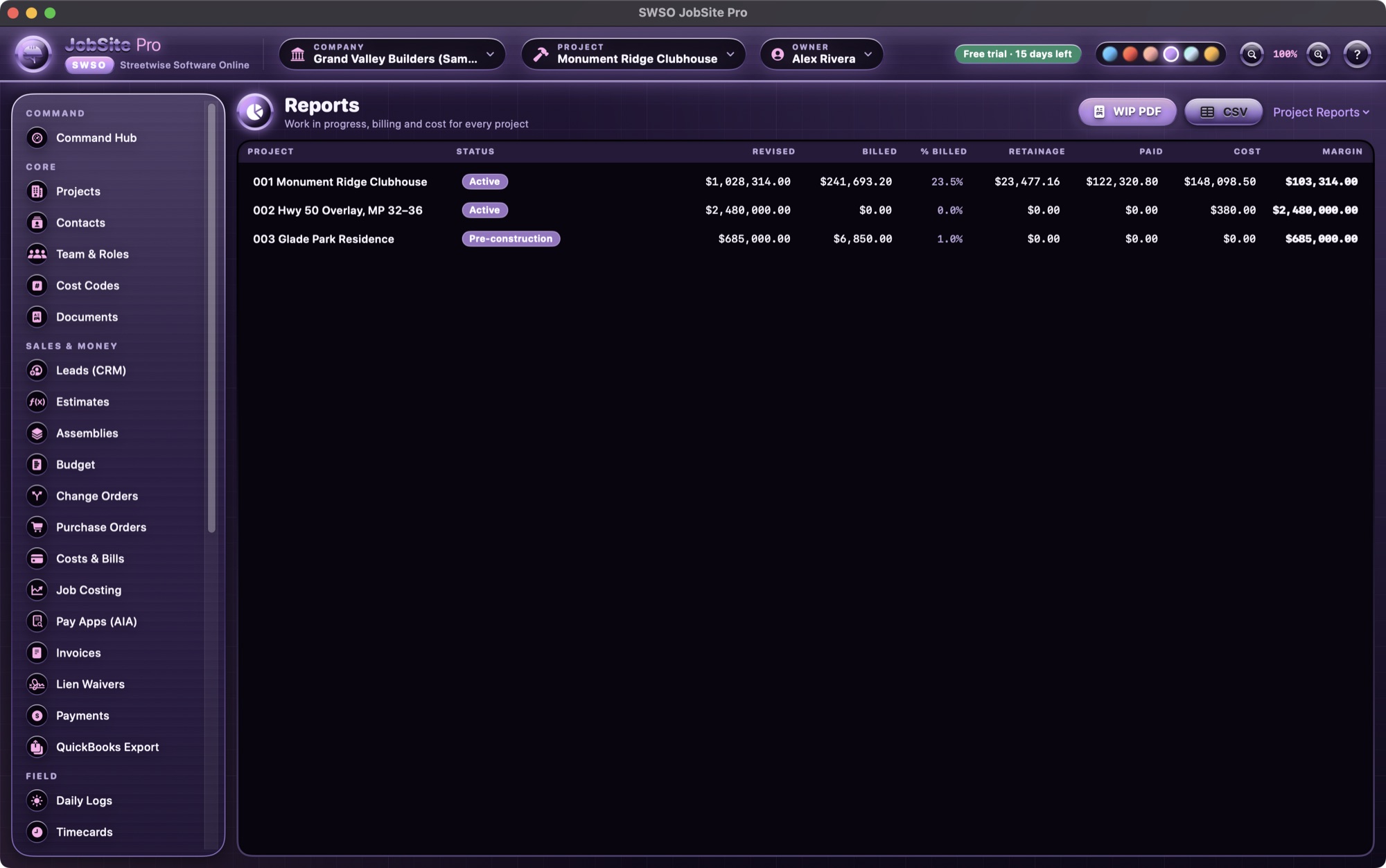
Reports
- WIP report (PDF and CSV)
- Per-project report
- Every record also has its own PDF button
Core
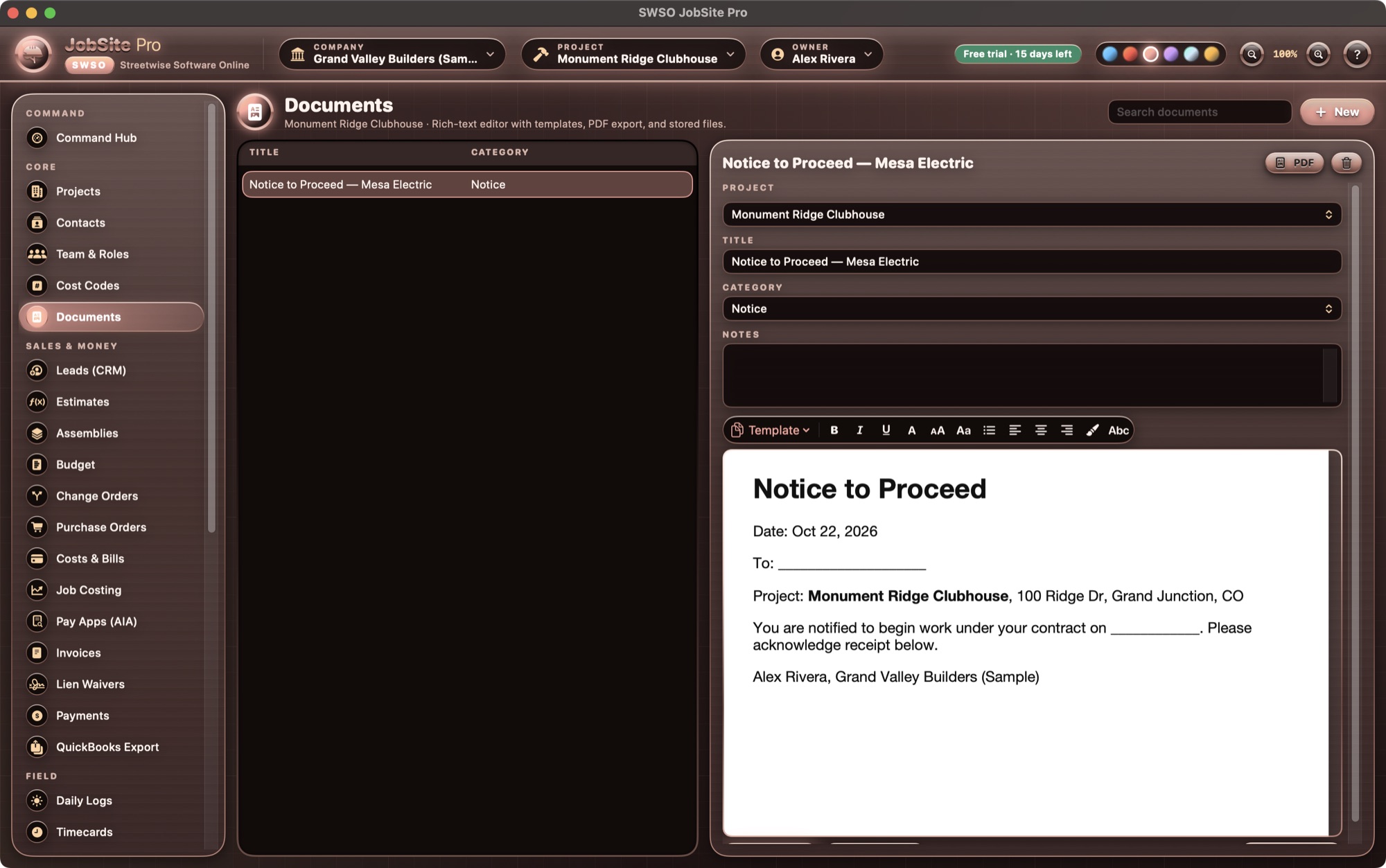
Projects, contacts, roles & documents
- More than one company per app; residential, commercial and heavy-civil projects
- Contacts, CSI cost codes, users with five roles (Owner, PM, Accounting, Field, Subcontractor)
- Documents with a native rich-text editor and seven templates (letter, scope, subcontract, notice to proceed, change order request, RFI, transmittal), exported as PDF or Word (.docx), plus attached files
- Backup Everything (.zip), Restore, and Export company as CSV
Look & help
Themes, zoom & built-in Help
- Six themes that recolor the whole window: Gunmetal Blue, Anodized Red, Rose Gold, Lavender Violet, Black Chrome and Graphite Gray
- Interface zoom from 85% to 200% (⌘= ⌘− ⌘0)
- Searchable Help in the Help menu, with a page for every module — the ? button opens the page for the screen you're on
On the roadmap (not in version 1.0)
These are planned but not built yet, so please don't buy JobSite Pro expecting them today:
- PDF takeoff
- E-signature on proposals
- Client / owner portal
- Messages and notifications
- GPS clock-in
- iPad field app and web sync
- DOT-style daily report form